6 - 8 Module 6.1 - Animation Data Export
4 Preview the Animation
In the previous step, the top half of the Animation Editor was used to set the number of frames
in the animation. Now, use the bottom half of the Animation Editor to preview the animation.
1) Go to a frame number 1.
By default, the number 1 is already inserted in the field under Frame Number.
Click the “<< Go” button to go to frame 1.
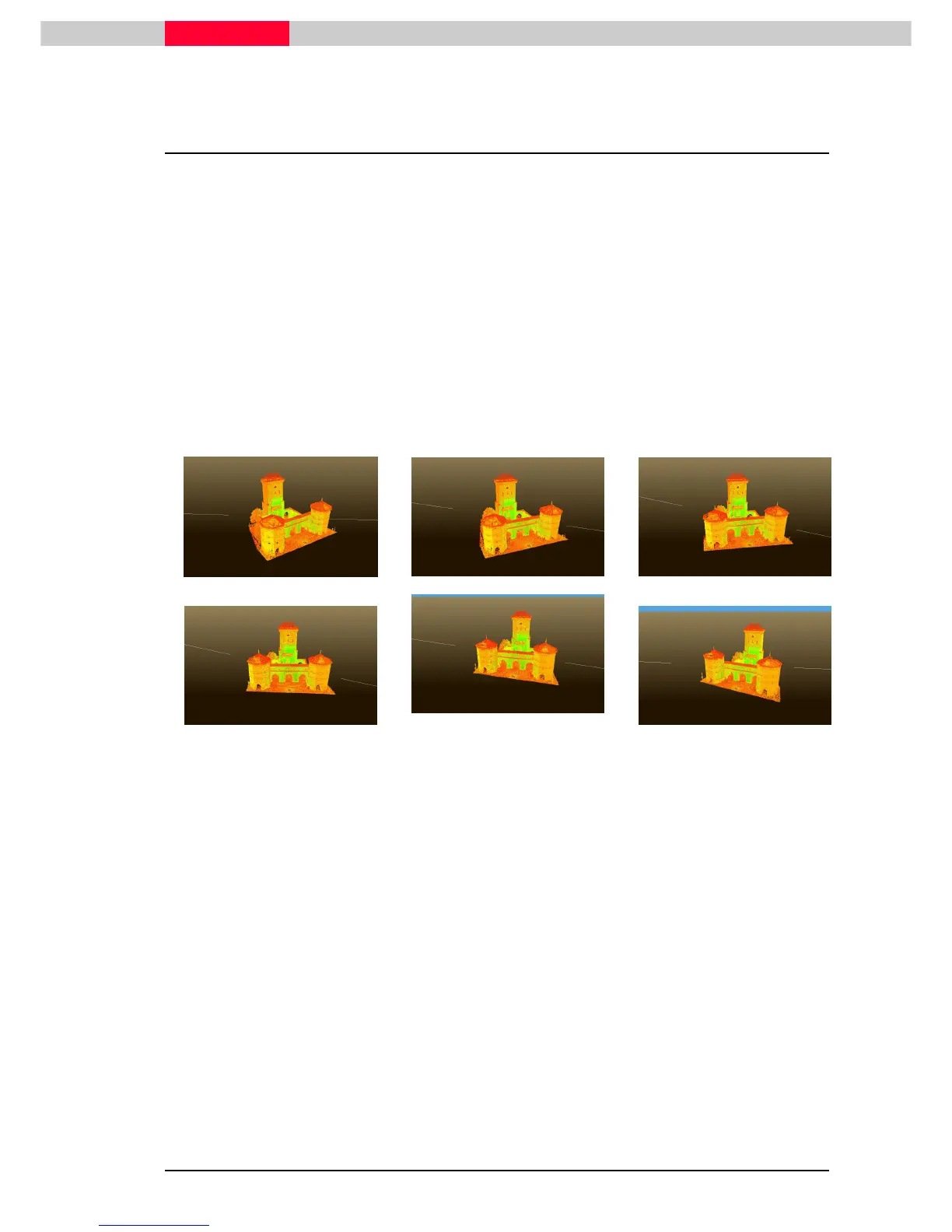
2) Preview the animation every ten frames.
In the field next to Delta, enter the number “10”.
Click the ">>" button to move through the animation in increments of ten frames.
By checking the box next to “Keep Current Focal Point”, the camera will always “look at” the
defined focal point (Seek point) throughout the animation. Checking this box will override the
orientations of the cameras that were used to set the animation spline.
Figure 6



 To Next Page