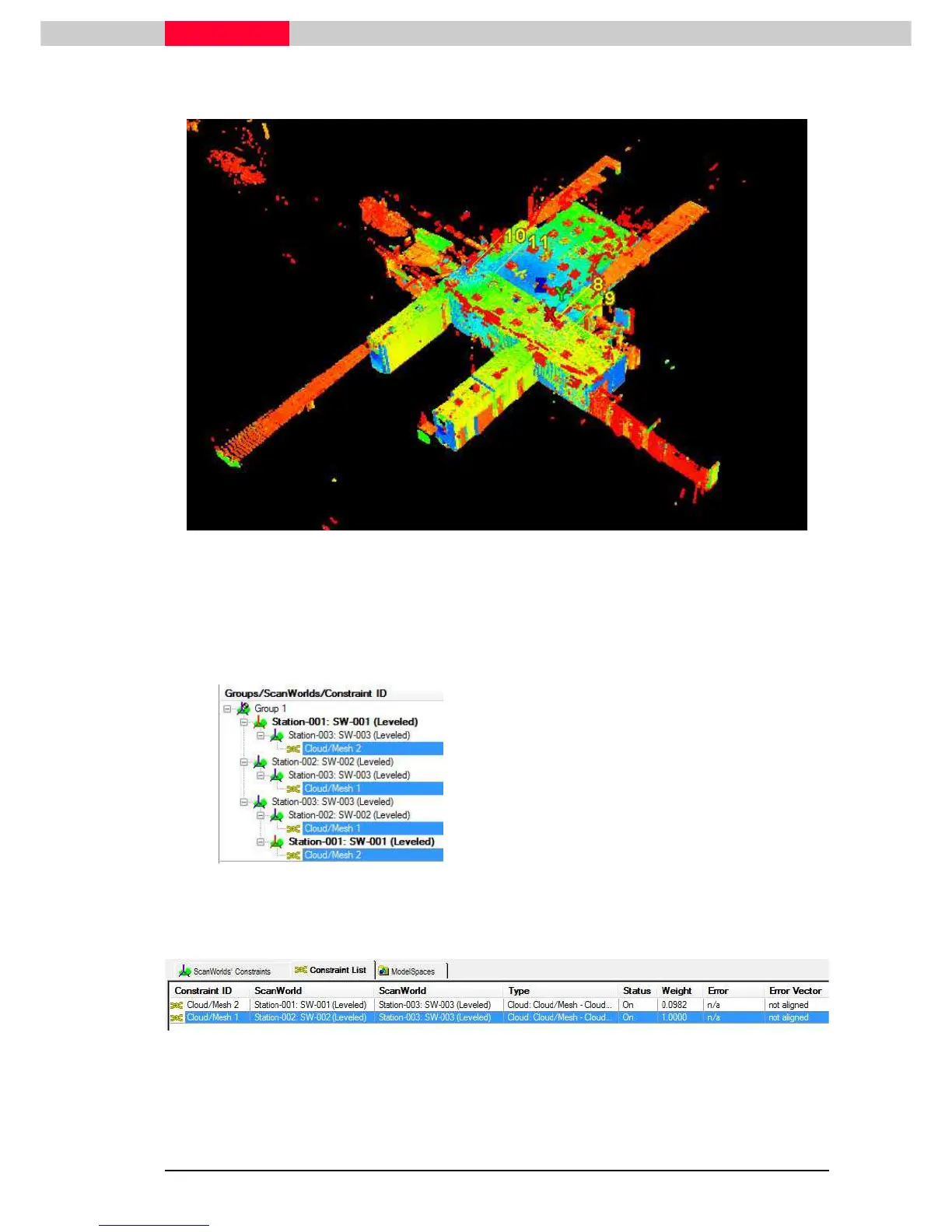
A Modelspace View will open and show the 3 scans from this Group.
Figure 11
All scans in Group1 are valid if they are orientated to each other.
•
Close the Modelspace View without saving it
Cloud Constraints
Figure 12
During the Auto Align process
Cloud-to-Cloud Constraints were
created. This is an intitial
Alignment based on the Cube
Maps. The Constraints therefore
need to be finalized by
optimizing.
Note the
Error Vector
column
under the
Constraints List
tab
reads “
not aligned
” (see Figure
13)



 To Next Page