Organization/Visualization point clouds
5.3 Save/Edit Coordinate Systems
Using multiple user-defined coordinate systems can be very helpful in the navigation and
analysis of large ModelSpaces. You may find it useful to define temporary coordinate systems
based on objects that provide necessary axes and origins of interest for use in the insertion or
editing of objects with, for instance, the rotate command.
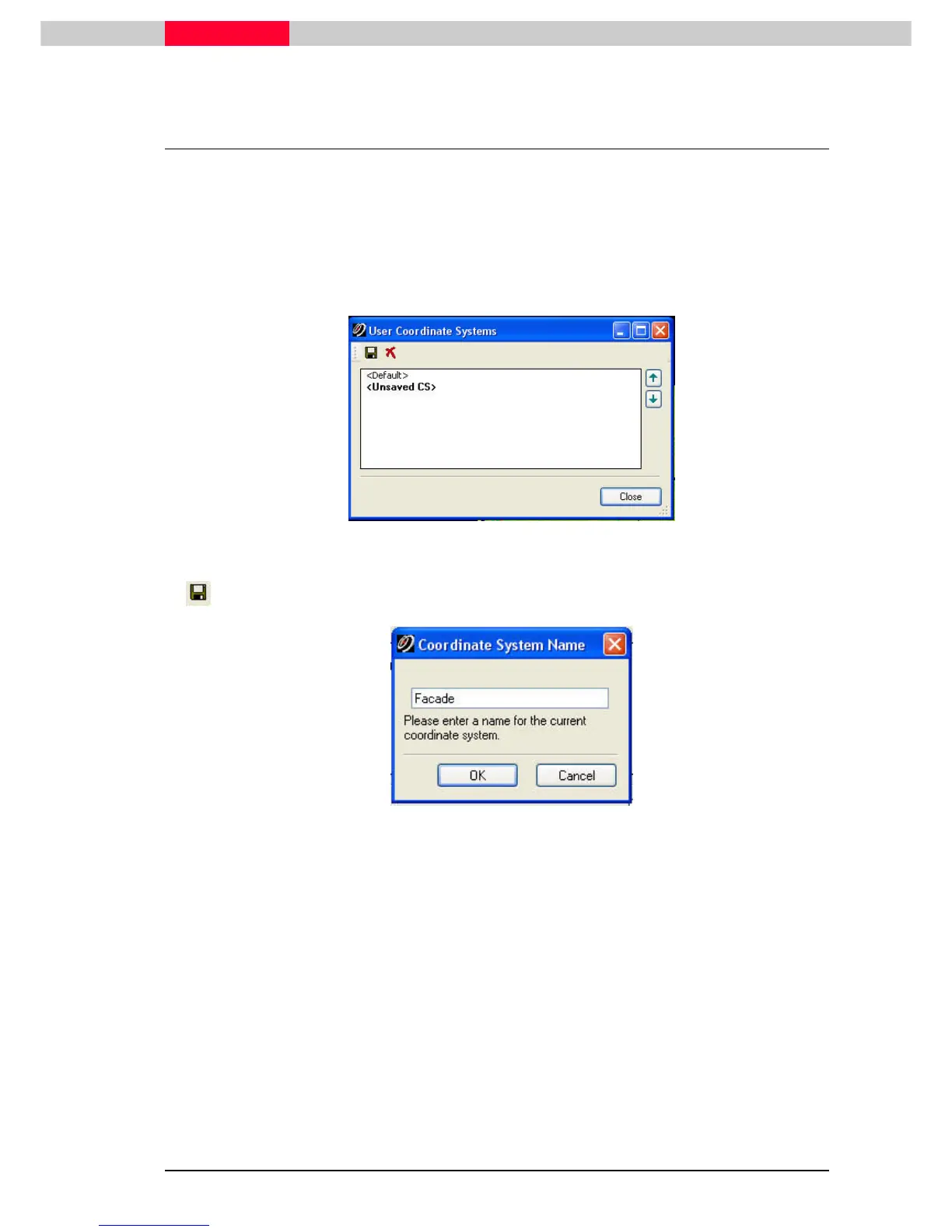
Save the now newly created UCS.
•
Go to
View | Coordinate System | Save/Edit Coordinate Systems...
View | Coordinate System | Save/Edit Coordinate Systems...View | Coordinate System | Save/Edit Coordinate Systems...
View | Coordinate System | Save/Edit Coordinate Systems...
Figure 32
•
Save the current coordinate system which is listed as <Unsaved UCS>
Figure 33
•
Enter a name e.g. Facade.
•
Click OK
OKOK
OK
•
Close the
User Coordinate System
Window.



 To Next Page