25 - 32
3.4 Box
In this section, we will model a box. A box object has six sides, but can be fit to points that
represent at least two sides.
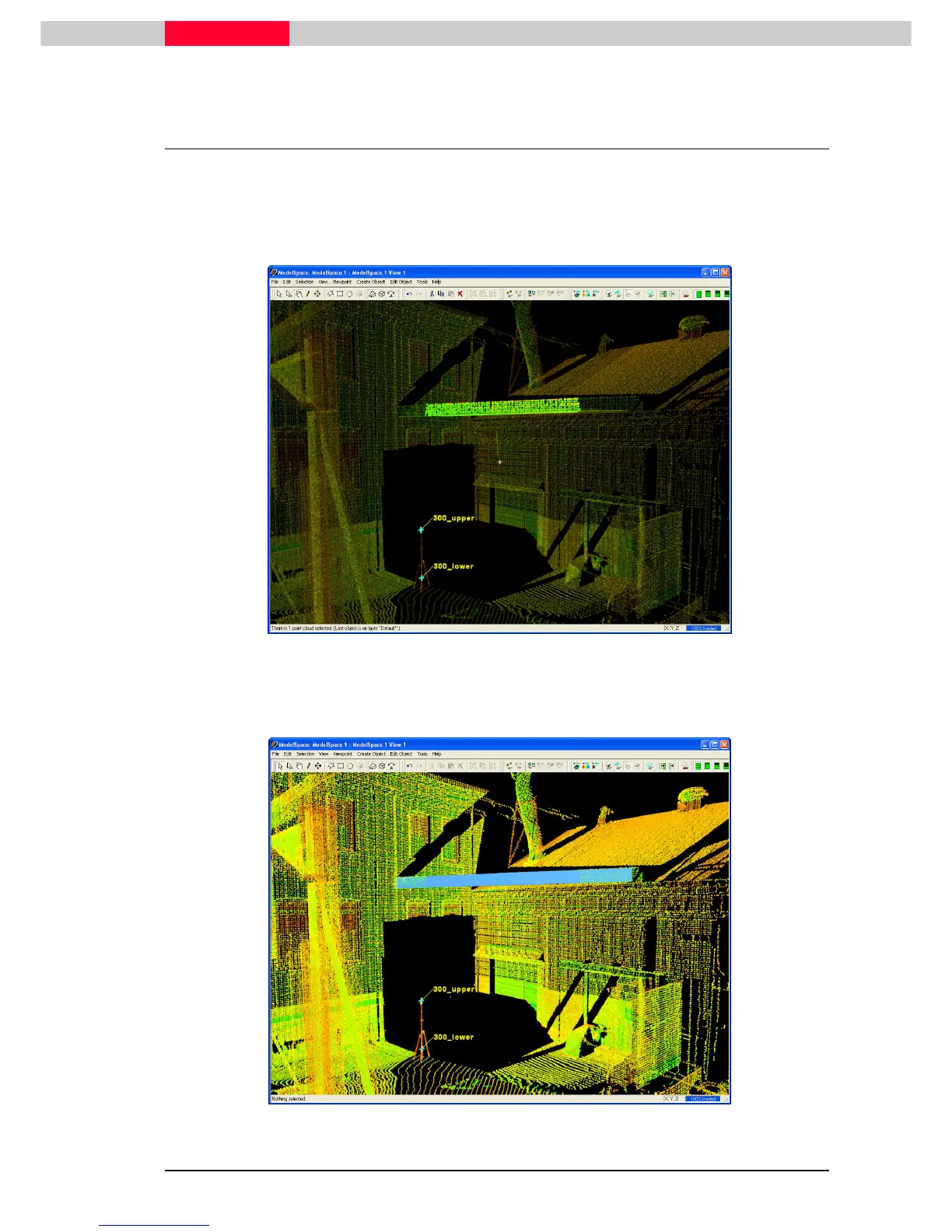
1) Point cloud sub-select the beam that runs at an angle between the two buildings (just above
where target 300_upper and 300_lower are set up)
Figure 39
2) Click Create Object | Fit to Cloud | Box.
3) Extend the length of the box object by pick-dragging the end face orange handles.
Figure 40



 To Next Page