Introduction
This training manual covers the basics on using Leica Geosystem’s
Terrestrial Laser Scanner Hardware as well as our Cyclone point cloud
processing software.
The course runs through the whole workflow from setting up the instrument and capturing your
scene to downloading and combining the captured data into a common coordinate system
(registration) all the way to extracting information and creating end-deliverables from this data.
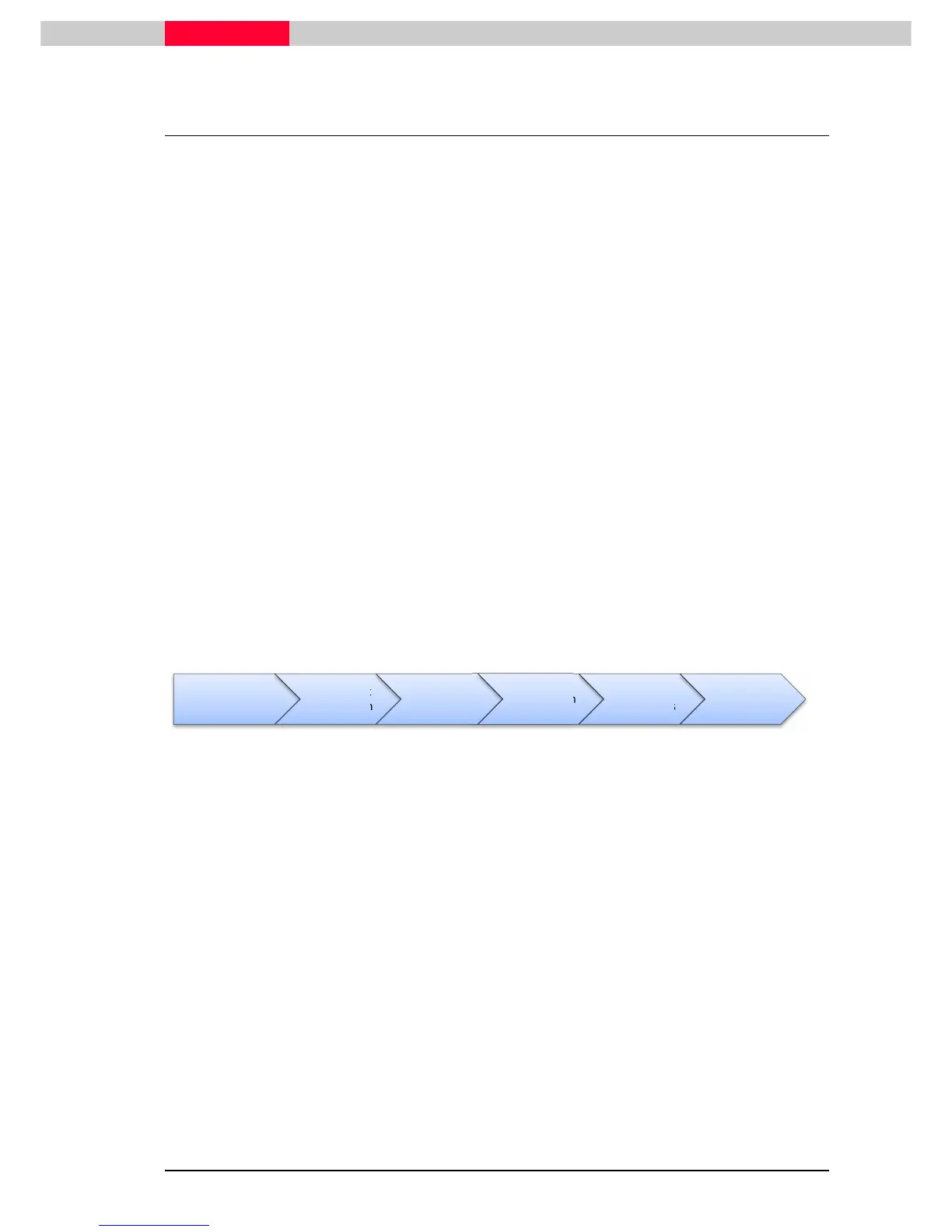
The layout reflects the standard workflow progression as it is executed in the majority of cases.
Below is the basic flowchart on how a standard workflow progression looks like.
We believe that when you have been through these exercises you have sufficient information to
start and execute your own projects and understand the philosophy of the software well enough
to also use additional functionality within the software package which is not covered here.
All software parts are explained on example databases which are delivered with this class. This
allows you revisit and revise certain parts later on at your own pace and time.
Further information on specific items can always be found in the hardware user manuals and
system field manuals as well as the Cyclone Help.
All people involved in creating this documentation hope that you find this manual useful and find
yourself looking at it also in the future as a reference guide.
BASIC WORKFLOW CHART
Data Capture
&Transfer
Data Import
& Inspection
Registration
Data
Organisation
& Cleanup
Creating
Deliverables
Export



 To Next Page