Using P30 Data Copy Tool
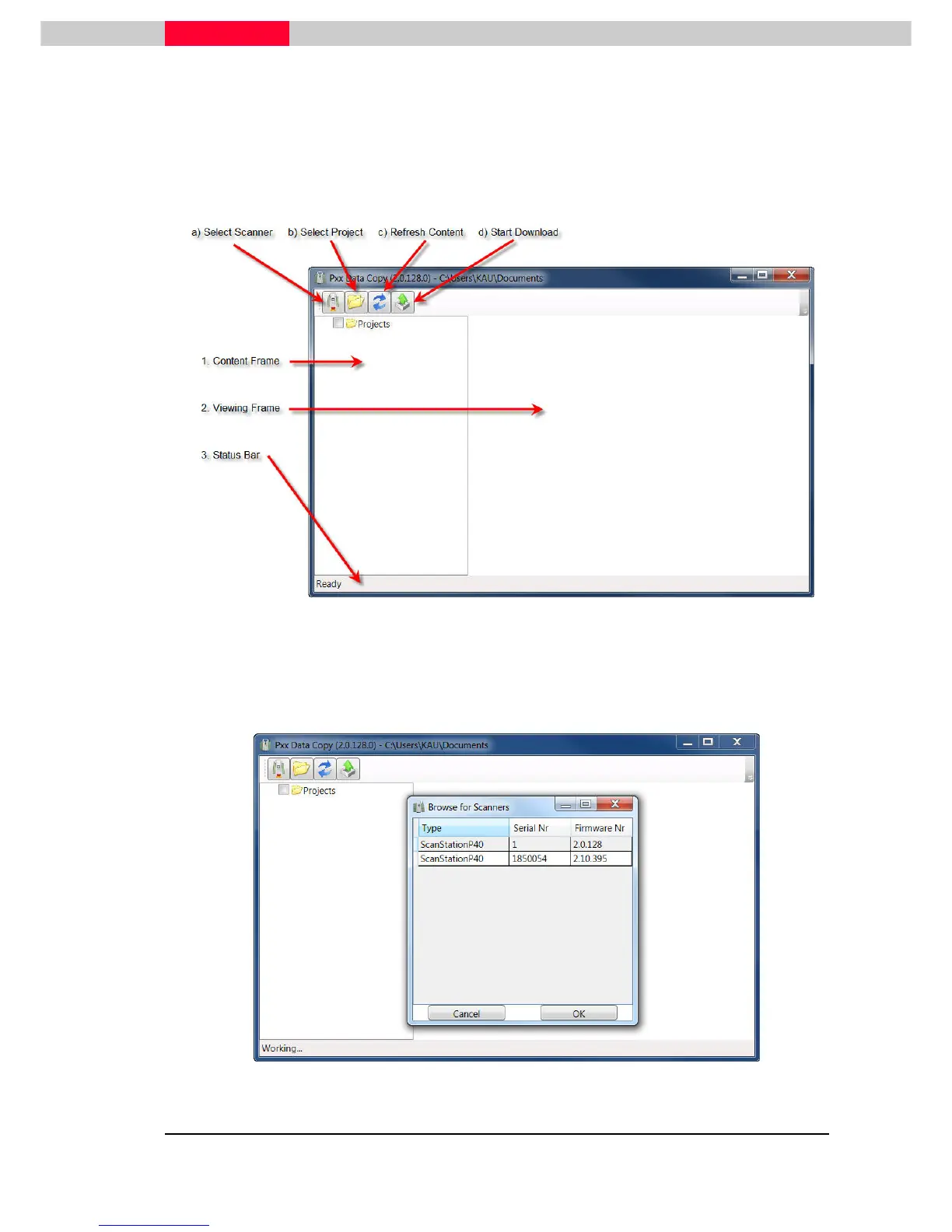
Pxx Data Copy is started by double clicking the desktop icon “PxxDataCopy.exe”. After starting
the application the user interface appears. The Copy Tool program displays 4 buttons in the
button bar.
Figure 56
a)
Click the Select Scanner button from the button bar to open a list that displays all available
scanners within the network. Highlight the scanner’s name and click
OK
to connect to the
selected ScanStation P30 or P40, see Figure 57.
Figure 57



 To Next Page