1 - 10
Module 4.2 - Cyclone Keyplan
Introduction
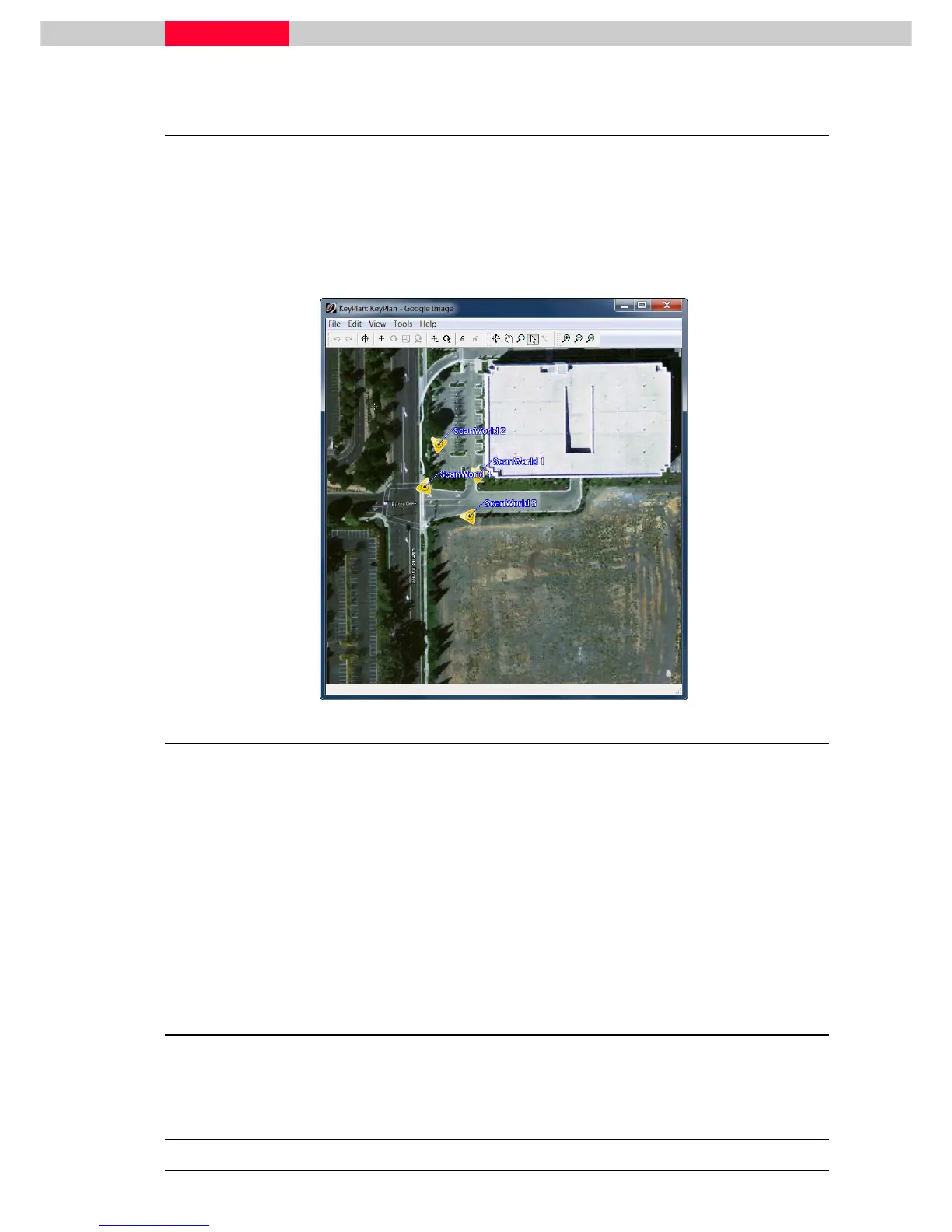
A Keyplan is a new navigation object that allows users to create a 2D-image from a map, a
ModelSpace or an image from Google Earth for example. Then on this 2D-image, icons are
placed, either automatically or manually, to represent the scanner locations.
Below is a Keyplan made with an image from Google Earth showing the scanner locations:
Figure 1
Objectives
•
Upon completing this module, you will have learned how to:
•
Open a TruSpace
•
Open an associated ModelSpace View
•
Publish a site map (TruView)
•
Move the icons representing the TruSpace(s)
•
Zoom, pan to view KeyPlan close in
•
Hide and unhide Icons in KeyPlan
Files to Use
•
Database “Bishop Drive – San Ramon.imp”



 To Next Page