8 - 28 Module 5.2 - Mesh Data Extraction
1.3 Verify TIN
TIN is a mesh in which there are no vertically overlapping faces. But during editing of a TIN mesh
it can happen that the resulting mesh no longer conforms to this rule. Cyclone provides a tool to
verify if the selected mesh still conforms to the definition of a Triangulated Irregular Network
(TIN).
This is important since some functions of measurements and deliverable creation only work on a
true TIN mesh.
•
Select the mesh.
•
Go to Tools |
||
| Mesh
Mesh Mesh
Mesh |
||
| Verify TIN.
Verify TIN. Verify TIN.
Verify TIN.
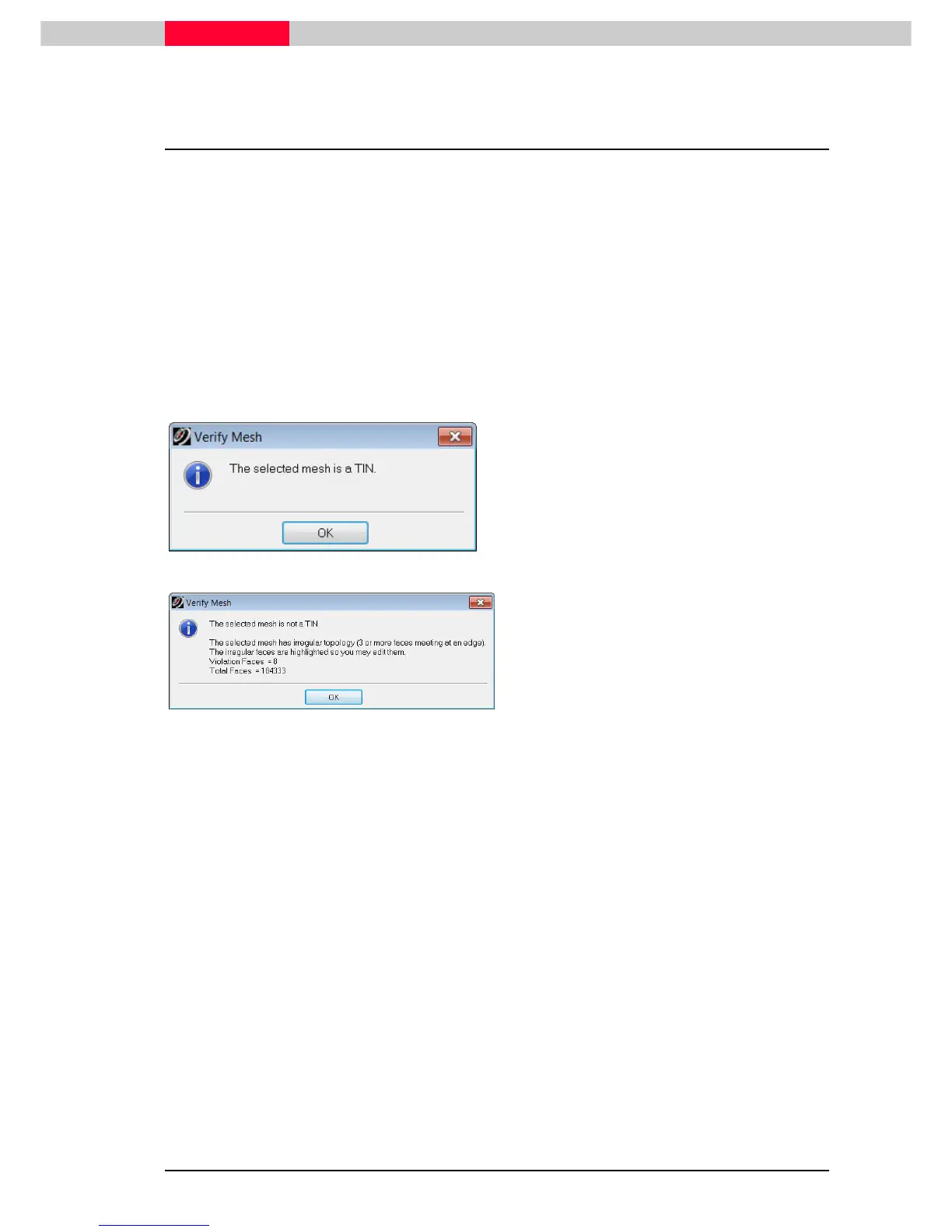
Figure 9
•
If the mesh is a TIN, the upcoming window
will infirm the user about this (Figure 9).
Figure 10
•
If the mesh is not a TIN, the message will be
appropriate (Figure 10) and small white dots
will mark the places where the violation is
within the actual mesh.
•
The user can now try to either address each
violation via deleting triangles and filling
holes. But the fastest and easiest solution is
to select the mesh and cre



 To Next Page