7 - 28
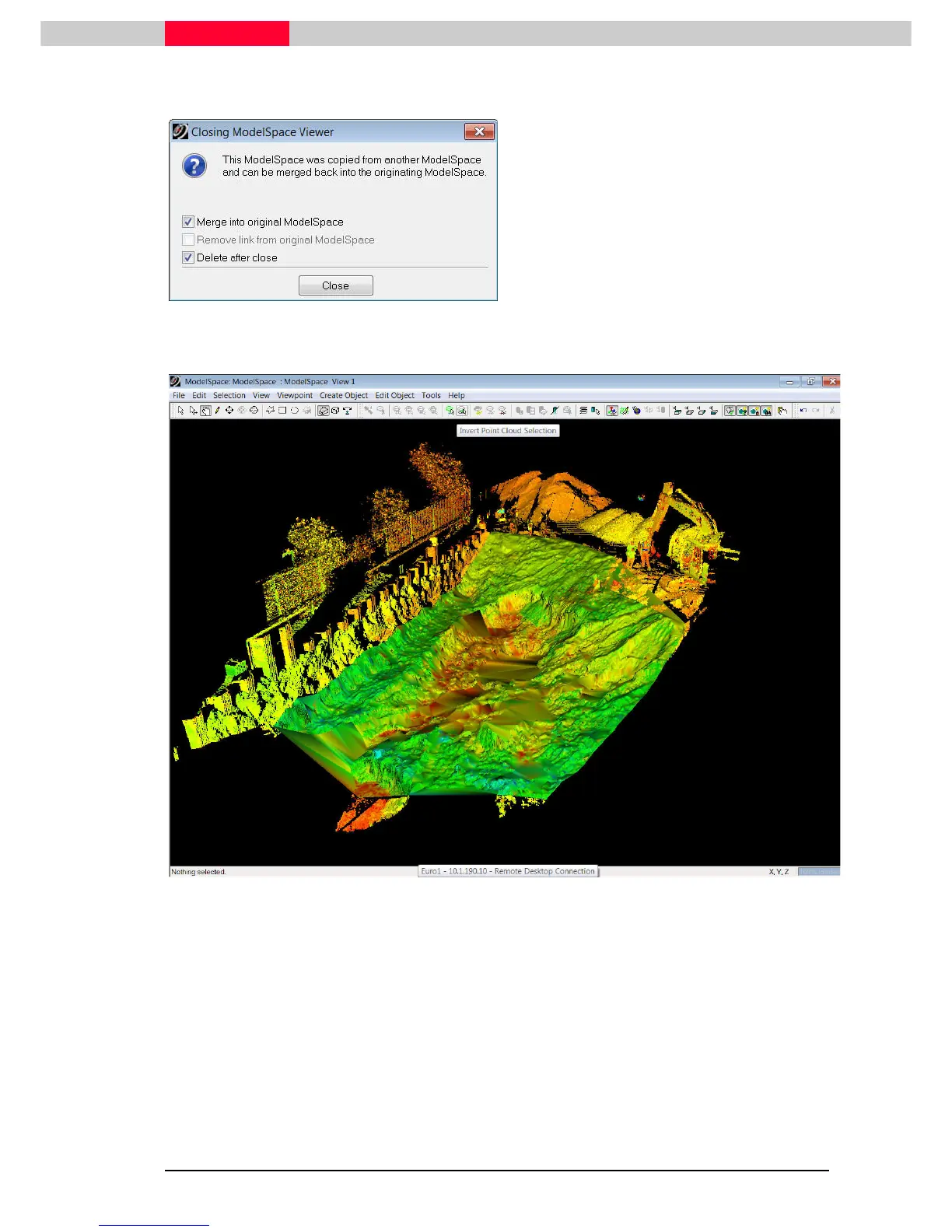
Figure 7
•
Click on the X
XX
X in the upper right corner of
the window you are working in or go to
File
FileFile
File
|
||
|
Close
CloseClose
Close.
•
The Window in Figure 7 appears. Choose
the options “Merge into original
ModelSpace” and “Delete after close” and
press Close
CloseClose
Close.
•
You will end up with the edited TIN Mesh in
its original ModelSpace.
Figure 8



 To Next Page