27 - 34
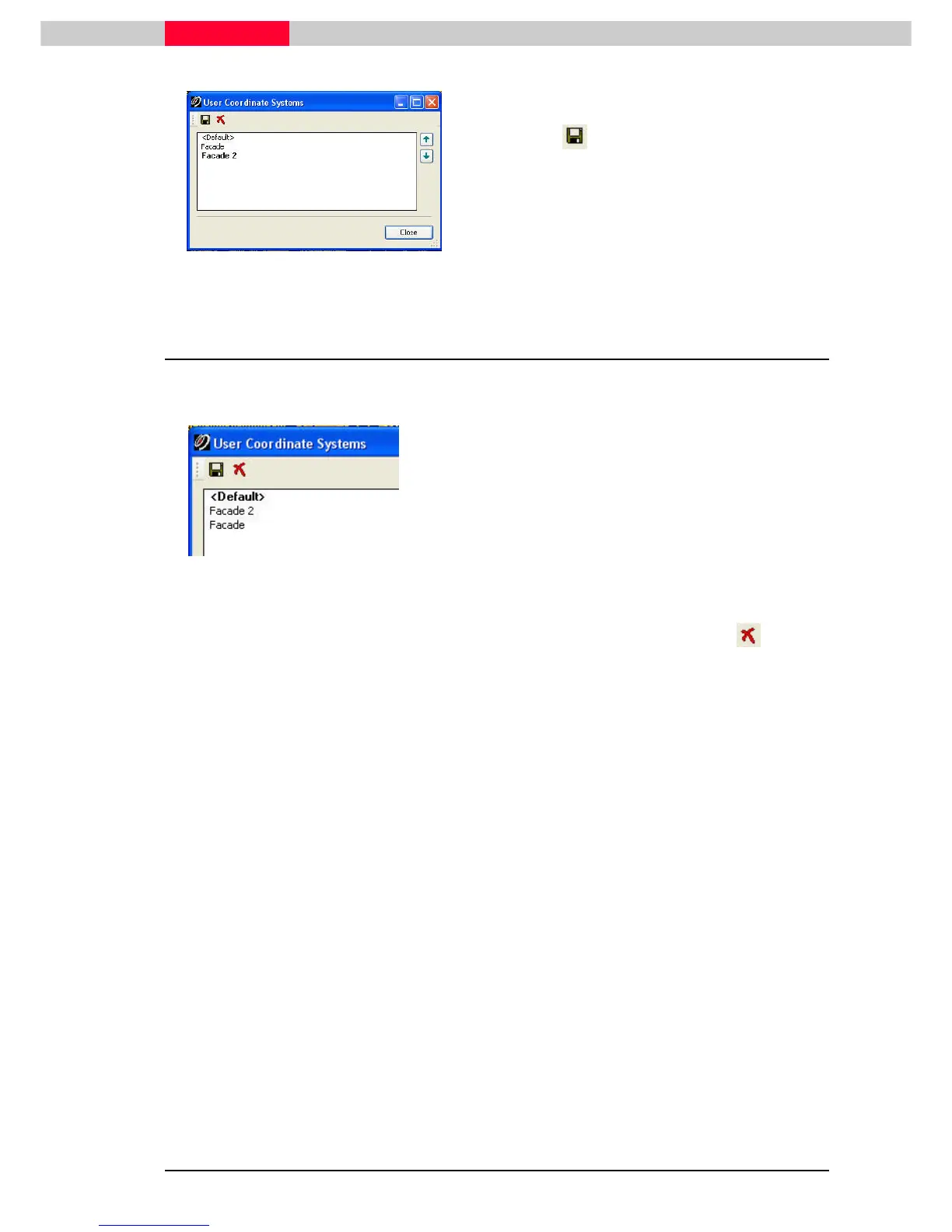
Figure 41
•
View | Coordinate System | Save/Edit Coordinate Systems...
View | Coordinate System | Save/Edit Coordinate Systems...View | Coordinate System | Save/Edit Coordinate Systems...
View | Coordinate System | Save/Edit Coordinate Systems...
•
Go to
Save
SaveSave
Save
•
Type in a name
•
Click OK
OKOK
OK
5.6 Save and Manage multiple User Coordinate Systems
Once multiple UCS are defined and saved, the user can always go back to any of these.
Figure 42
Only one UCS can be active at any one time.
The active one is displayed in bold lettering.
•
Change the selected coordinate system by double-click on it
•
Close
CloseClose
Close the window
If a UCS has not been saved yet it is still
displayed as “unnamed UCS”. If the user then
reverts to another one, this unsaved UCS
To delete a UCS, highlight the coordinate
system and click the red cross .
The Default UCS cannot be deleted. This is the
coordinate system derived from the
registration.



 To Next Page