5 Combined Registration
Cyclone allows the combination of registration objects such as Vertices and Cloud-to-Cloud
Constraints.
In the following exercise we will learn to combine those types of constraints:
5.1 Add ScanWorlds
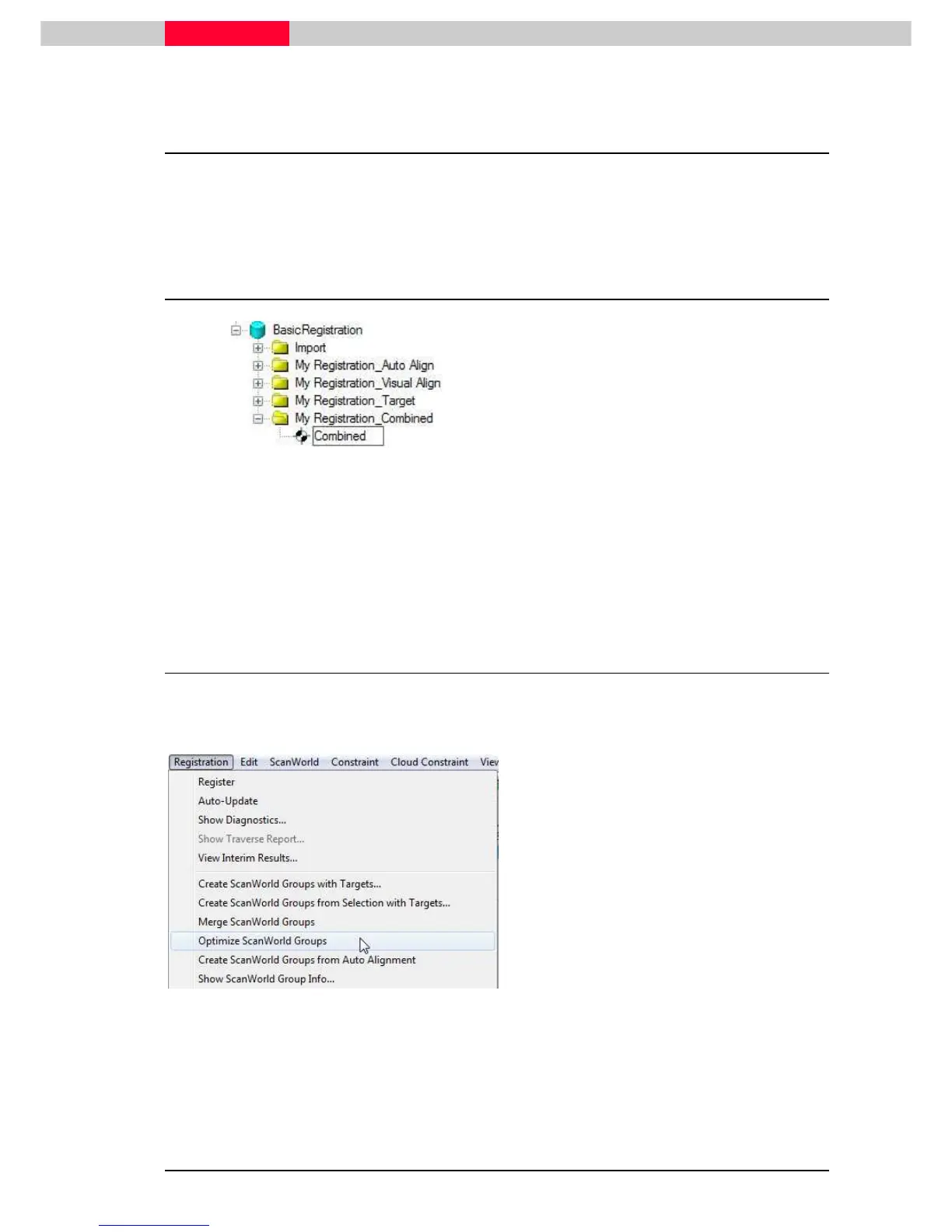
Figure 59
•
In the Navigator, select the database
QuickStart
.
•
In the menu, click
Create | Project.
•
Name the project folder “
My
Registration_Combined
”.
•
Select the project folder named “
My
Registration_Combined
”
•
click
Create | Registration
from the top menu.
•
Name the newly created registration “
Combined
”.
•
Next, add all ScanWorlds from the
Scans
folder (see section 1.1)
5.2 Add Cloud Constraints
•
Go to
Registration | Create ScanWorld Groups from Auto-Alignment
Note the Cloud-Constraints added under
Constraint List
tab
Figure 60
•
Under
ScanWorlds` Constraints
tab select
Group 1
•
Go to
Registration | Optimize ScanWorld
Groups
This will optimize the relation
between all of the ScanWorlds
contained in an individual group



 To Next Page