21 - 28
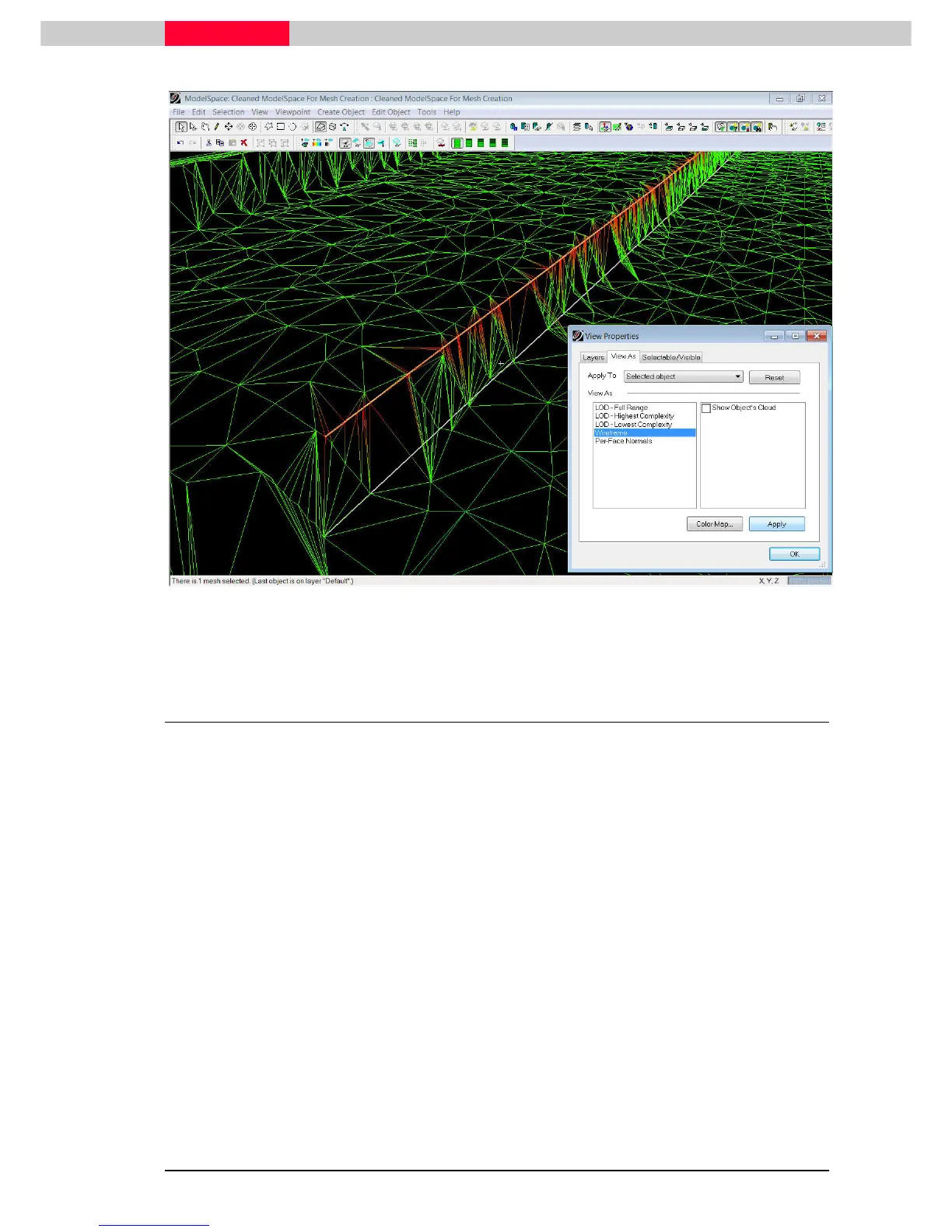
Figure 24
3.3 Including additional Breaklines
Additional breaklines can also be incorporated into a TIN mesh after its creation. There are two
options which will both be applied on the bottom curb.
Extend the TIN to Polyline
Extend the TIN to PolylineExtend the TIN to Polyline
Extend the TIN to Polyline - This command re-shapes a mesh object to include the vertices
contained in a selected polyline
Project
Project Project
Project Polyline to TIN
Polyline to TINPolyline to TIN
Polyline to TIN – This command wraps a polyline onto a TIN object, creating edges in the
mesh based on the projection of the polyline vertically onto the mesh (although the polyline
itself is unchanged); the edges are then "stretched" vertically to conform to the polyline's shape.



 To Next Page