4 - 8 Module 5.1 - Measurements Data Extraction
2 Obtaining Measurements
There are several different ways to obtain and record measurements in Cyclone. First let’s have
look at obtaining a point-to-point distance.
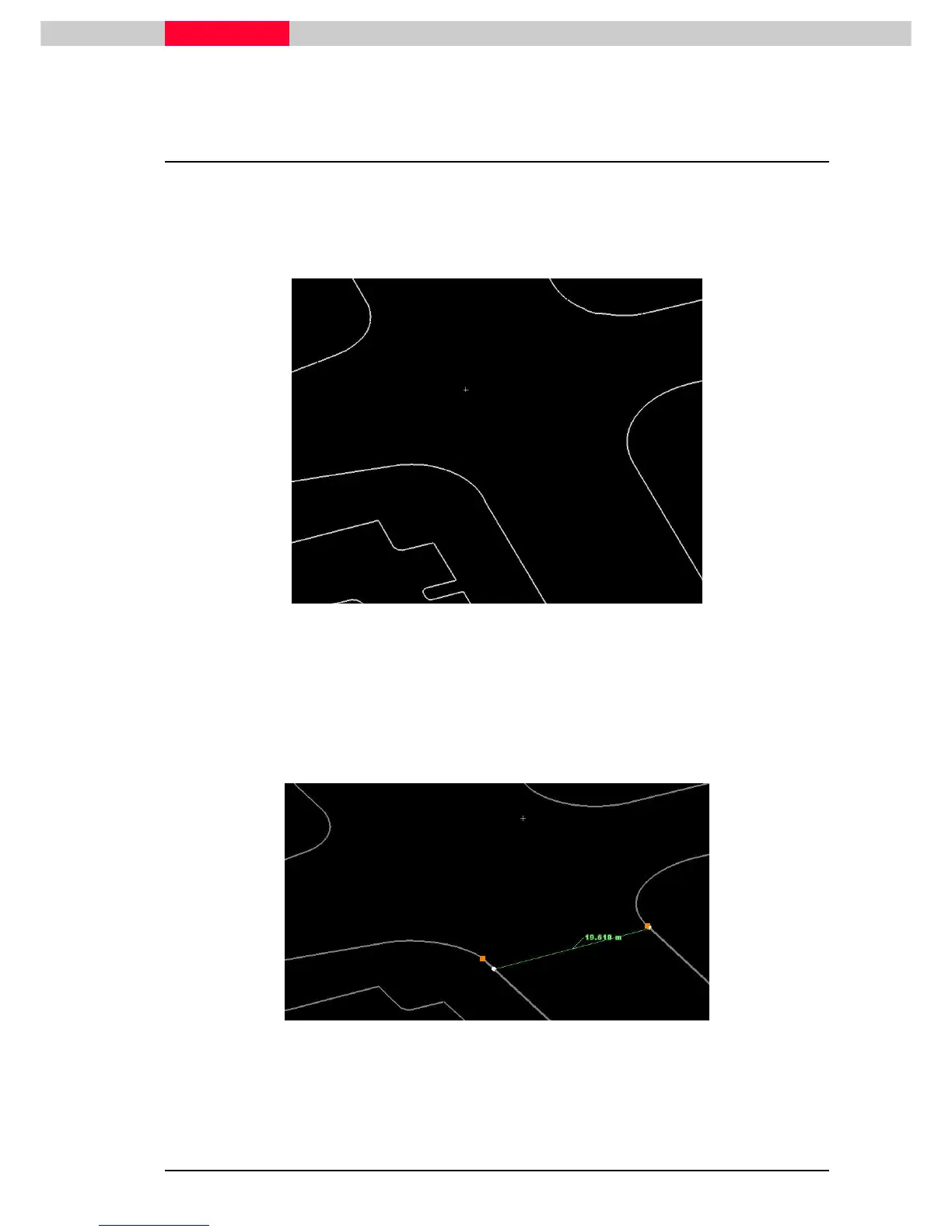
Try finding the width of the street. Zoom into one of the modeled streets to a view like the one
in the image below.
Figure 4
•
Select a point
Select a pointSelect a point
Select a point on one line of the street.
•
Multi
MultiMulti
Multi-
--
-select a
select aselect a
select a point on the other side of the street, using the Shift key to add to the previous
pick, in other words the “from point” to the “to point”.
•
Select Tools | Measure | Distance | Point to Point
Tools | Measure | Distance | Point to PointTools | Measure | Distance | Point to Point
Tools | Measure | Distance | Point to Point. Or simply press “D” which is the hot key for
this function. [Hot Key D]
Figure 5
Although this measurement is accurate point to point, it may not be the true perpendicular
distance, due to the fact that the two pick points used in the measurement may not represent
the shortest distance between the lines.



 To Next Page