Organization/Visualization point clouds
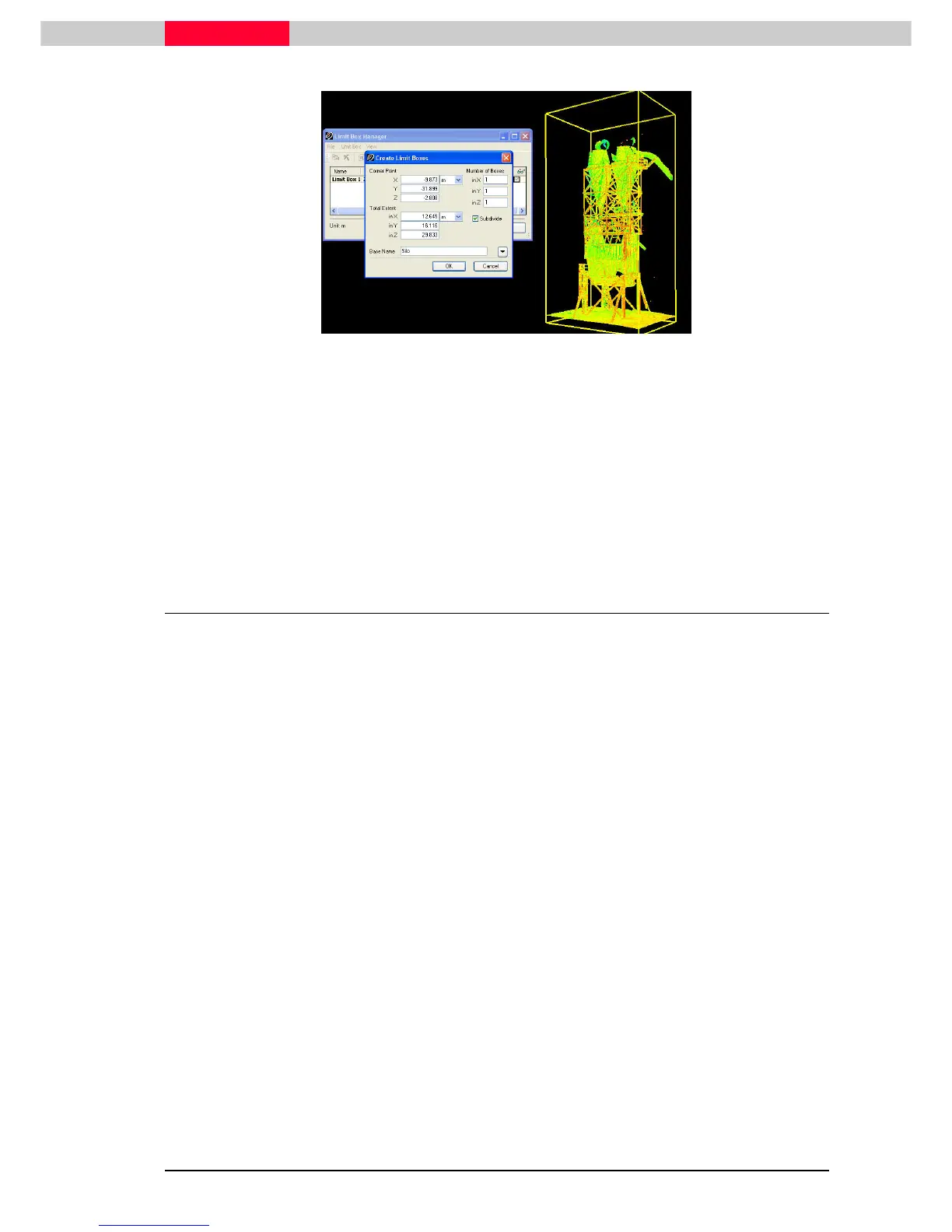
Figure 25
Switch between Limit Boxes:
•
Always only the Limit Box marked as the default which is defined by the bold lettering is
displayed.
•
Double-click on another one to activate it.
•
Close
CloseClose
Close the Limit Box Manager.
4.4 Disable a Limit Box
•
Disable/ Enable the visibility of a Limit Box by removing/ placing the checkmark under View |
View | View |
View |
Limit Box.
Limit Box.Limit Box.
Limit Box.



 To Next Page