1.6 Create and Open ModelSpace View
•
In the Navigator, highlight the newly created registered ScanWorld.
•
Click
Create | ModelSpace.
•
Double click
the ModelSpace.
•
From the pop-up menu, click
Create and Open ModelSpace View.
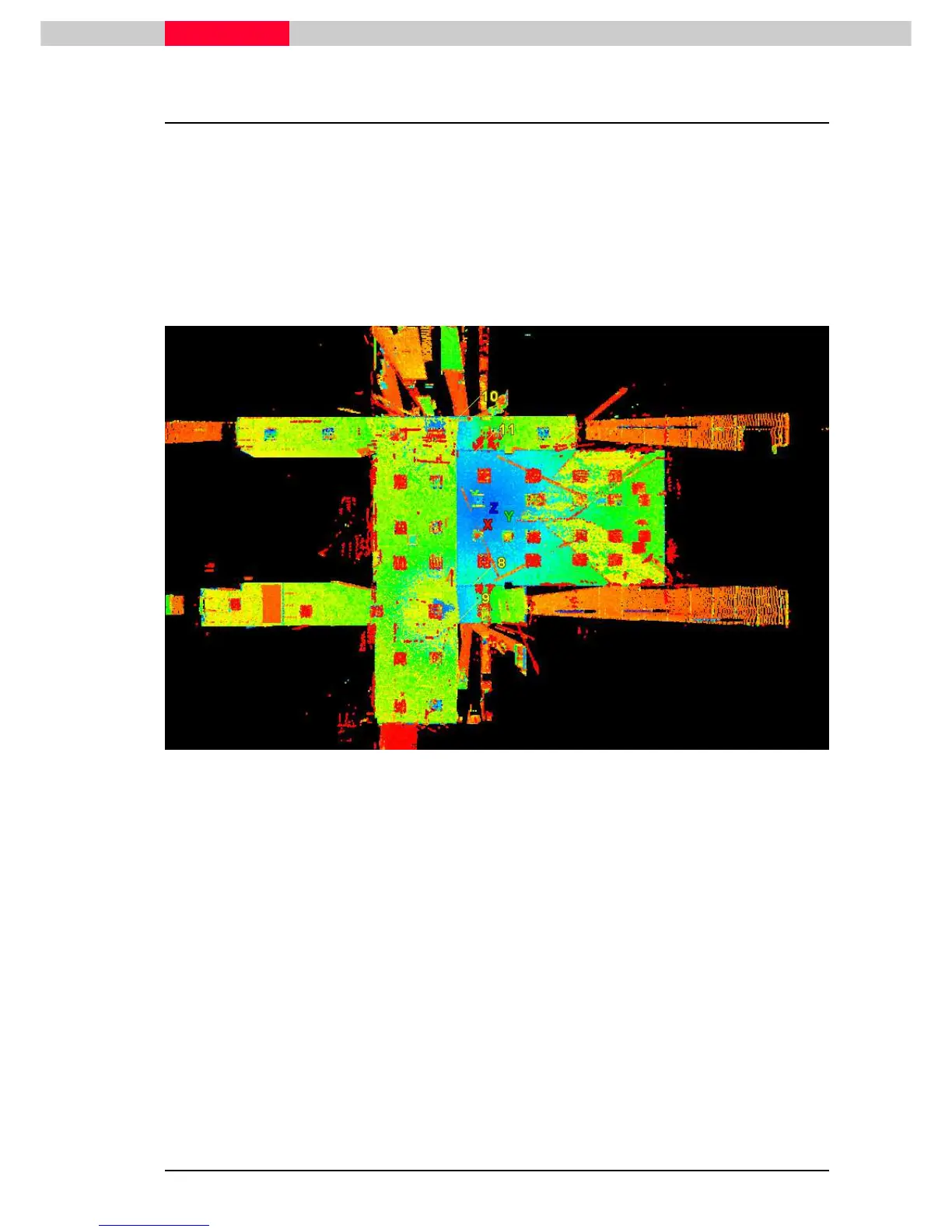
A ModelSpace View will open containing the registered data of the ScanWorlds



 To Next Page