2 - 8 Module 6.1 - Animation Data Export
1 Defining an Animation Path
In the flythrough, the camera runs along a user-defined path, orienting itself to face the
direction that the user defines. The path is defined by a spline curve to provide a smooth
transition from one position to another. The spline will pass through keyframes on the path,
transitioning smoothly between different viewpoints.
1.1 Define the initial keyframes of the path
Manipulate the viewpoint to the desired position and orientation, then execute
Create Object | Insert | Camera
Create Object | Insert | CameraCreate Object | Insert | Camera
Create Object | Insert | Camera.
. .
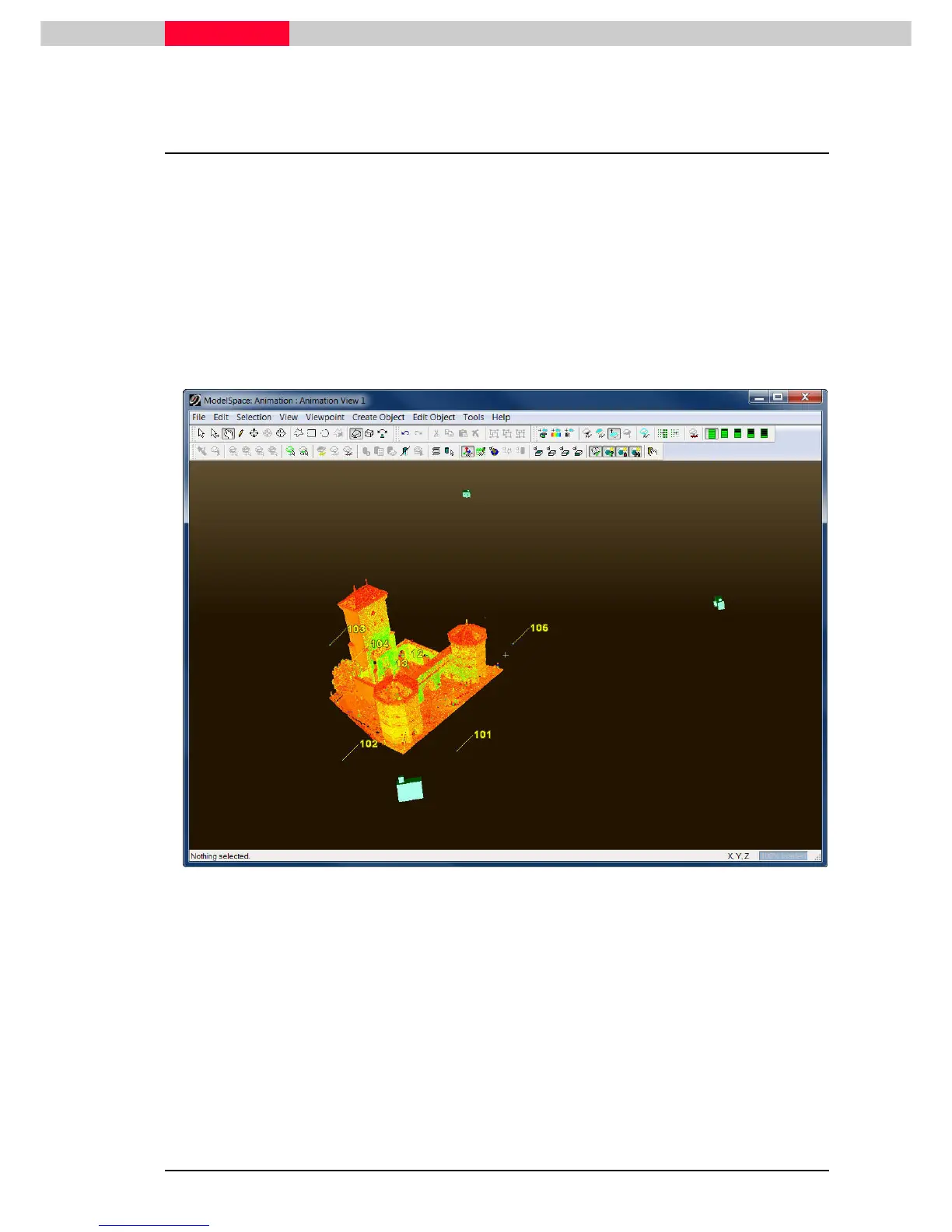
. Move to the next positions in the scene and insert more cameras
to represent a keyframe or “snapshot” in the animation. See Figure 1.
Figure 1
The Camera icon will be inserted at the current view location. Zoom out slightly
to see bring it into view.



 To Next Page