13 - 32
•
Pick
PickPick
Pick points on point cloud and image.
•
Click the Replace
ReplaceReplace
Replace button again.
•
Click Compute
ComputeCompute
Compute.
..
.
Figure 23
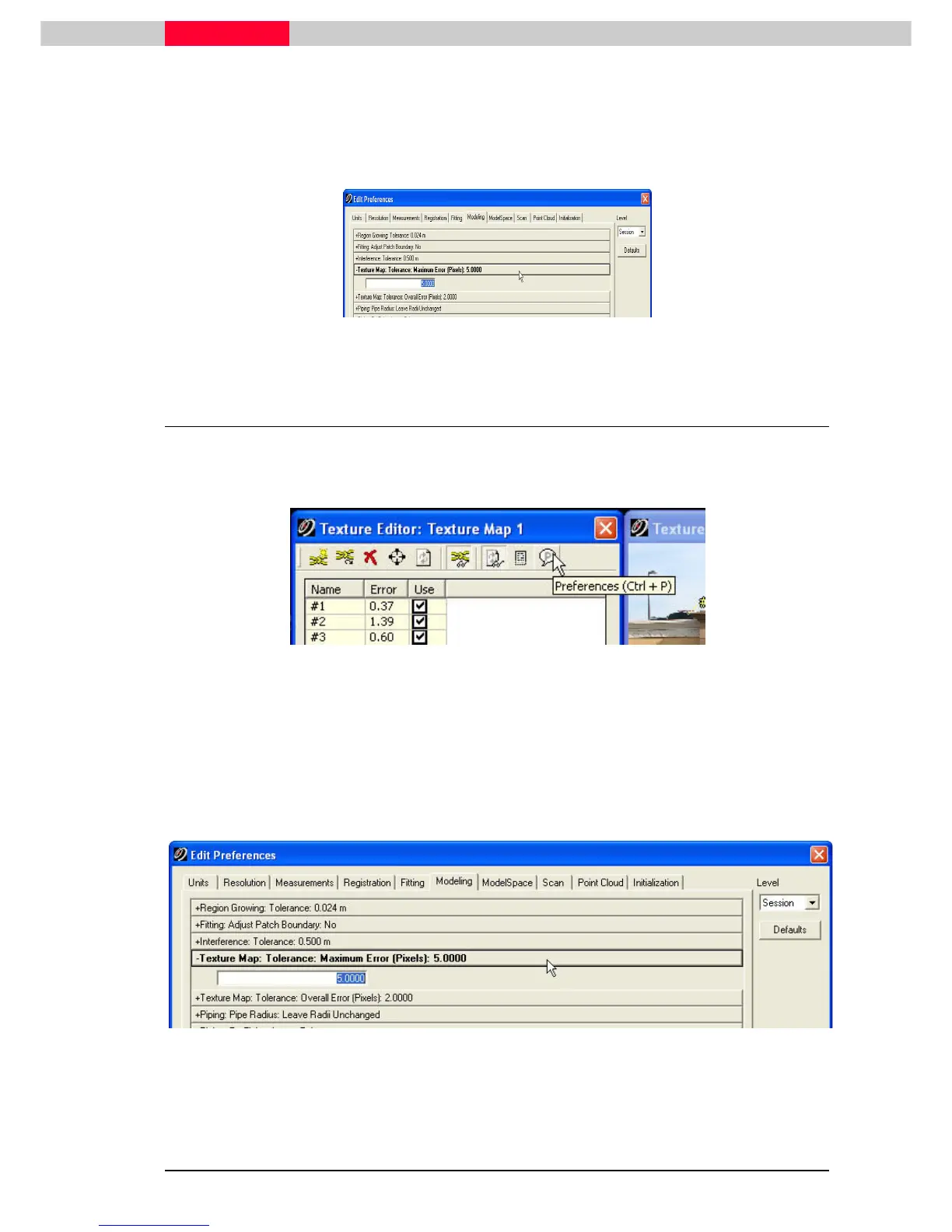
1.8 Increasing the texture map tolerance
You can increase the allowable pixel error.
•
Click the Preferences
PreferencesPreferences
Preferences button
Figure 24
•
Texture Map: Tolerance: Maximum Error (Pixels)
Enter a value between 0.1 pixel and 100.0 pixels to set the maximum pixel error that any
single texture map constraint can have for a valid texture map computation.
•
Texture Map: Tolerance: Overall Error (Pixels)
Enter a value between 0.1 pixel and 100.0 pixels to set the highest average pixel error that
the texture map's constraints can have for a valid texture map computation.
Figure 25



 To Next Page