3 - 18
1 Getting Started
1.1 Load the Database
Locate the database named
ImolaBridge.imp
and configure it to the Cyclone Navigator:
1) Launch Cyclone.
2) In the Navigator, click Configure |
Databases.
3) In the
Configure Databases
dialog, click Add…
4) In the
Add Database
dialog, click the browse
button to be able to browse to the database
file. (Figure 1)
5) Click Open.
6) Click OK.
7) Click Close.
Figure 1
The database is loaded into the Cyclone Navigator under the server.
1.2 Unify point Clouds
The Unify Clouds command is typically used in a ModelSpace containing a registered set of
scans and a large number of point clouds. Performance is improved by the cloud unification
process, in that a single point cloud is created.
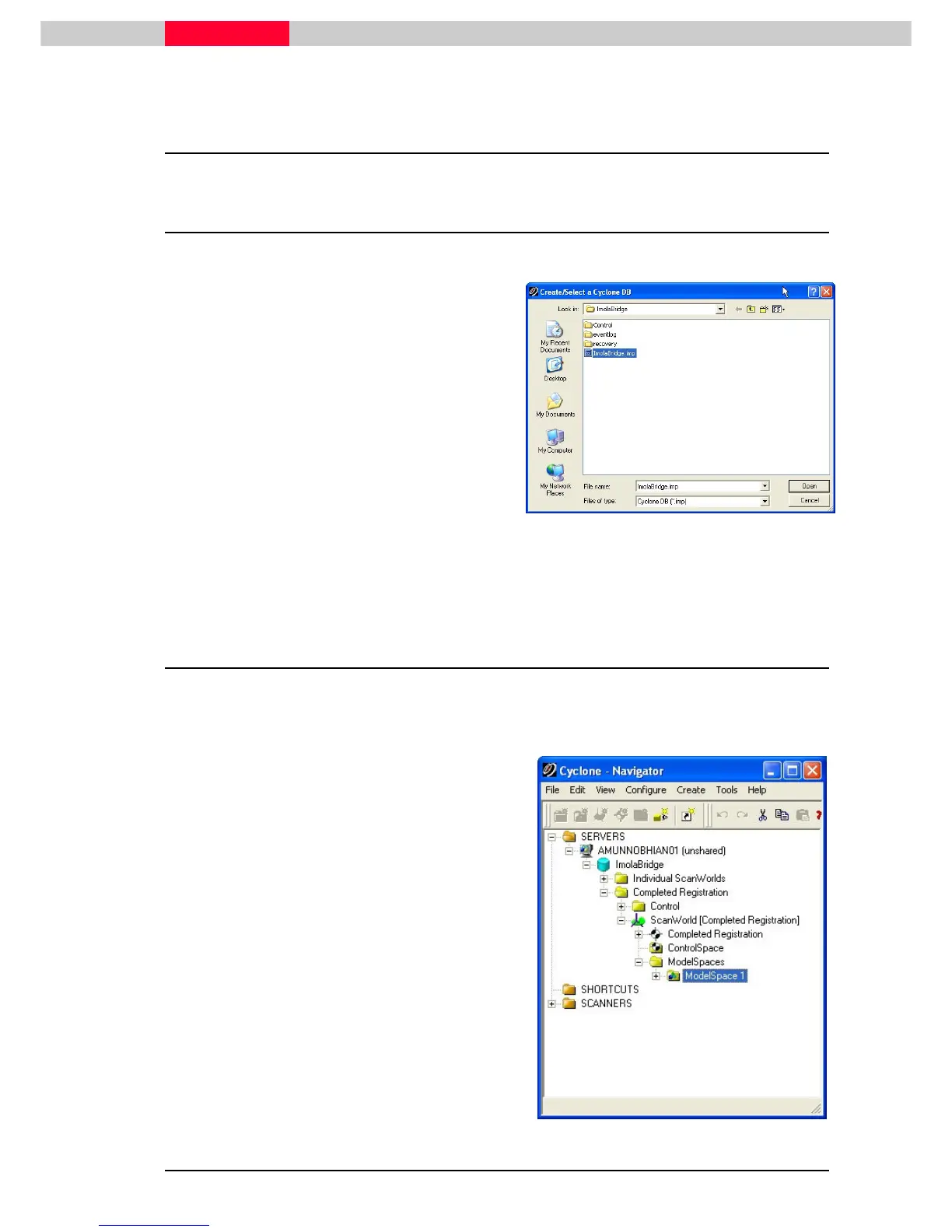
1) In the Navigator, select
ModelSpace 1
that
exists under the
Completed Registration
project folder.
2) Click Tools | Unify ModelSpace...
Figure 2



 To Next Page