16 - 22 Module 2.0 – Navigator & Navigator’s Objects Introduction to Cyclone
•
The fact that we did not move the scanner while at this position, ScanWorld 1,
all of the scans are lined up correctly in relation to one another.
•
Each scan references the MultiImage. This can be used for color mapping the
image onto the points, and will be covered in a later module.
Note that the target scans are by default placed in their own folder named HDS
Target Scans.
•
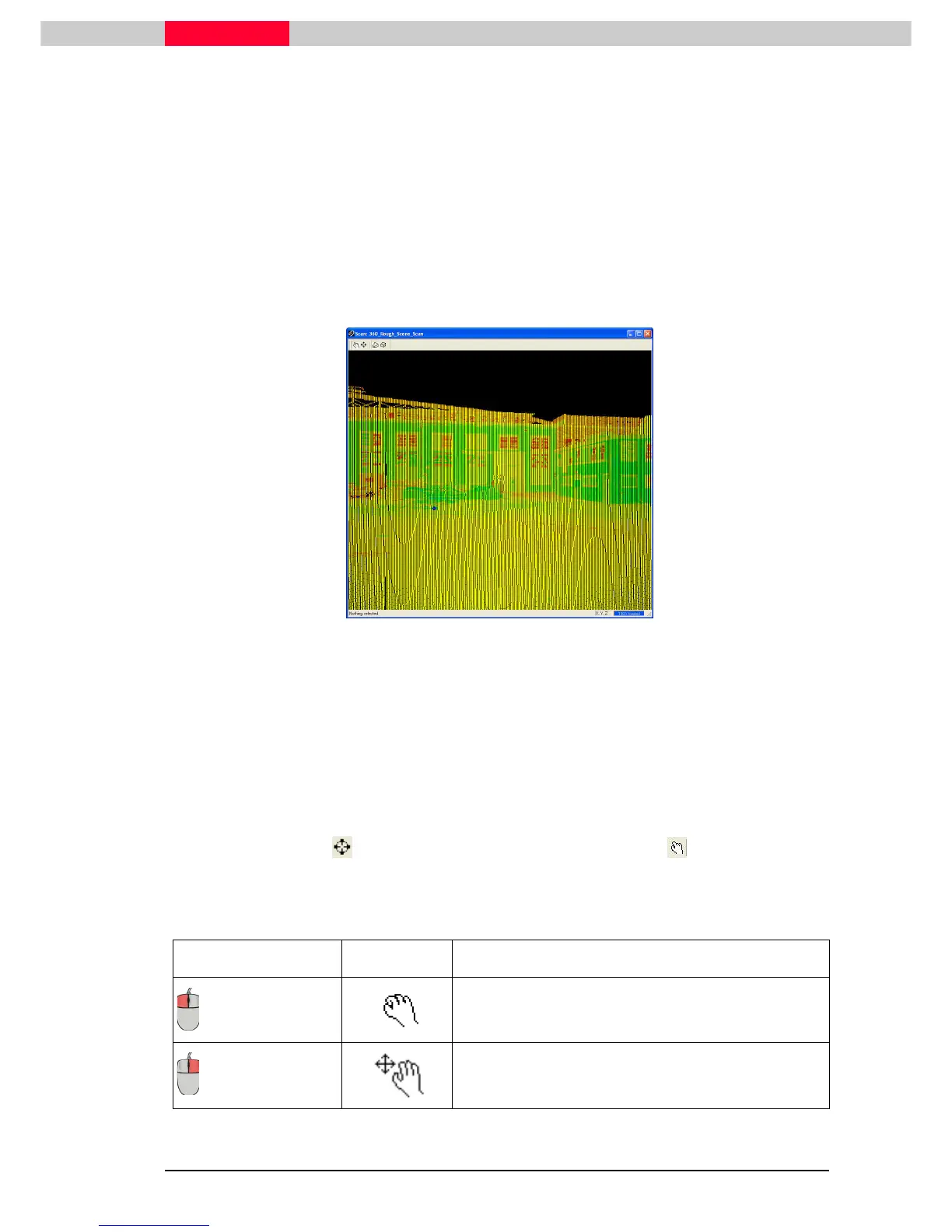
Open “360_Rough_Scene_Scan” by double
doubledouble
double-
--
-clicking
clickingclicking
clicking its icon.
Figure 25
Modes
Navigation in the
Scan Viewer
is different from the
Image Viewer
since the user is now in a 3D
environment in which the user can also change the viewing position.
•
Rotation and translation is always in relation to a focal point centred in the
viewer.
•
For efficient navigation through a scene, it is absolutely necessary to use seek
mode to set a focal point, and then use view mode to zoom, rotate,
and pan.
•
See the guide below for reference on manipulating your viewpoint in a scan
window.
Action Cursor Description
+ drag
The image rotates around the focal point. (as set by
seek mode)
+ drag
Pans the view. (focal point is altered)



 To Next Page