2 - 12 Module 6.0 -
Export / Import
Data Export
1 Image Export
Cyclone provides the option to take snapshots of ModelSpace Scenes or create Ortho Images of
desired areas.
1.1 Snapshot
The Snapshot function of Cyclone provides the option to take snapshots of ModelSpace Scenes
and then exporting them as various picture formats.
The tool bars will not be included in the snapshot but the actual model area.
•
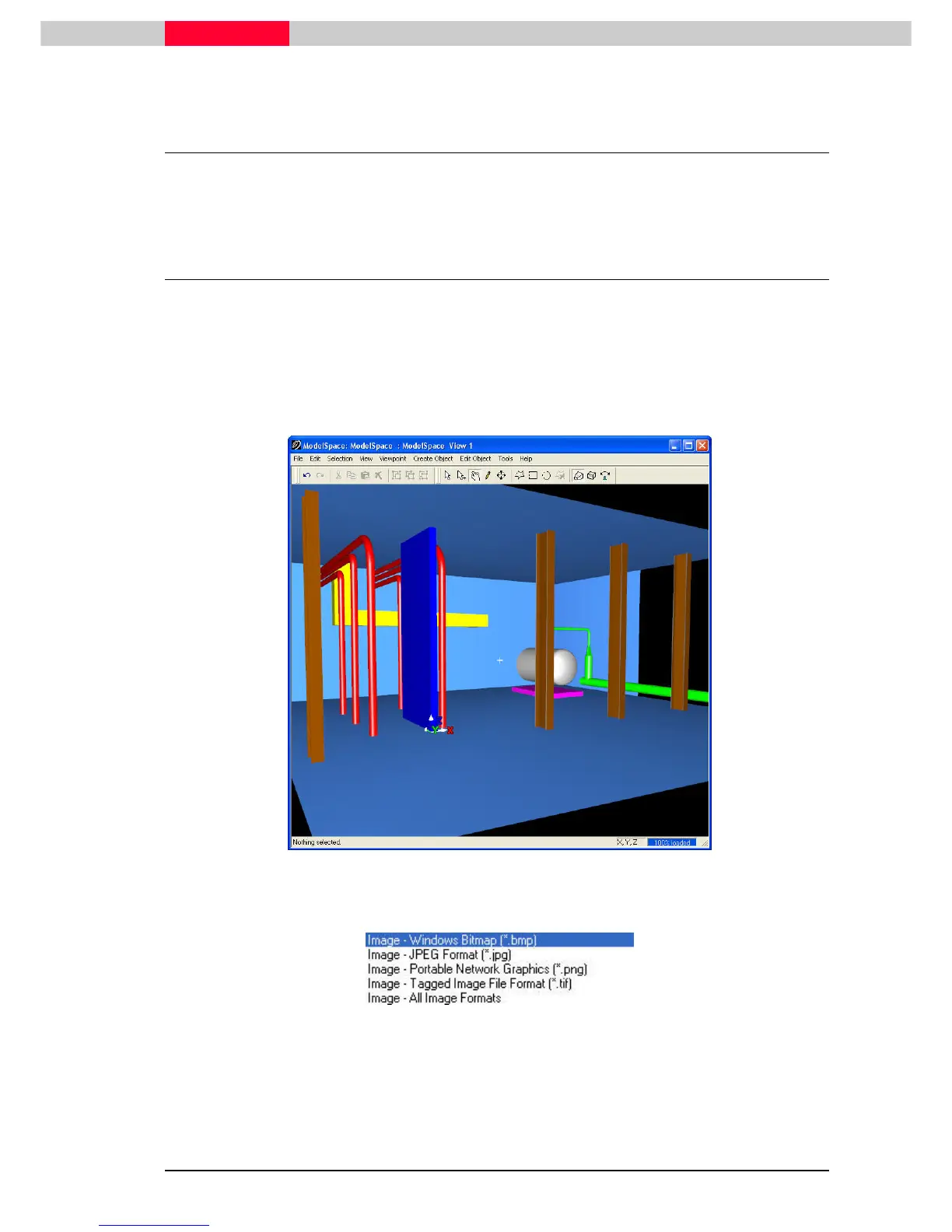
In Cyclone, rotate and pan to a preferred view of a model or point cloud.
Figure 1
•
In the ModelSpace menu go to File | Snapshot, where you can chose between various
picture formats as seen below.
Figure 2
•
In the following upcoming interfaces you can select the size of the saved image as well as
whether or not anti-aliasing should be applied.
Anti-aliasing will try to smooth out jagged edges on modelled objects.



 To Next Page