Pre-Registration Options
The following commands can be helpful for the later registration process either with
Targets or Cloud-to-Cloud or both.
Find black & white targets
Selecting
Find black & white targets
will search all scan data for the presence of black
& white targets. If this option is checked, the summary of all targets found will be
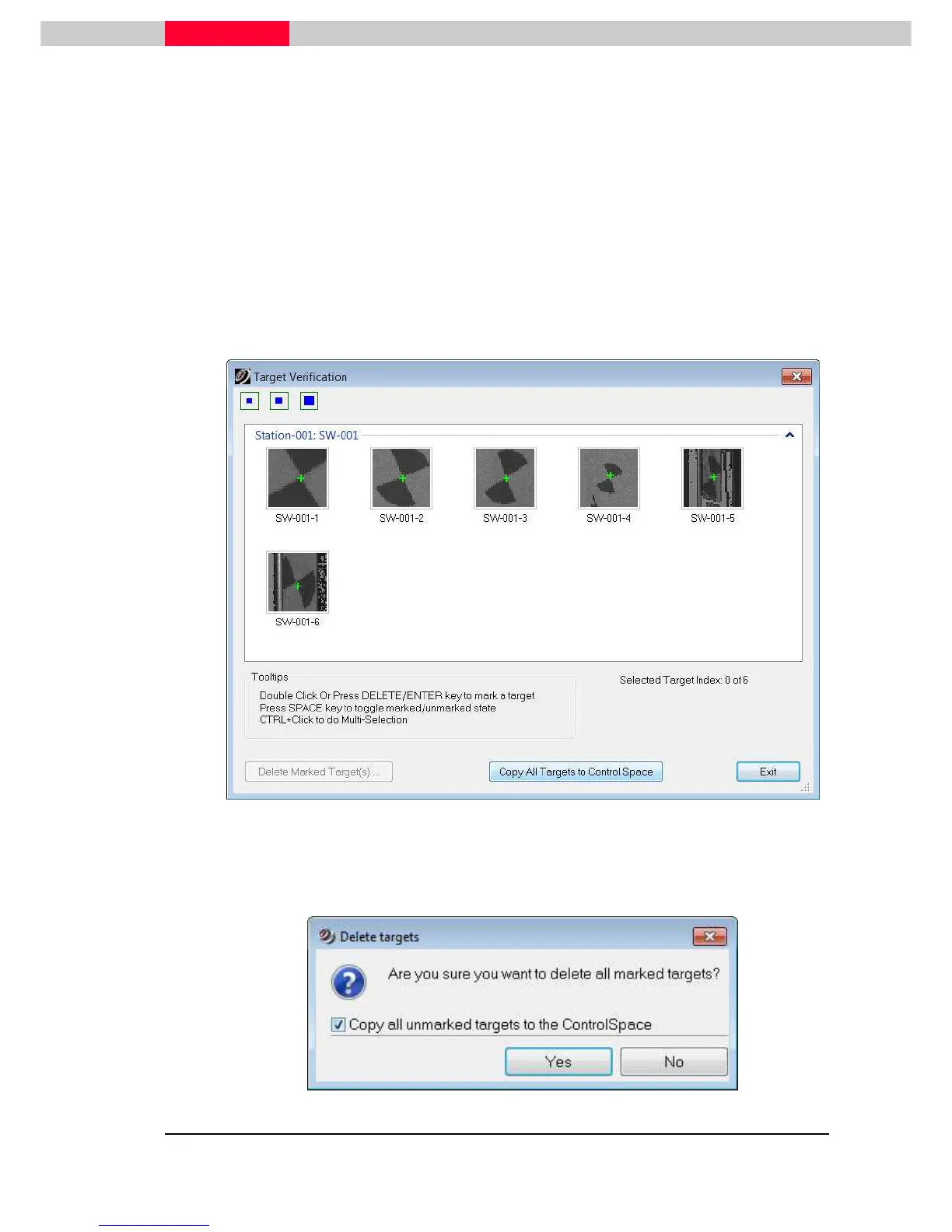
presented to the user after import to be accepted or rejected (Figure 5).
•
Select the proper size target from the pull down menu (3”, 4 ½” or 6”) and
click
OK
•
The upcoming dialog shows the targets found
Figure 5
•
If all found targets are correct, choose
Copy All Targets to Control Space
•
Delete some incorrect results by marking them and click
Delete Marked Target(s)
•
then accept all remaining via the upcoming interface.(Figure 6)
Figure 6



 To Next Page