•
Exit
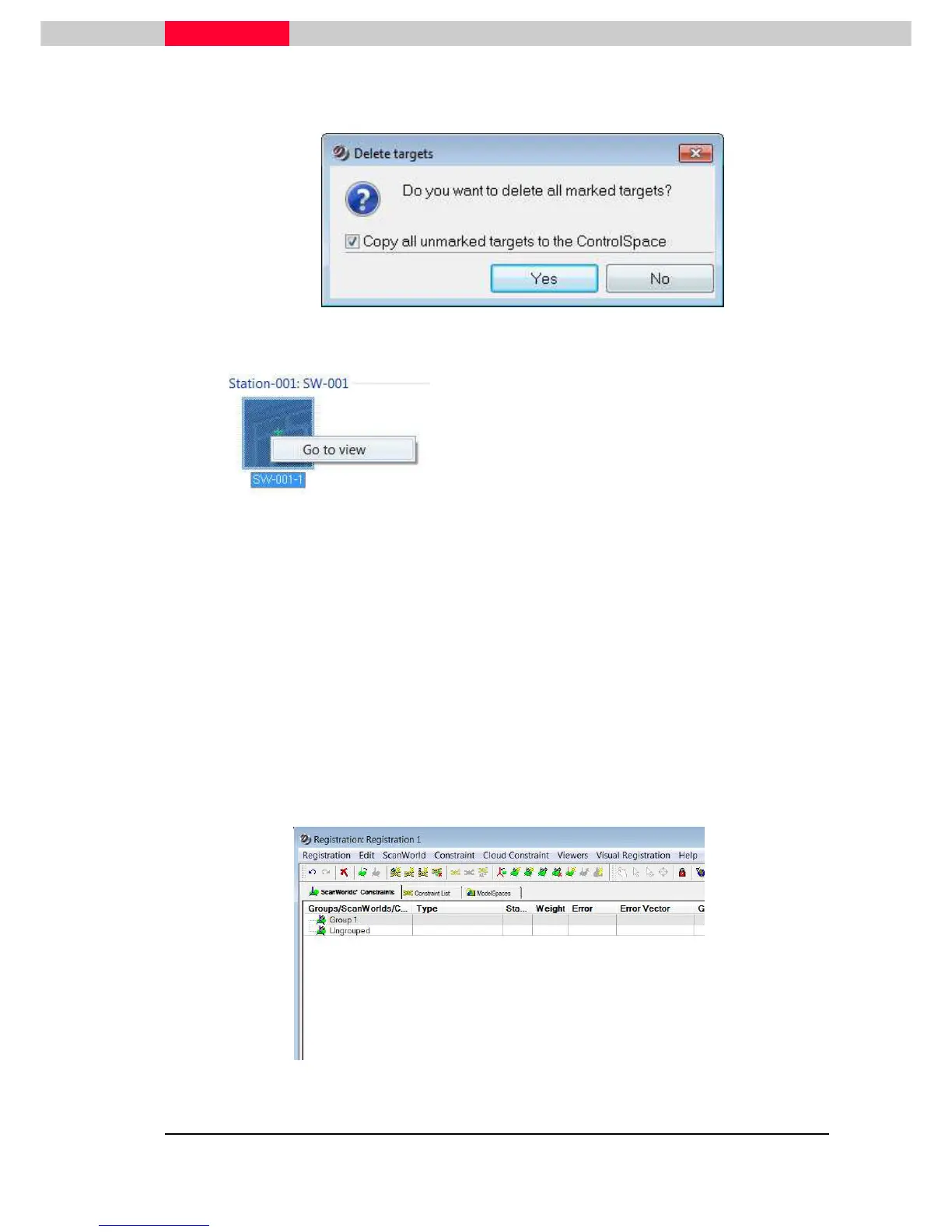
will bring up a window asking whether all found targets should be copied
to the ControlSpace or not and then close the interface.(Figure 7)
Figure 7
Figure 8
Right-click on a target image offers the option
at the center.
Use this to review the target and its fitting in a
3D environment. Close when finished.
The ModelSpace interface can also be used to
add/edit a Target ID
(see
Module 3 - Registration
).
Only black & white targets can be extracted with this function. No HDS or Sphere
targets.
Auto-Align Scans
This command will run a scan matching algorithm, which compares Scans from different
scanner locations, identifies overlapping areas and then provides an initial alignment.
During the import process Cube Images are created and stored in a
Scene.hds.files
folder next to the Database files.
These files are needed for the command Registration | Create ScanWorld Groups
from Auto-Alignment (see
Module 3 - Registration
).
Figure 9



 To Next Page