4 Target Registration (Target constraints)
In contrast to the previous sections we will now use Target constraints to register.
With compensator off, or without a compensator, a minimum of 3 common targets is needed to
adjust along 3 rotations and 3 translations (6-P-T). With an enabled compensator a minimum of
2 common targets is required. Then the Z axis is fixed and only a rotation around Z axis as well
as 3 translations are calculated (4-P-T).
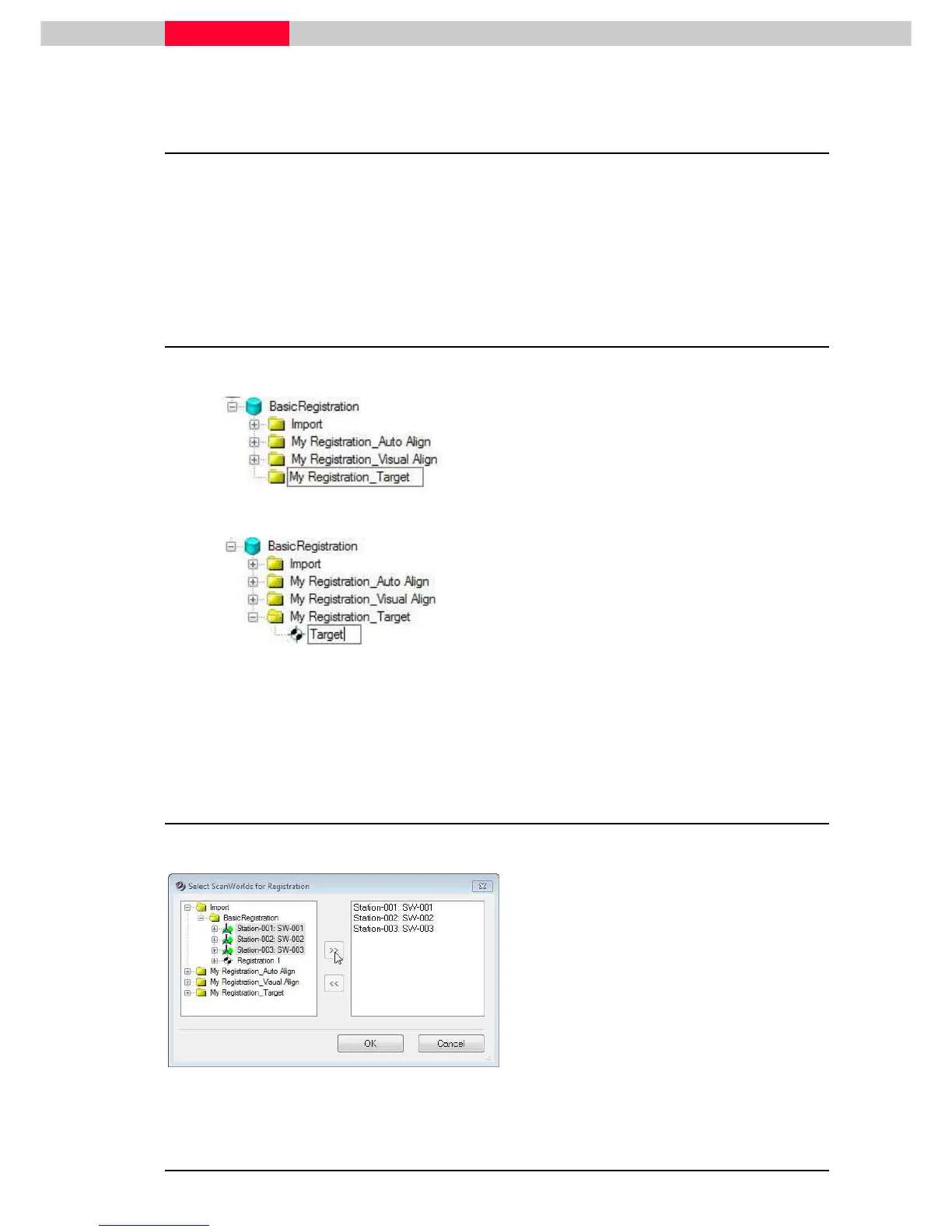
4.1 Create a Registration
Figure 51
•
In the Navigator, select the database
BasicRegistration
.
•
In the menu, click
Create | Project.
•
Name the project folder “
My
Registration_Target
”.
Figure 52
•
Select the project folder named “
My
Registration_Target
”
•
click
Create | Registration
from the top
menu
•
Name the newly created registration
“
Target
”.
•
Double-click the new registration object to launch the registration window
4.2 Add ScanWorlds



 To Next Page