11 - 14
Figure 19
6) The Replace Object in ControlSpace?
Replace Object in ControlSpace?Replace Object in ControlSpace?
Replace Object in ControlSpace? dialog allows to Replac
ReplacReplac
Replace
ee
e, Replace All
Replace AllReplace All
Replace All, Skip
SkipSkip
Skip or Skip
Skip Skip
Skip to
to to
to All
AllAll
All
targets instead of just adding targets to the ControlSpace.
B&W Targets from picks
This command differs from the single extract in two ways. You can select more than one B & W
target by using multi select.
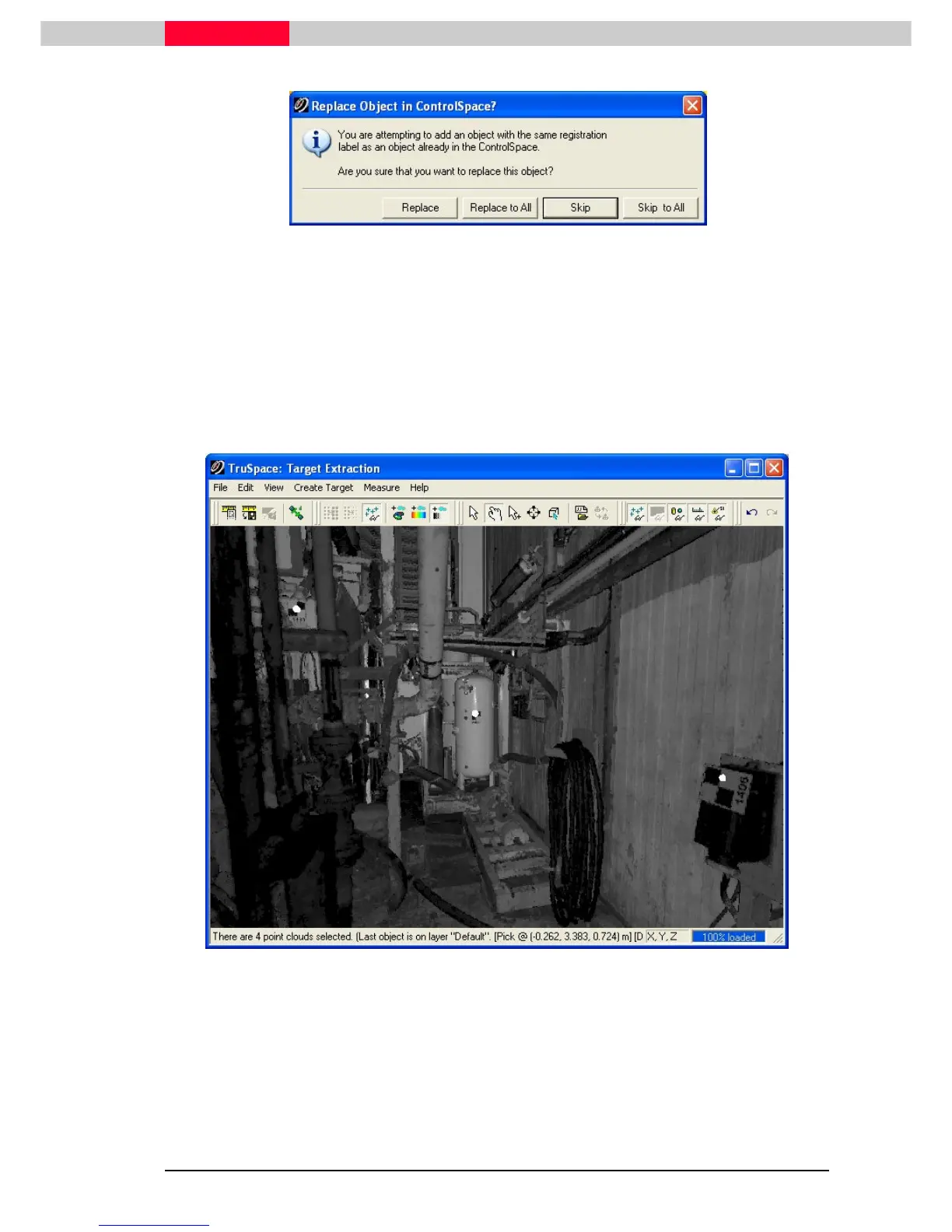
Open a TruSpace with a number of Black & White Targets and Multi-Select them.
Figure 20
1) Go to the menu Create Target | Find Black
Create Target | Find BlackCreate Target | Find Black
Create Target | Find Black and White Targets from Picks
and White Targets from Picksand White Targets from Picks
and White Targets from Picks.
2) Double click on the candidate target, in the Find Black/White Targets From Picks
Find Black/White Targets From PicksFind Black/White Targets From Picks
Find Black/White Targets From Picks dialog, to
focus in on it and to confirm the fit:



 To Next Page