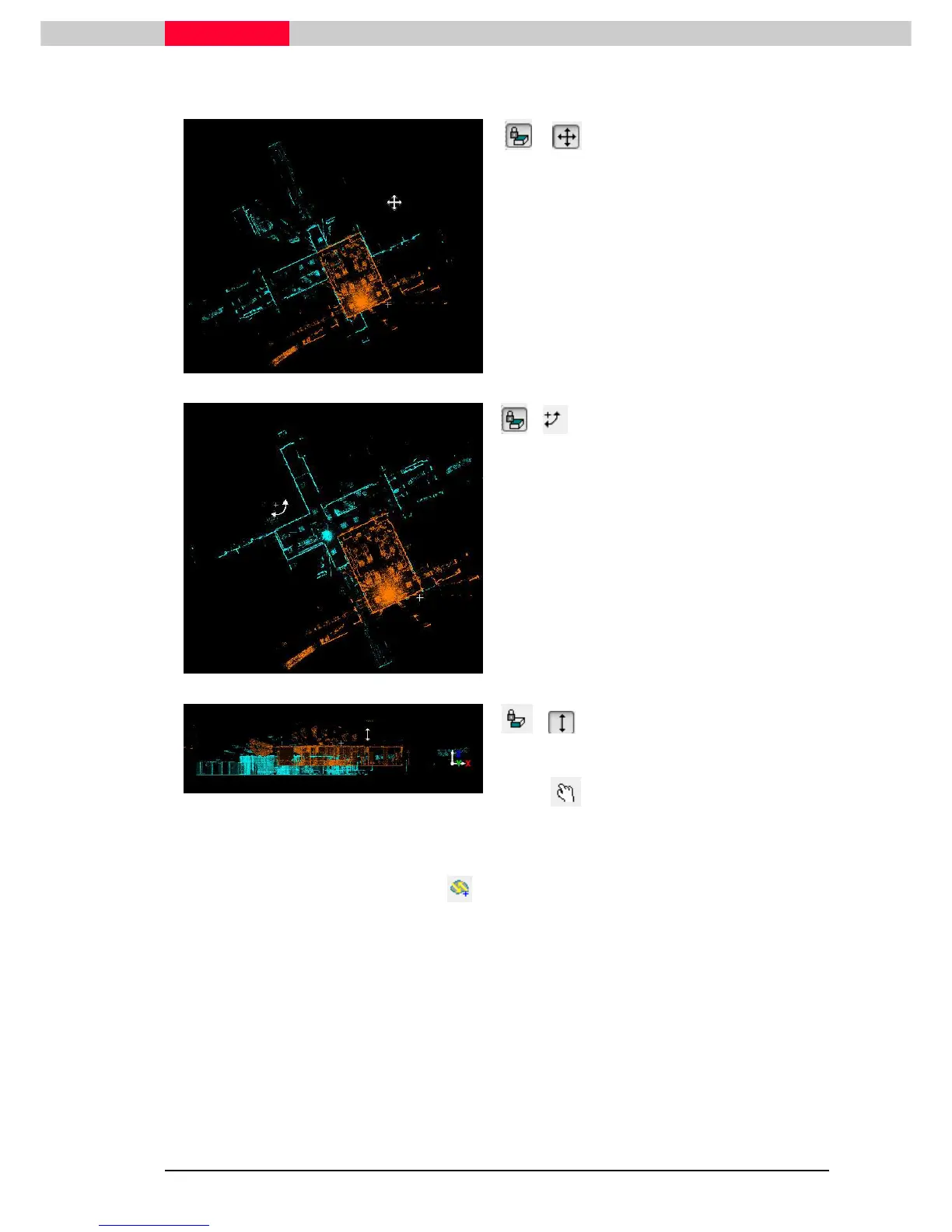
Start by moving and rotating the scans together
Figure 36
&
•
Left click and move the scans together
•
Usually a common corner or obvious point is
selected.
Figure 37
&
•
Left click and hold to pinpoint a rotation
point.
•
While holding the mouse button down, drag
away from the rotation point and then
rotate the blue cloud into place
•
Continue adjusting by rotating and moving
the scans
Figure 38
&
•
Align the elevation
•
Use to rotate the View and check
alignment
•
When alignment is complete click on to create a pre-aligned constraint
•
A histogram is popping up showing the optimization of the constraint
See also chapter 3 Factors that determine the Effectiveness of Pointcloud
Constraints for details about the histogram
•
After completion of the optimization a dialog box appears where the user can select to use
the cloud constraint to merge groups. Selecting
Yes
will merge the scans into one group. (see
Figure 39)



 To Next Page