13 - 28
TIN Volume
A TIN volume is calculated either above or below a reference plane or directly between two
meshes according to the prismoidal method. This can only be calculated based on TIN
meshes.
•
Select the mesh.
•
Go to Tools
Tools Tools
Tools |
||
| Measure
Measure Measure
Measure |
||
| TIN Volume
TIN Volume TIN Volume
TIN Volume
•
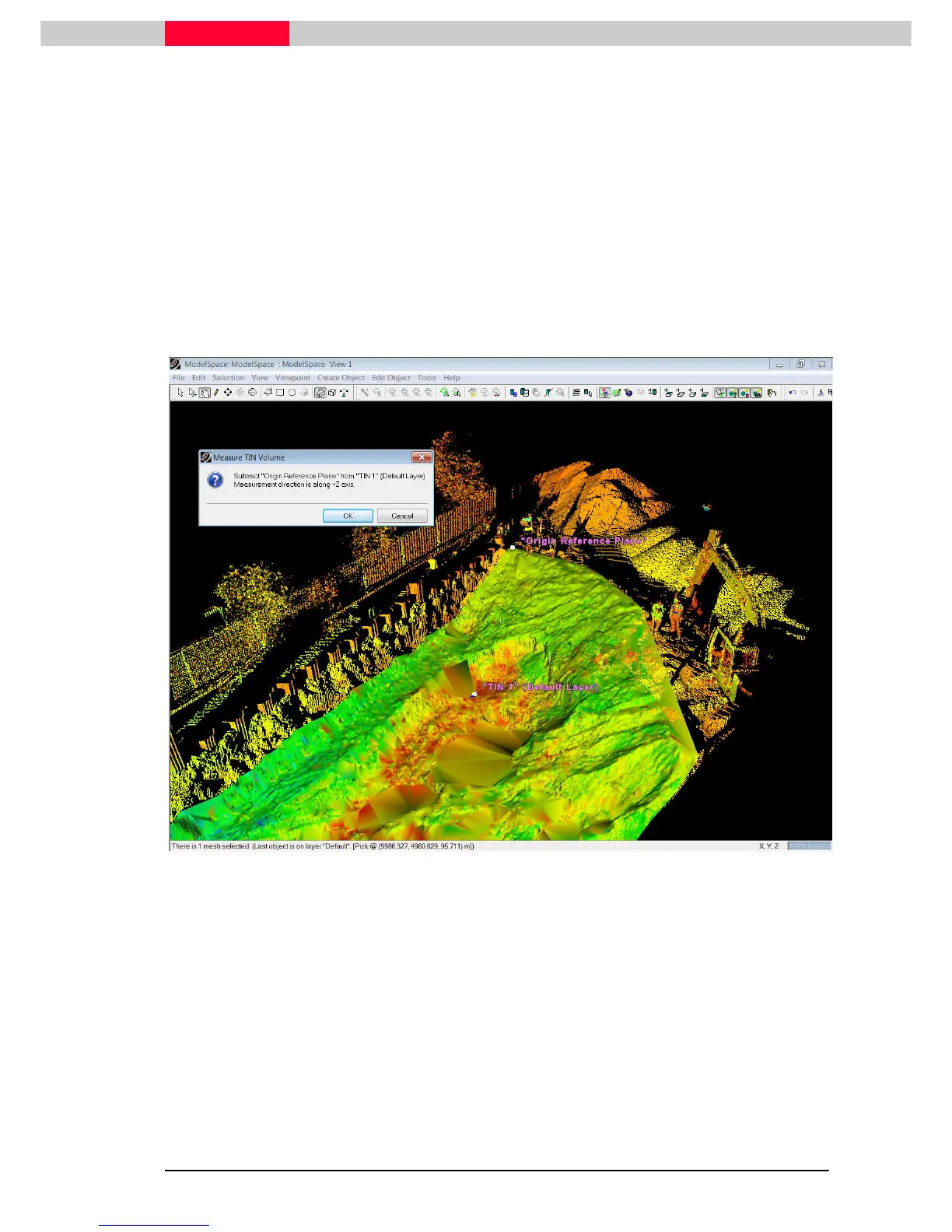
Note the upcoming window informing the user: The difference between TIN1 and the
Reference Plane will be calculated along the active Z-axis (see Figure 15).
Figure 15
•
Upon accepting this dialog, the Cut/Full Volumes as well as Cut/Fill areas are displayed
(
Figure 16
).
To measure the TIN Volume between two TIN meshes, simply select both
meshes prior to executing the command
Tools
Tools Tools
Tools |
||
| Measure
Measure Measure
Measure |
||
| TIN Volume
TIN Volume TIN Volume
TIN Volume
.



 To Next Page