Organization/Visualization point clouds
6 Cutplanes and Half-Spaces
A Cutplane is a 3D plane with the primary function of "cutting" through objects in a ModelSpace
to produce a 2D cross-section. There may be more than one Cutplane cutting through the
ModelSpace, although only one is ”active” at any given time. The active Cutplane is the only
Cutplane affected by user commands. The Cutplane can be used to create polylines from its
intersections with objects and meshes, and the active Cutplane can be used to hide all geometry
above itself, or to hide all geometry beyond a user-specified distance from its plane.
Cyclone Cutplanes work within the ModelSpace view allowing you to section out views or cuts of
anything within the ModelSpace. This includes the point cloud, any modeled object, TINs,
Contours, Cross-Sections, etc. You can also configure Cutplanes for thickness, step interval, set
the Cutplane on an object, set it to a viewpoint, and/or define it with the Reference Plane. In
addition, you can extract a 2D line drawing of modeled objects that are bisected with a Cutplane.
6.1 Cutplane Toolbar
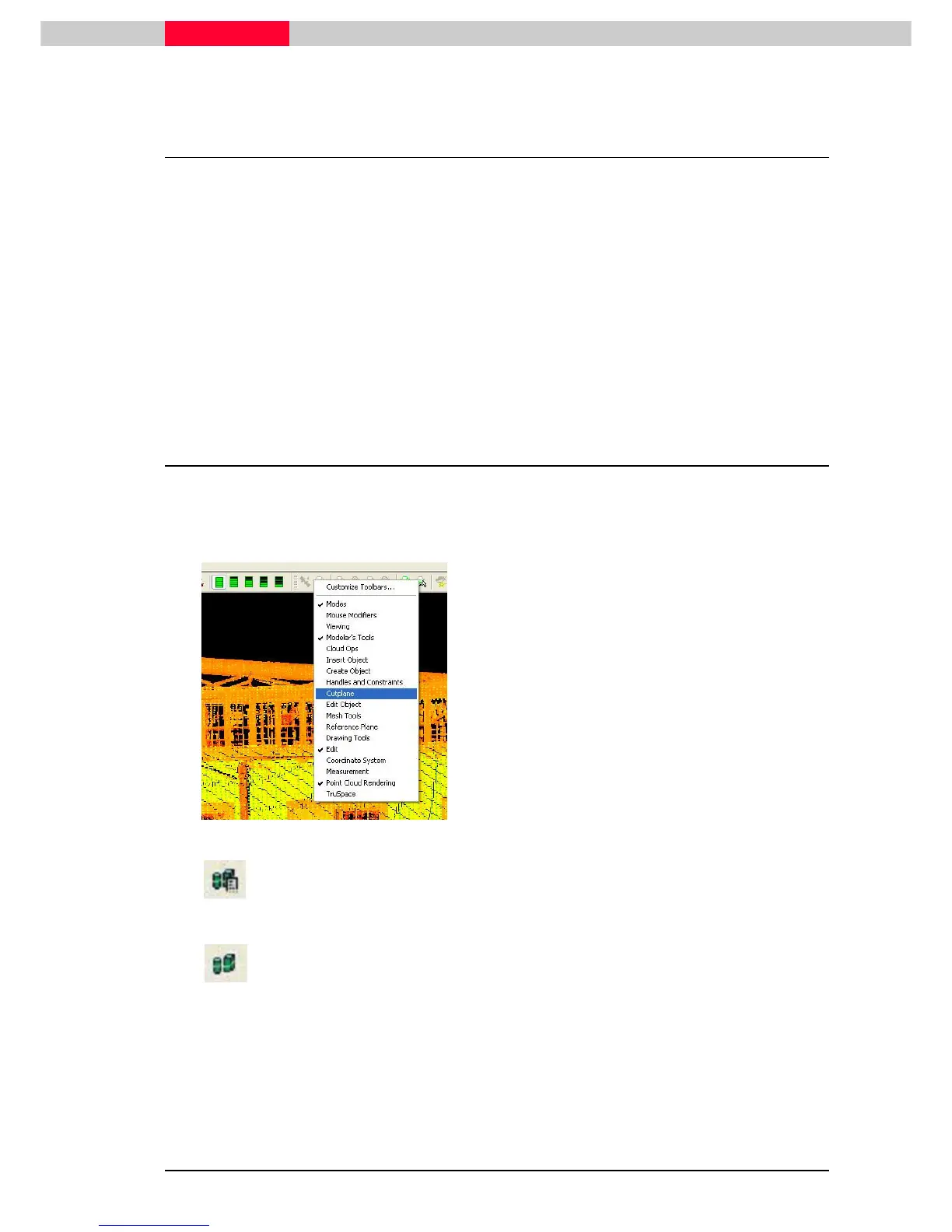
The easiest way to use a Cutplane in Cyclone is with the Toolbar menu. This allows the user to
control the Cutplane without having to navigate down through several menu layers.
Figure 43
•
Move the mouse pointer to the toolbar
•
Click the right mouse button
•
Go to Cutplane. Now this toolbar is docked to
the ModelSpace View.
Add/Edit Cutplanes
This command displays a dialog that is used to edit cutplanes and cutplane
attributes.
Set on Object.
This command aligns the active Cutplane with the axis of the picked object,
through the pick point.



 To Next Page