8 - 8 Module 5.1 - Measurements Data Extraction
4 Copying Measurements
4.1 Copying Measurements with the Measurements dialog
When finished making measurements you can copy all measurements to any kind of text editor.
This method can be a fast way to record the dimensions saved in the measurement dialog:
•
Highlight all measurements in the measurement dialog, using the shift key to multi-select.
•
Press the copy to clipboard
copy to clipboardcopy to clipboard
copy to clipboard button.
•
Open up any kind of text editor e.g. Notepad or MS Excel™ .
•
Paste the measurements.
4.2 Copying Measurements to the Output Box
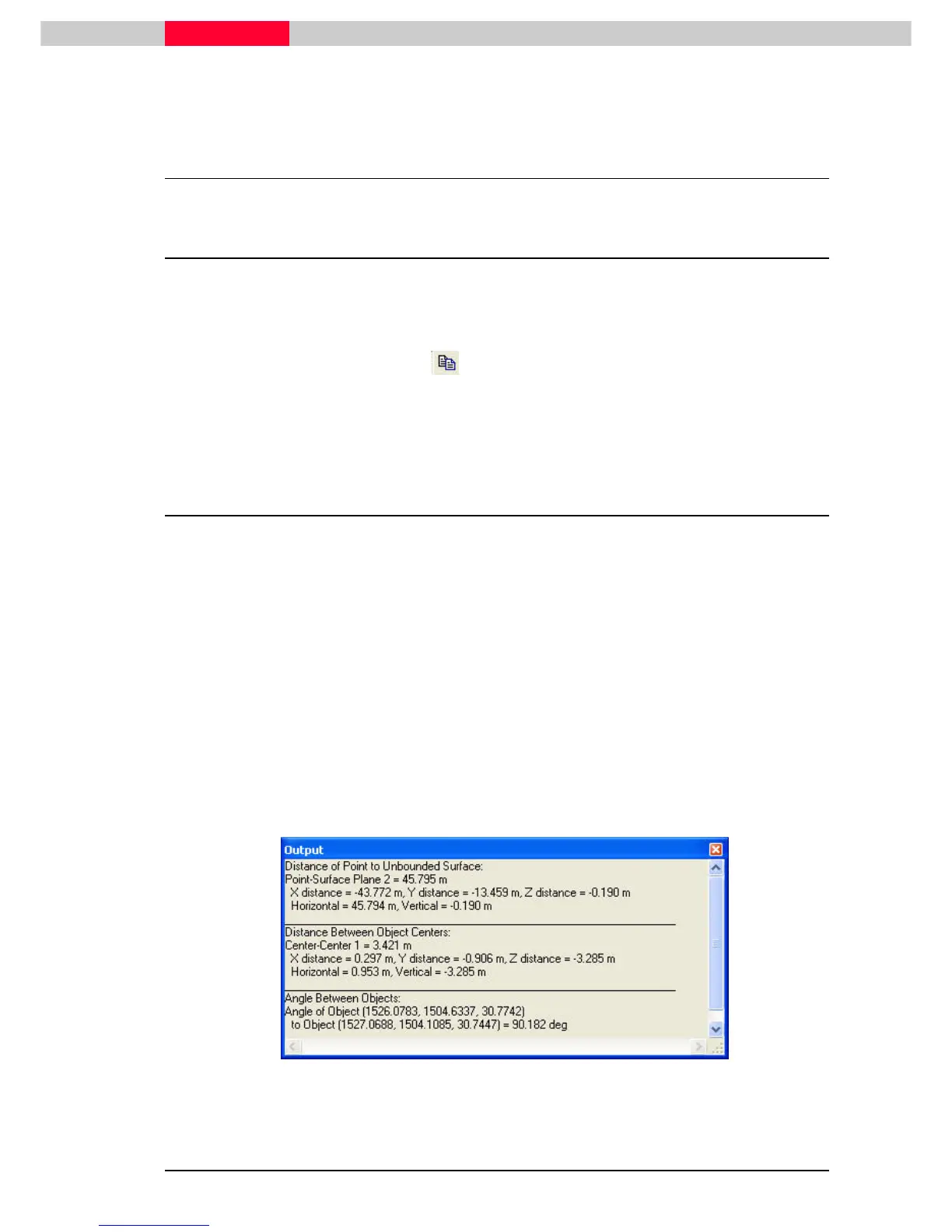
Another way to do this is to open the Output Box while taking measurements. As measurements
are taken they are automatically loaded into the output box where they can then be copied and
pasted into a program such as Excel.
The difference between the output box and the measurements dialog is that the
output box does not save the measurements to the database. Use the
measurement dialog to save measurements. Once the Output Box is closed, the
measurements are lost.
•
Select View | Show Output Box
View | Show Output BoxView | Show Output Box
View | Show Output Box.
•
Take several measurement(s) of the scene.
•
Copy all in the Output Box to Notepad or MicroSoft Excel.
•
Highlight
HighlightHighlight
Highlight the contents of the Output box and select Edit | Copy
Edit | CopyEdit | Copy
Edit | Copy.
..
.
•
Paste
PastePaste
Paste the text into any text or spreadsheet application.
Figure 11



 To Next Page