You do not necessarily need to create Groups in order to complete a
Registration.
•
Go to the
ScanWorlds` Constraints
tab
•
Multi select all 3 ScanWorlds and go to
Registration | View Interim Results
•
Inspect the alignment of the pointclouds
4.5 Create ScanWorld/Freeze Registration
The last step is to create a Scanworld and freeze the registration.
•
Click
Registration | Create ScanWorld/Freeze Registration
•
Next go to
Registration | Create Modelspace
•
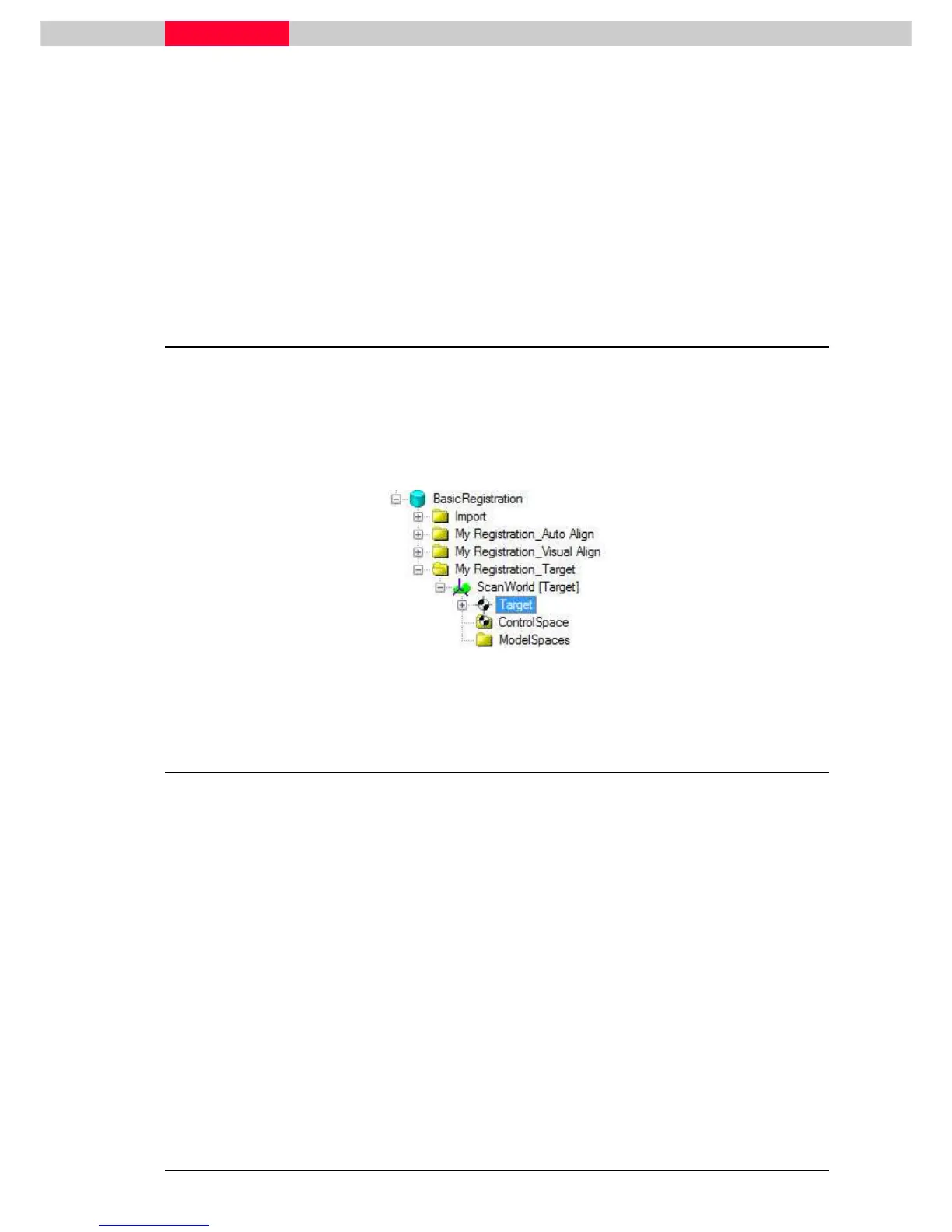
Inspect the Navigator to see the new
ScanWorld [ Target]
Figure 58
4.6 Create and Open Modelspace View
•
In the Navigator double click the
ModelSpace
in the
Modelspaces
folder.
•
From the pop-up menu, click
Create and Open ModelSpace View.
A ModelSpace View will open containing the registered data of the ScanWorlds.



 To Next Page