Data Extraction
1 Point Cloud Selection
Efficient modelling of point clouds, involves an understanding of the different ways to select the
point clouds or segments of point clouds we want to fit the surfaces to.
In this section, we will look at the ways that we can effectively select point clouds or segments
of point clouds in order to be able to model them accurately.
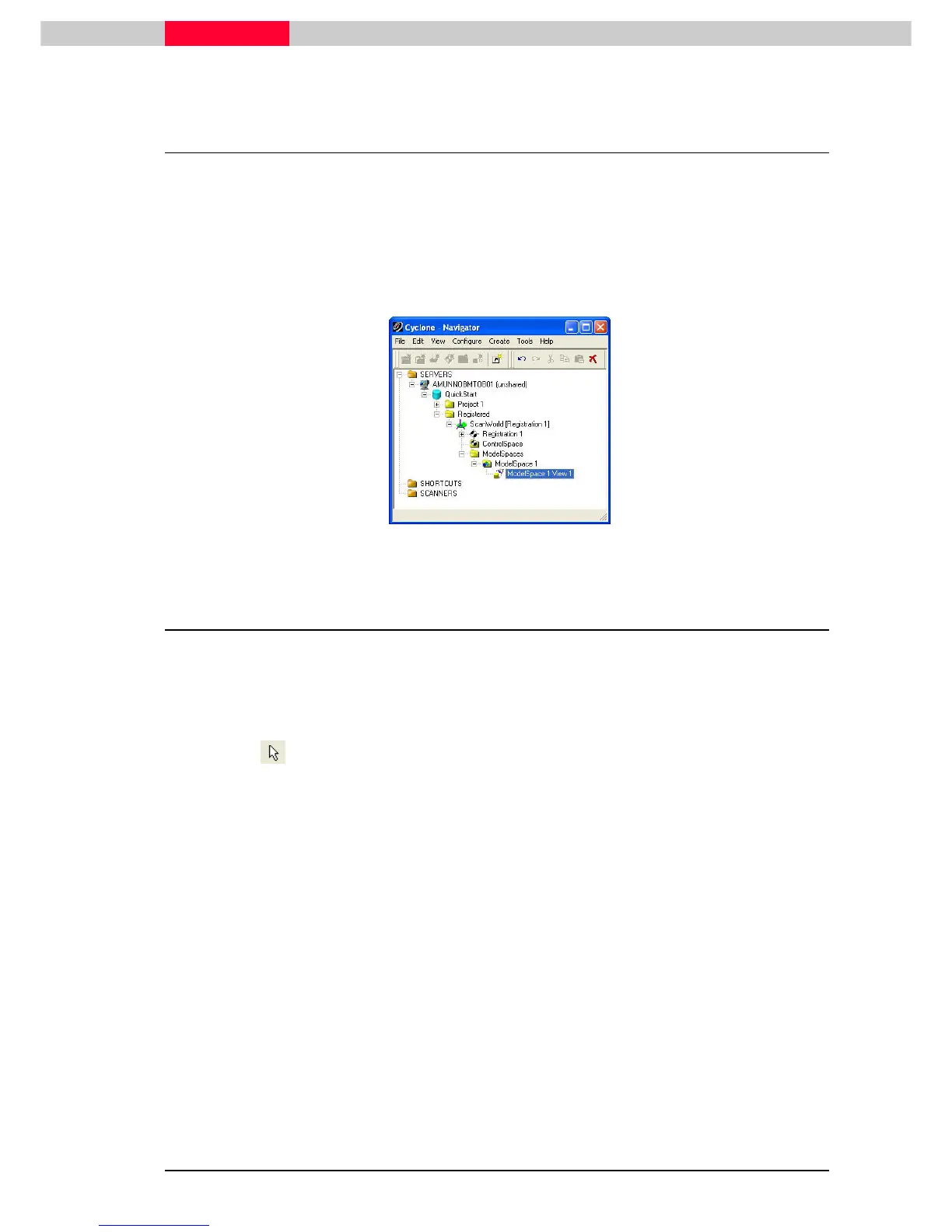
Use the ModelSpace View under the registered ScanWorld in the Registered project folder from
the QuickStart database.
Figure 1
1.1 Picking / Selecting a Point Cloud
A point cloud object is a collection of points. Picking a point in a point cloud will select the whole
point cloud object.
All other point clouds that are not selected are drawn dim.
Pick Mode
1) Switch to pick mode.
2) Pick a point cloud. A white pick point is displayed at the pick and the whole cloud is selected
and drawn brighter. The unselected point clouds are drawn dim.
3) Still in pick mode, press “Shift” and pick an unselected point cloud. Another pick is drawn at
the pick point and the cloud is added to the selection, also drawing brighter.
4) Press the spacebar to deselect everything. Pick points are cleared and all point clouds revert
to the same drawing brightness.



 To Next Page