10 - 28 Module 5.2 - Mesh Data Extraction
•
This will measure the Highest Point within a default area of 0.5m on the selected Object.
Increase this number, either by using the slider or if the slider is not enough, increase it
manually, until the pink “Indication Zone” reaches the edge as shown in Figure 11.
•
After finding the Highest Point confirm it by pressing the “Pick Point
Pick PointPick Point
Pick Point” or “Insert Vertex
Insert VertexInsert Vertex
Insert Vertex”
button.
•
Close the tool.
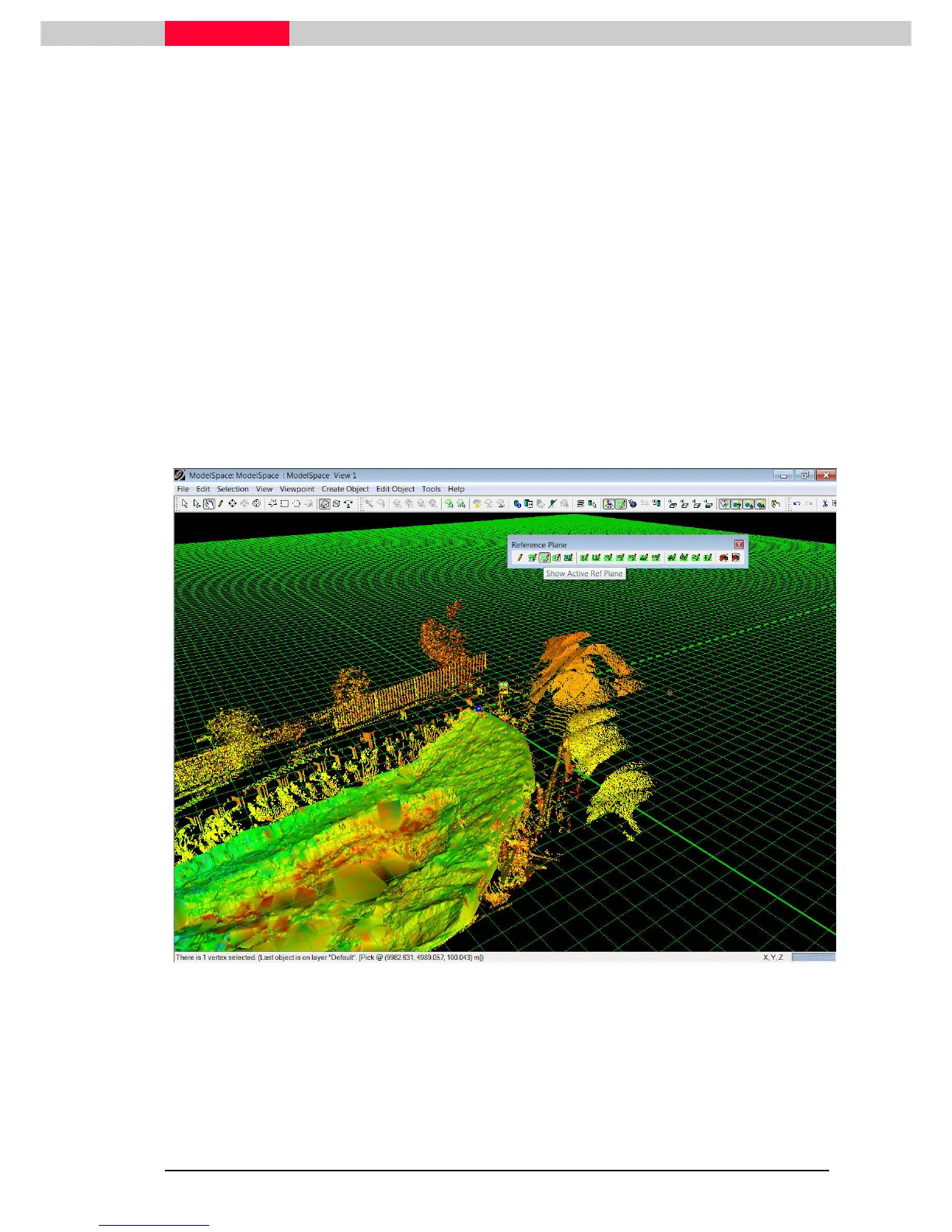
Position the Reference Plane
The Reference Plane is an infinite two-dimensional plane used for various operations within
Cyclone. Besides as a reference for volume calculations, it is also used as a basis for surface
deviation measurements, 2D drawing functions or orienting cutplanes.
The following outlines how to access and manipulate the cutplane to position it at the previously
marked highest point of the mesh and align it to the current UCS.
Figure 12
•
Select the vertex marking the highest point.
•
Switch on the Reference Plane through Tools | Reference Plane | Show Active Plane.
Tools | Reference Plane | Show Active Plane. Tools | Reference Plane | Show Active Plane.
Tools | Reference Plane | Show Active Plane.



 To Next Page