25 - 34
5.4 Set the User Coordinate System to an Object
As a next option we will use already created objects as a basis and align the coordinate system
of the ModelSpace to a selected patch.
First we will create a patch on the façade opposite to the façade we worked on before.
•
Navigate
NavigateNavigate
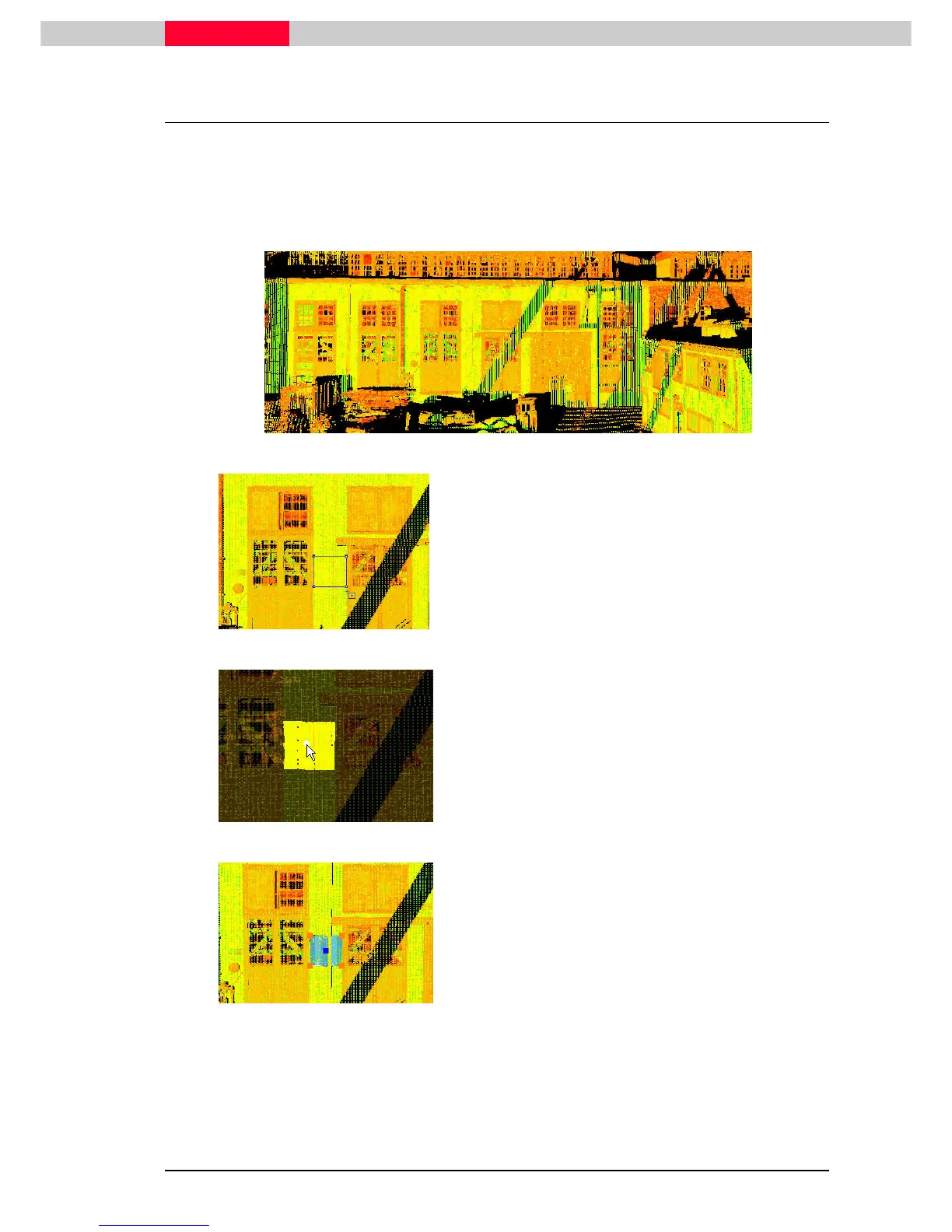
Navigate to the façade shown in the picture below
Figure 34
Figure 35
•
Use the polygonal fence mode and draw a small
draw a small draw a small
draw a small
fence
fencefence
fence
Figure 36
•
Selection | Point Cloud Sub
Selection | Point Cloud SubSelection | Point Cloud Sub
Selection | Point Cloud Sub-
--
-Selection | Add Inside
Selection | Add InsideSelection | Add Inside
Selection | Add Inside
Fence
FenceFence
Fence
•
Pick
Pick Pick
Pick one point in the Subselection
Figure 37
•
Create Object | Region Grow | Patch
Create Object | Region Grow | PatchCreate Object | Region Grow | Patch
Create Object | Region Grow | Patch.
..
.
•
Click OK
OK OK
OK in the
Region Grow Patch window.



 To Next Page