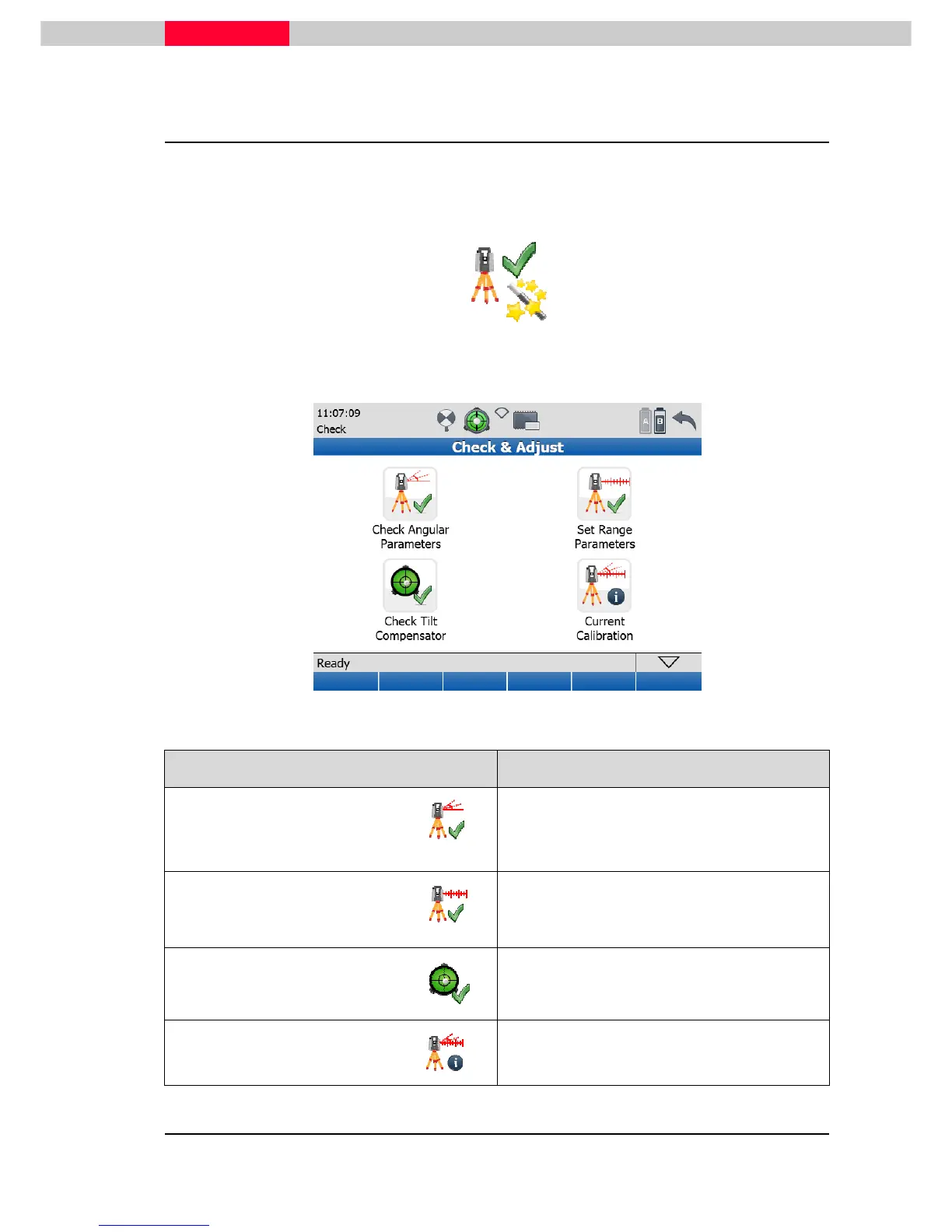
Check & Adjust Menu
In the
Check & Adjust
menu all commands for checking angular parameters, setting range
parameters, checking the tilt compensator, and to check the current calibration settings are
available.
Figure 19
Icon Function
Check Angular Parameters
by means of a field procedure and registered
in the instrument.
Set Range Parameters
The range offset parameter, which must be
determined on a reference baseline, can be
registered in the instrument.
Check Tilt Compensator
The tilt sensor can be checked and its
parameters can be updated.
Current Calibration
Current instrument parameters can be
displayed and reset to factory default values.



 To Next Page