29 - 32
4 Further Editing
4.1 Handle Functionality
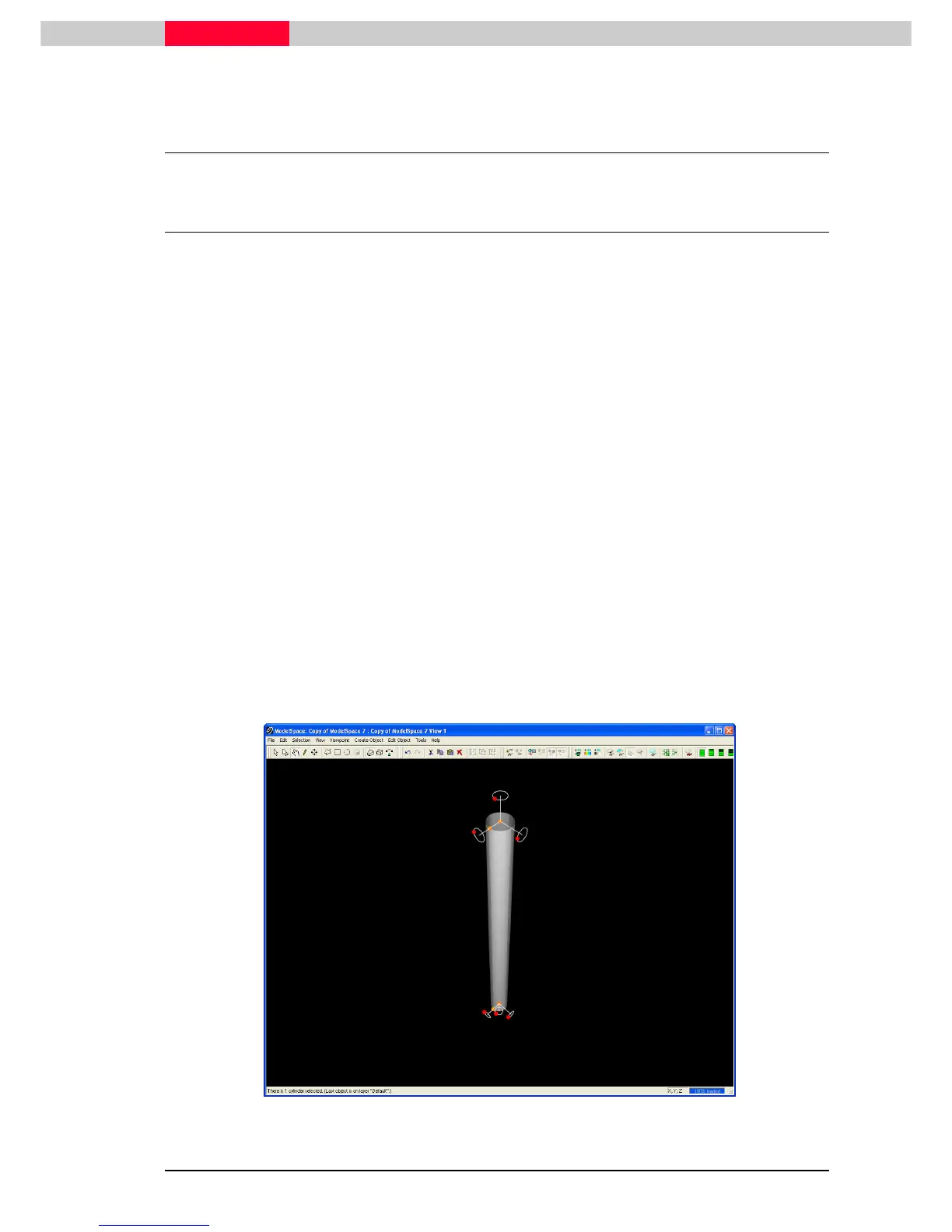
All object types in Cyclone can be translated, resized, and rotated using their handles. Handles
are colour-coded to indicate the type of handle behaviour.
Handle Colour Key
•
Red = rotate
•
Orange = resize, translate, snap
•
Blue = translate, snap
When an object is selected, the settings in the Edit Object | Handles
Edit Object | HandlesEdit Object | Handles
Edit Object | Handles submenu determine which
handles are displayed.
Handle Settings
•
The Show Handles command toggles the display of handles. This command overrides the
Show Rotation Handles command.
•
The Show Rotation Handles command toggles the display of rotation handles, and is off by
default.
•
The Handles Always Visible command toggles the constant visibility of handles even when
hidden from view by an object. When this command is checked, it allows convenient access to
handles that are behind or inside of objects, which would otherwise be hidden from view.
Figure 46



 To Next Page