Data Extraction
Translating
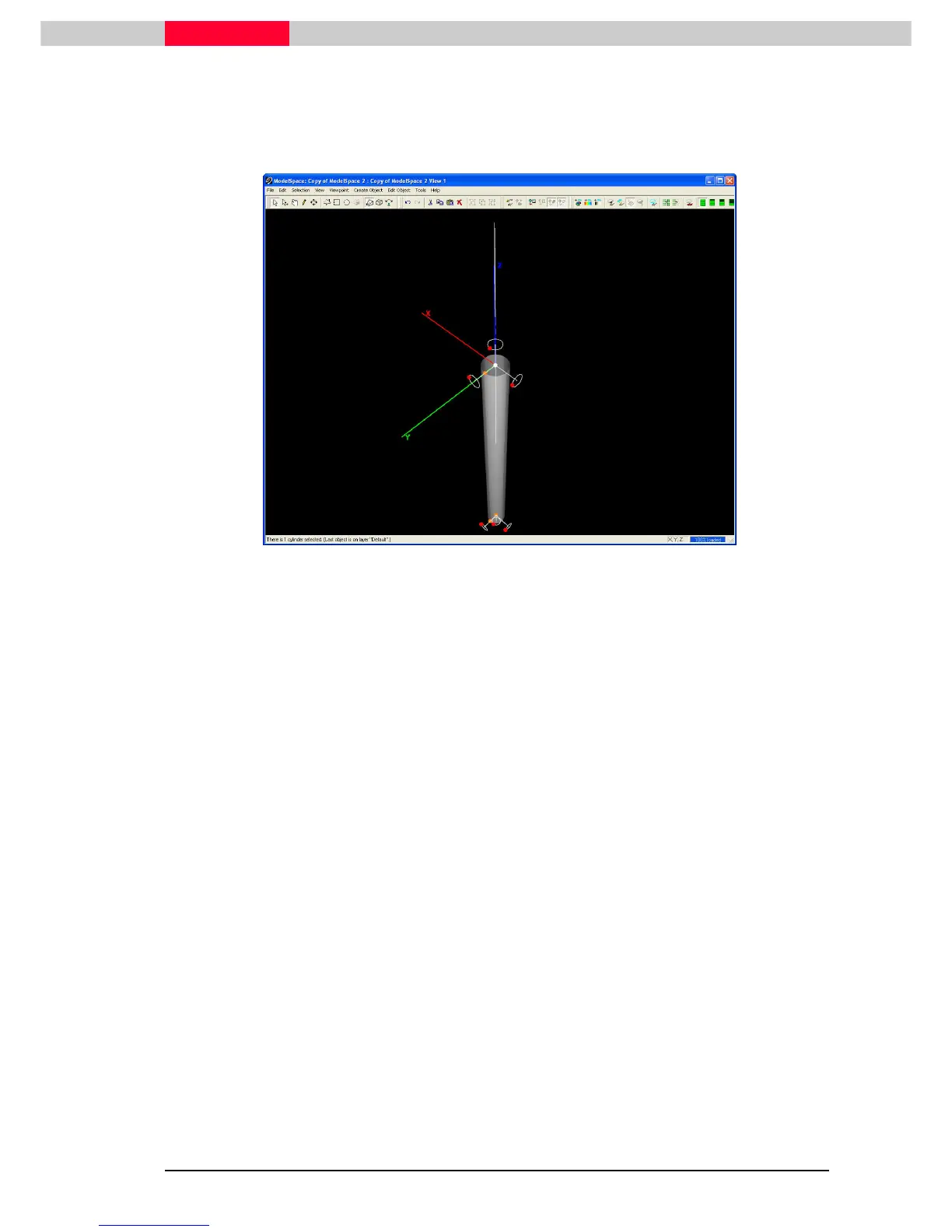
To translate an entire object via its handles, drag one of the object’s blue handles, or press and
hold Ctrl and then drag one of the object’s orange handles.
Figure 47
Resize
To resize an object using its handles, drag one of the object’s orange handles.
Rotate
To rotate an object using its handles, drag one of the object’s red handles.
Keeping One End in Place
Holding Alt while moving a certain object’s handles, such as an orange handle on a cylinder, will
move the selected handle while keeping the handles on the other end anchored.
Constraining Handle Movement
Object handle motion can be constrained to a specified axis or plane in two ways. The first
method is to set the constraint before manipulation via the Edit Object | Handles | Constrain
Object | Handles | Constrain Object | Handles | Constrain
Object | Handles | Constrain
Motion to
Motion to Motion to
Motion to submenu commands.
Summary
Object handles allow further editing of the fit objects and are unique to the type of object. We
can adjust the size parameters of an object, translate, and rotate objects using handles.



 To Next Page