4 Operating P30 using Onboard Graphical Interface
Operation of ScanStation P30 can be performed easily and intuitive by using the onboard control
panel. The benefit of this is that the user can make scans in the field without the need of a
connected Laptop or PDA. The P30’s MMI (Man Machine Interface) gives the user full control of
the scanner and all functions can be accessed onboard.
4.1 Preparation
Set up the Scanner as described in chapter
2
-
Set up the ScanStation P30
ff. Then start the
ScanStation P30 by pressing the power button. When the scanner is booted the Status Bar
shows Idle State. Now the pre-settings can be done.
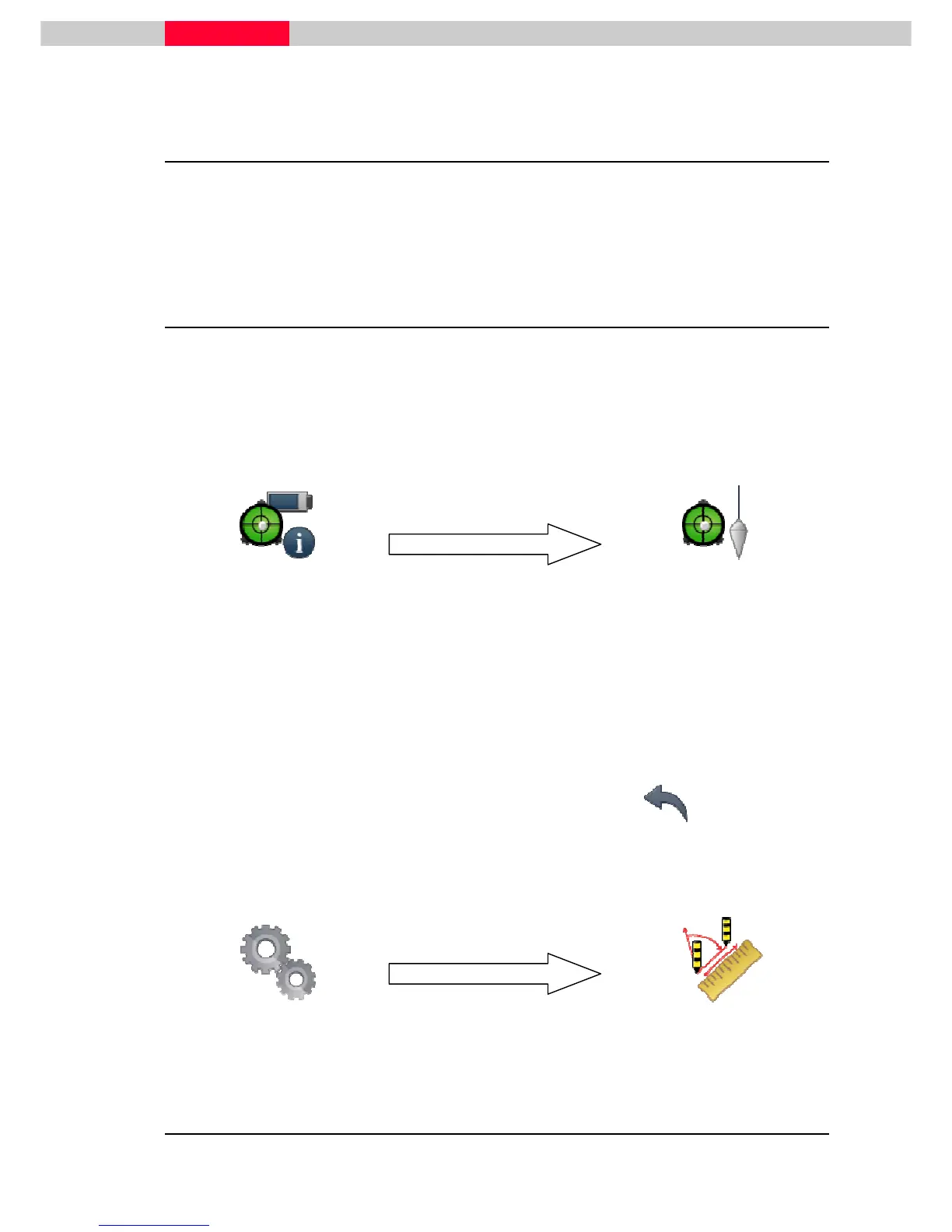
Go to the Status Menu and choose Level & Laser Plummet.
From here you can:
•
Level the scanner using the virtual bubble level.
•
Switch off/on the compensator.
•
Switch on/off the laser plummet to point onto the ground mark.
When done jump back to the
Main Menu
using the “go back” icon
If necessary, the measurement units and the decimals can be set.
The default settings are meters set to 3 decimal digits.



 To Next Page