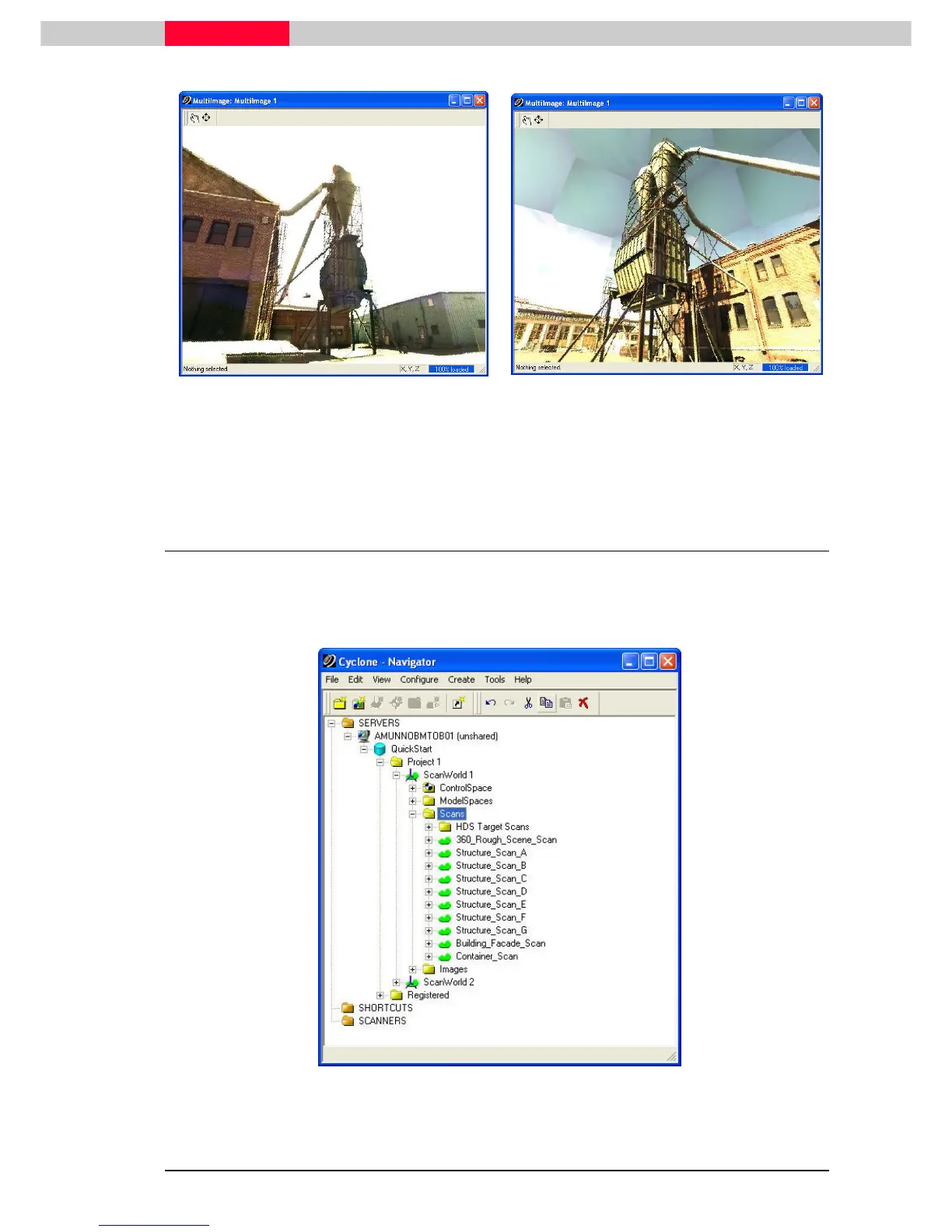
Figure 22
Figure 23
A MultiImage is taken from each scan position. In this case, a full 360x270 image was taken for
both ScanWorld 1 and ScanWorld 2. By cross checking the MultiImage with the scan log and field
notes, you should have a good idea on how the project has been planned.
6.2 Scans Folder – The Point Cloud Archive
In this section, we will look at the contents of the Scan folders for both ScanWorld 1 and
ScanWorld 2.
Expand the Scans folder for Scanworld 1.
Figure 24
Each object listed in the Scans folder is the archived scan belonging to its parent ScanWorld. As
you can see, we have taken 10 scans from this scan position.



 To Next Page