23 - 28
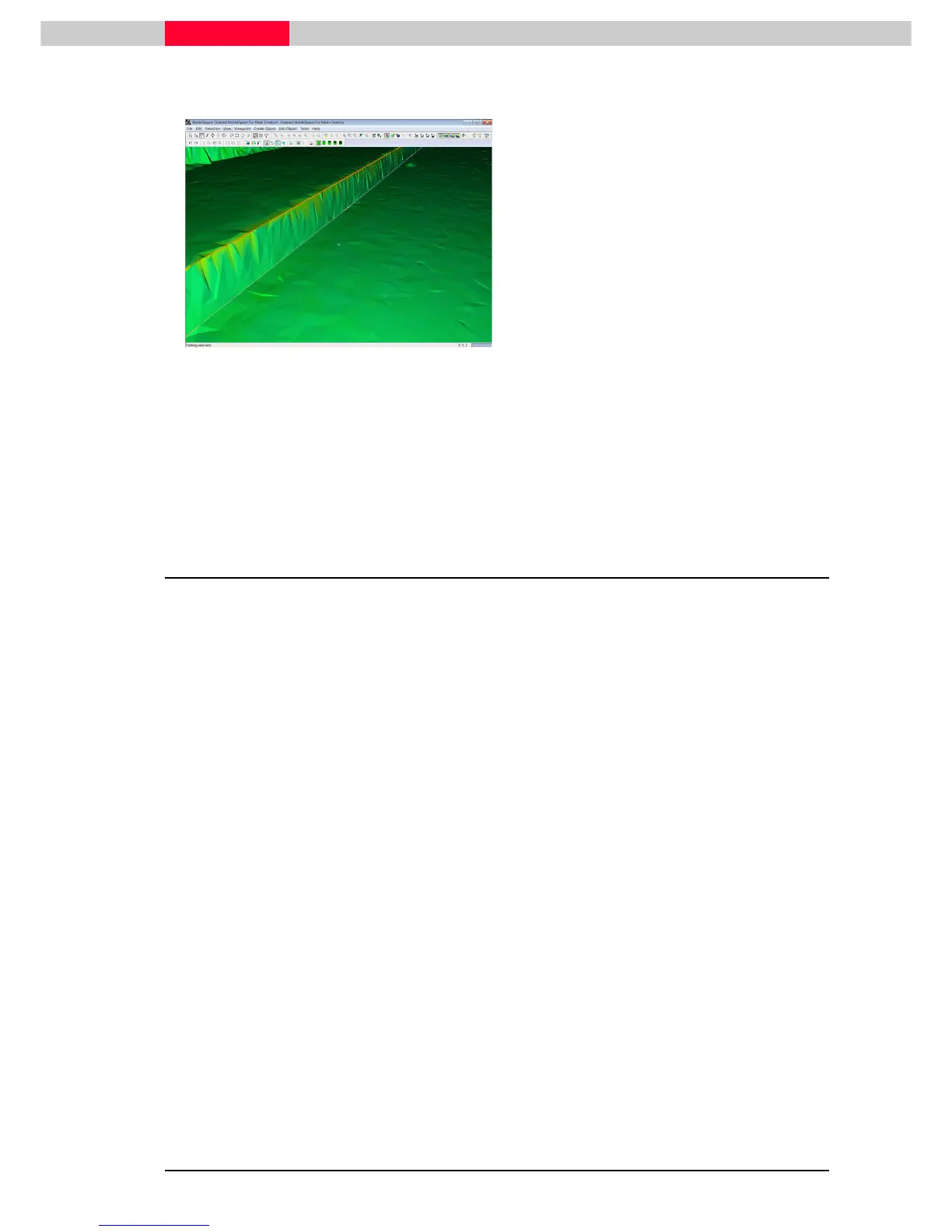
Figure 27
•
Press Edit
Press Edit Press Edit
Press Edit |
||
| Undo
Undo Undo
Undo and now execute
Too
TooToo
Tools |
ls | ls |
ls |
Mesh | Breaklines | Extend TIN to Polyline.
Mesh | Breaklines | Extend TIN to Polyline.Mesh | Breaklines | Extend TIN to Polyline.
Mesh | Breaklines | Extend TIN to Polyline.
•
Review how now the actual mesh surface has
changed to include the polyline (Figure 27).
Change the visualization of the
mesh to “Per Face Normals” under
View
View View
View |
||
| View Object As
View Object As View Object As
View Object As.
Creating a TIN mesh including breaklines is significantly faster then incorporating
them later on into an existing TIN.
The commands Too
TooToo
Tools | Mesh | Polyline |
ls | Mesh | Polyline | ls | Mesh | Polyline |
ls | Mesh | Polyline | Extend TIN to Polyline
Extend TIN to Polyline Extend TIN to Polyline
Extend TIN to Polyline and
Too
TooToo
Tools | Mesh |
ls | Mesh | ls | Mesh |
ls | Mesh |
Breaklines |
Breaklines | Breaklines |
Breaklines | Project Polyline to TIN
Project Polyline to TINProject Polyline to TIN
Project Polyline to TIN
initially create the same results. However the
resulting line in the mesh will only be a geometric object and not act as a
breakline during e.g. decimation.
3.4 Decimating a TIN Mesh
A mesh created from pointclouds usually contains a high number of triangles. When the
deliverable is a triangulation in another CAD package, it is normally required to reduce this
number.
Prior to actually creating the mesh, a pointcloud can be reduced in number using
the command Edit Object
Edit ObjectEdit Object
Edit Object | Reduce Point Cloud
| Reduce Point Cloud | Reduce Point Cloud
| Reduce Point Cloud or Tools | Unify Clouds.
Tools | Unify Clouds. Tools | Unify Clouds.
Tools | Unify Clouds.
Cyclone supports mesh decimation by which the number of triangles in a mesh is reduced
according to user-defined parameters. The Decimate Mesh dialog supports interactive
decimation. To see how this is done, best view the mesh in wireframe mode.
•
Select the mesh object.
•
Go to View | View Object as
| View Object as | View Object as
| View Object as and switch visualization of the mesh to Wireframe



 To Next Page