22 - 28 Module 5.2 - Mesh Data Extraction
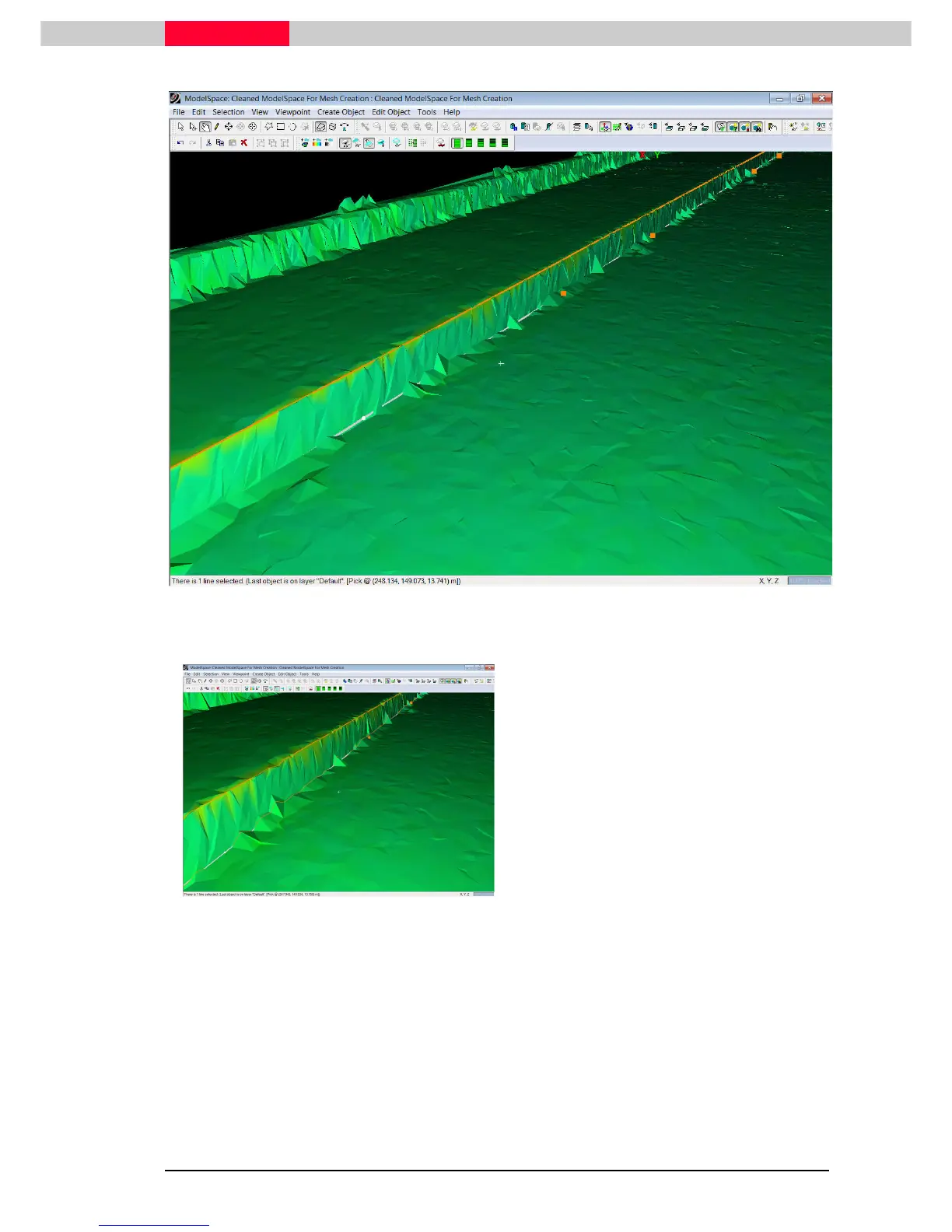
Figure 25
Figure 26
•
Select the polyline at the bottom of the curb
(Figure 25).
•
Execute Tools | Mesh | Breaklines | Project
Tools | Mesh | Breaklines | Project Tools | Mesh | Breaklines | Project
Tools | Mesh | Breaklines | Project
Polyline to TIN
Polyline to TINPolyline to TIN
Polyline to TIN.
..
.
•
Review how the line has been projected onto
the existing mesh surface creating new
triangulations (Figure 26).



 To Next Page