6 Using Batch Import tool
This tool is used to setup Batch jobs to import a variety of file formats and scan projects in one
process. It can be accessed via the Cyclone Navigator.
Following file formats are supported:
Scan formats:
•
E57 Scan Format (*.e57)
•
Faro Laser Scan (*.fls)
•
Faro Work Space (*.fws)
•
Faro project (*.fpr)
•
Optech Ilris Binary Exchange (*.ixf)
•
Binary PointClouds (*.ptg)
•
HDS7000 Project (*.zfprj)
•
HDS4500-HDS7000 Scan Format (*.zfs)
•
ScanStation C5/10
•
ScanStation P15/20
•
MultiStation MS50
Binary formats:
•
PTG Format (*.ptg)
•
PTZ Format (*.ptz)
ASCII formats:
•
PTX Format (*.ptx)
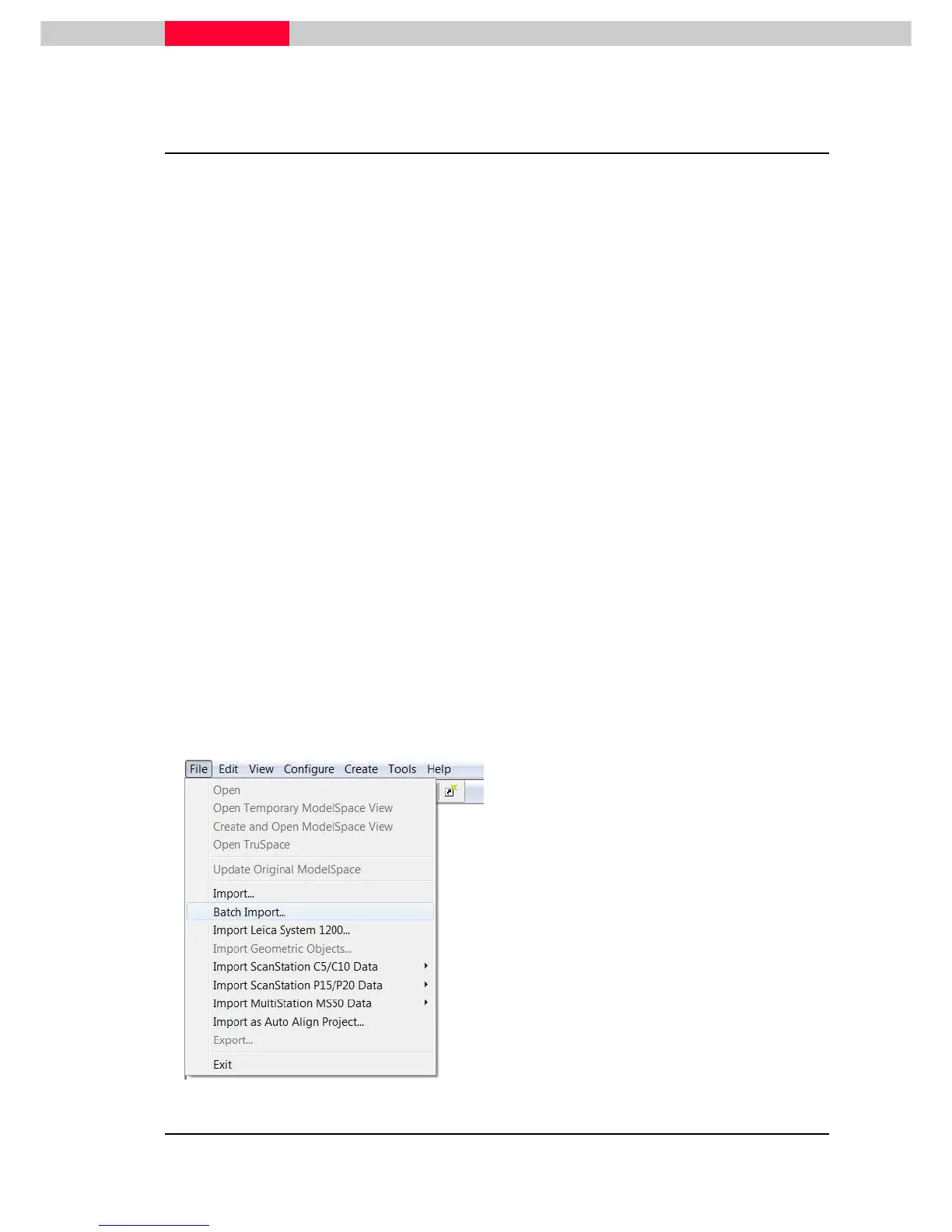
To start the Batch Import
Figure 24
•
Open Cyclone Navigator.
•
Create a new database and Project folder or
select an existing database/project folder.
•
Select Project or Database and select
File |
Batch Import
•
or click with the right mouse button on the
Project/Database and
Batch Import



 To Next Page