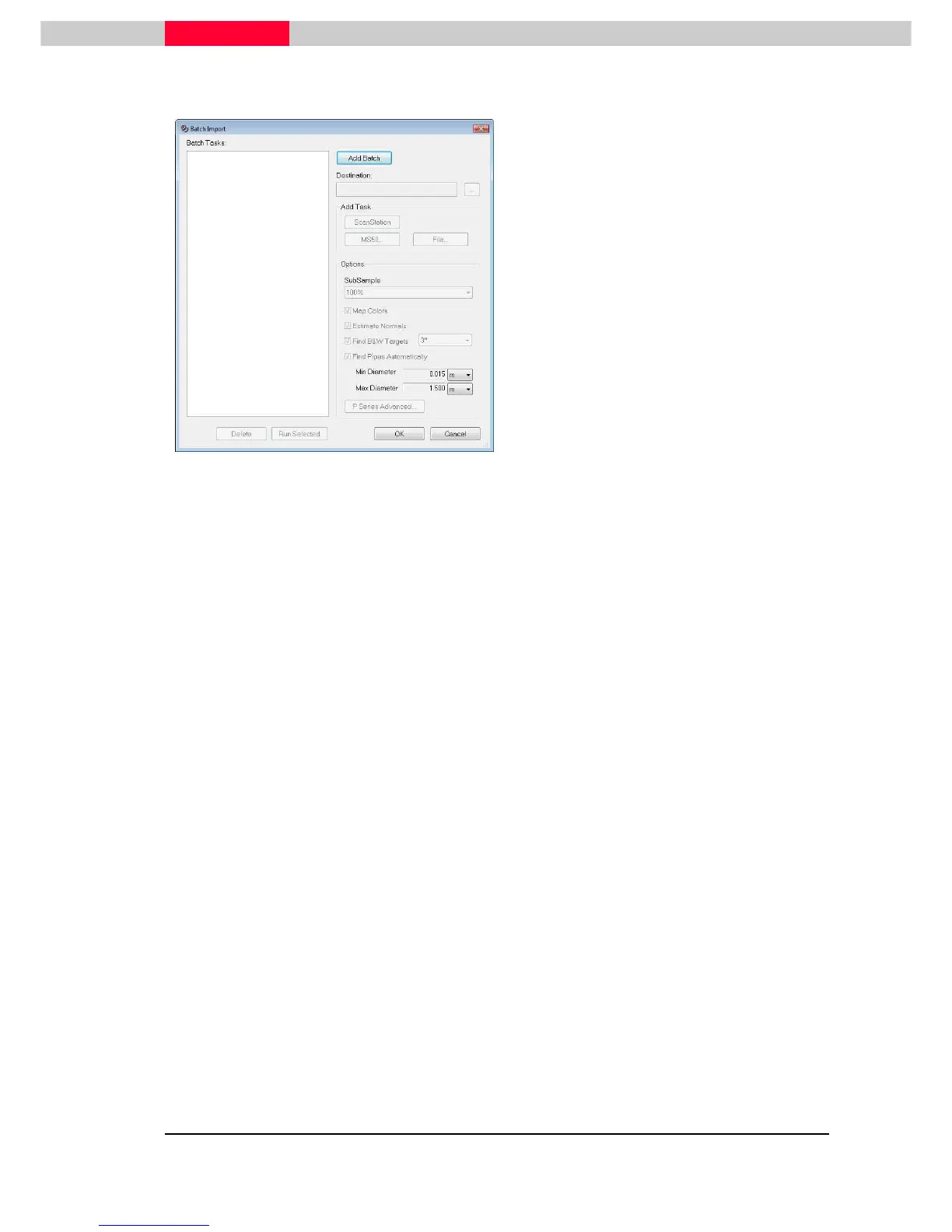
select or change the database or project the
scan files should be imported into
•
Either of the four Add Task buttons can be
used to add a mixture of scanner projects or
file types to the Batch node
•
Options can be set individually for files and
scan projects by first selecting them and
setting the desired options
•
To globally set all files/scan projects with the
same options in a batch, select the Batch
node and explicitly set the desired options
•
Use the button Run Selected to start the
Batch process either on an individual Batch
Node or multi-selected several ones
•
Delete will delete the selected files or scan
projects Batch nodes
For full details about the options please refer to section
1.2 Import via Cyclone
Navigator



 To Next Page