15 - 34
4 Limit Box
It is beneficial to hide point cloud points which are not useful for a specific task and to view the
parts of the point cloud only which are necessary.
One way to achieve this is through placing a Limit Box. Points inside this box are displayed,
points outside are temporarily hidden from view.
4.1 Create a Limit Box
•
Open Database
DatabaseDatabase
Database:
: :
: Q
QQ
Quick
uick uick
uick Start
StartStart
Start
•
O
OO
Open
penpen
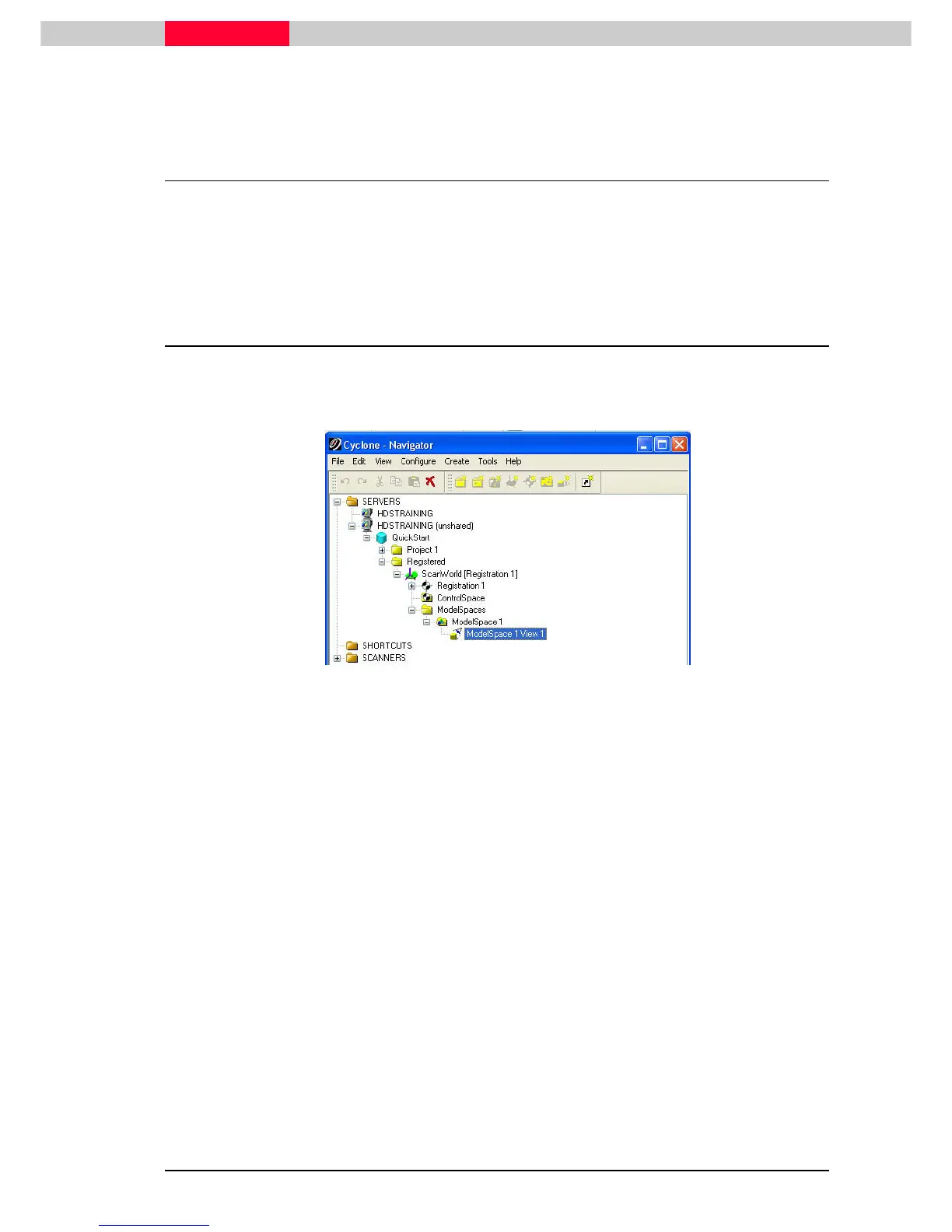
pen ModelSpace 1 View 1 under the Registered ScanWorld.
Figure 21
•
Navigate to the Silo as seen on Figure 22.
•
Go to View
View View
View |
||
| Set Limit Box by Fencing
Set Limit Box by Fencing Set Limit Box by Fencing
Set Limit Box by Fencing.
..
.
This command requires definition of the center point and the size of the Limit Box.
•
Click
ClickClick
Click in the center of the silo, ho
hoho
hold
ldld
ld down
down down
down the right mouse button and move
movemove
move to the upper right
corner of the silo, release
releaserelease
release the right mouse button.
•
Note that now all points outside the defined box are hidden from view (Figure 23).
..
.



 To Next Page