12 - 32 Module 4.1 – Texture Mapping Organization/Visualization Pointcloud
1.7 Replace points to get the desired accuracy
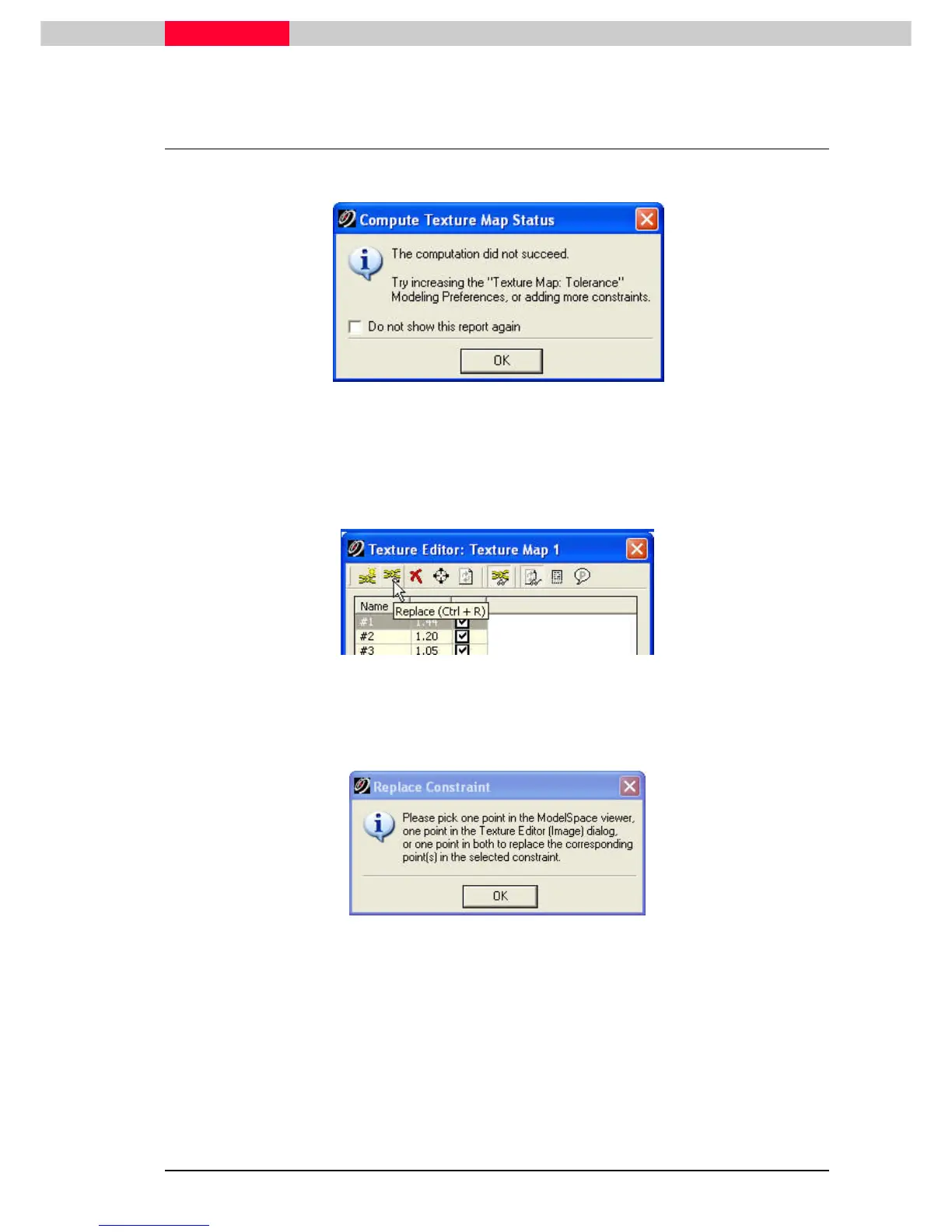
You might get an error message:
Figure 20
Points can be replaced until the desired accuracy is obtained.
•
H
HH
Hi
ii
ighlight
ghlightghlight
ghlight the constraint you want to pick again.
•
Click Replace
ReplaceReplace
Replace.
Figure 21
You will be prompted to pick the points.
•
Click OK
OKOK
OK
Figure 22



 To Next Page