11 - 32
•
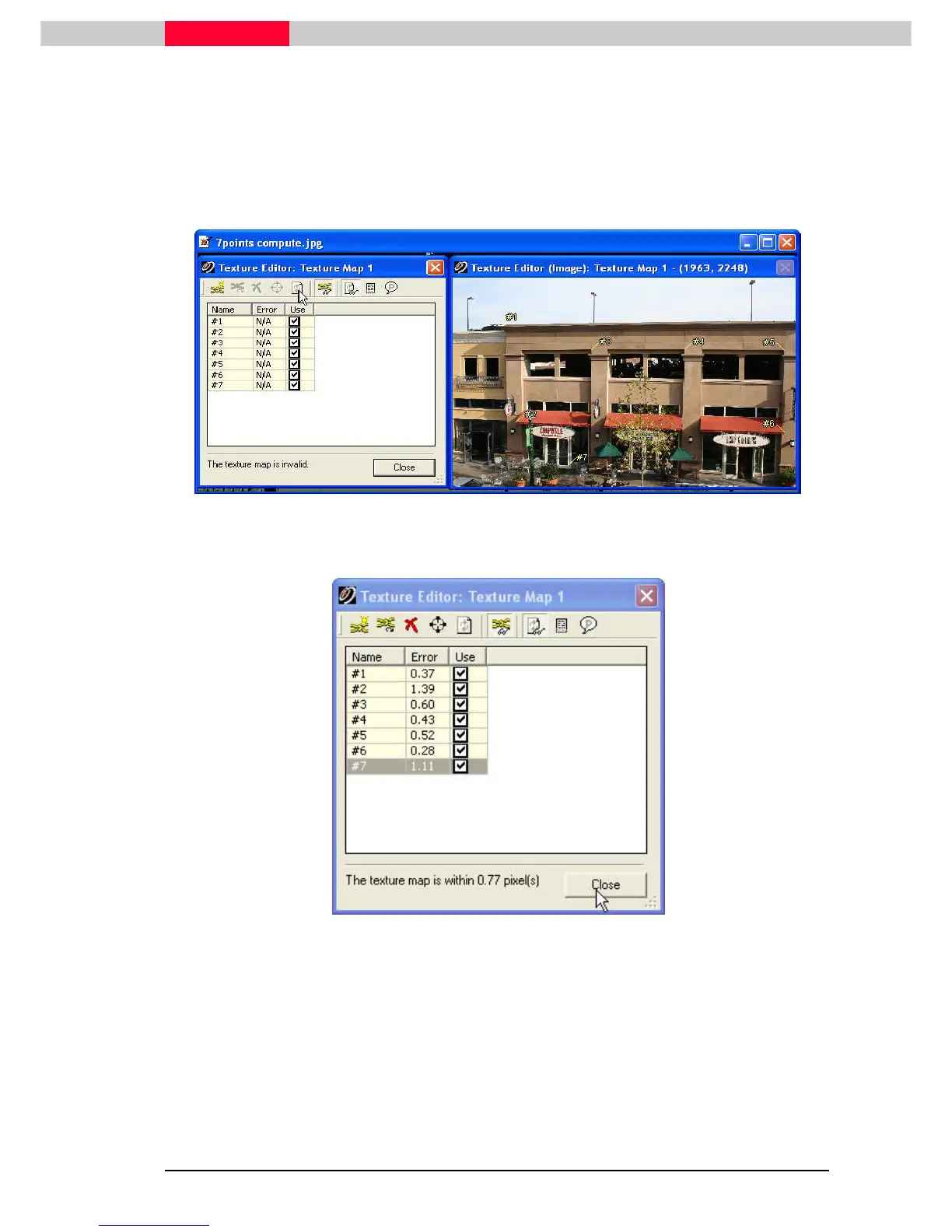
Click the Compute button
With seven corresponding picks made between the texture in the Texture Editor
and the Modelpsace View, the compute button is now enabled.
Figure 18
Figure 19
Notice the error on the status line of the Texture Editor. The smaller the better.
A 2 or 3 pixel error is usually acceptable. The numbers displayed represent the
difference (in pixels) between the location of the constraint’s pixel versus where
its 3D pick lands on the image for the texture mapping parameters. The smaller
the better.



 To Next Page