5 - 18
1.4 Delete Unneeded Points
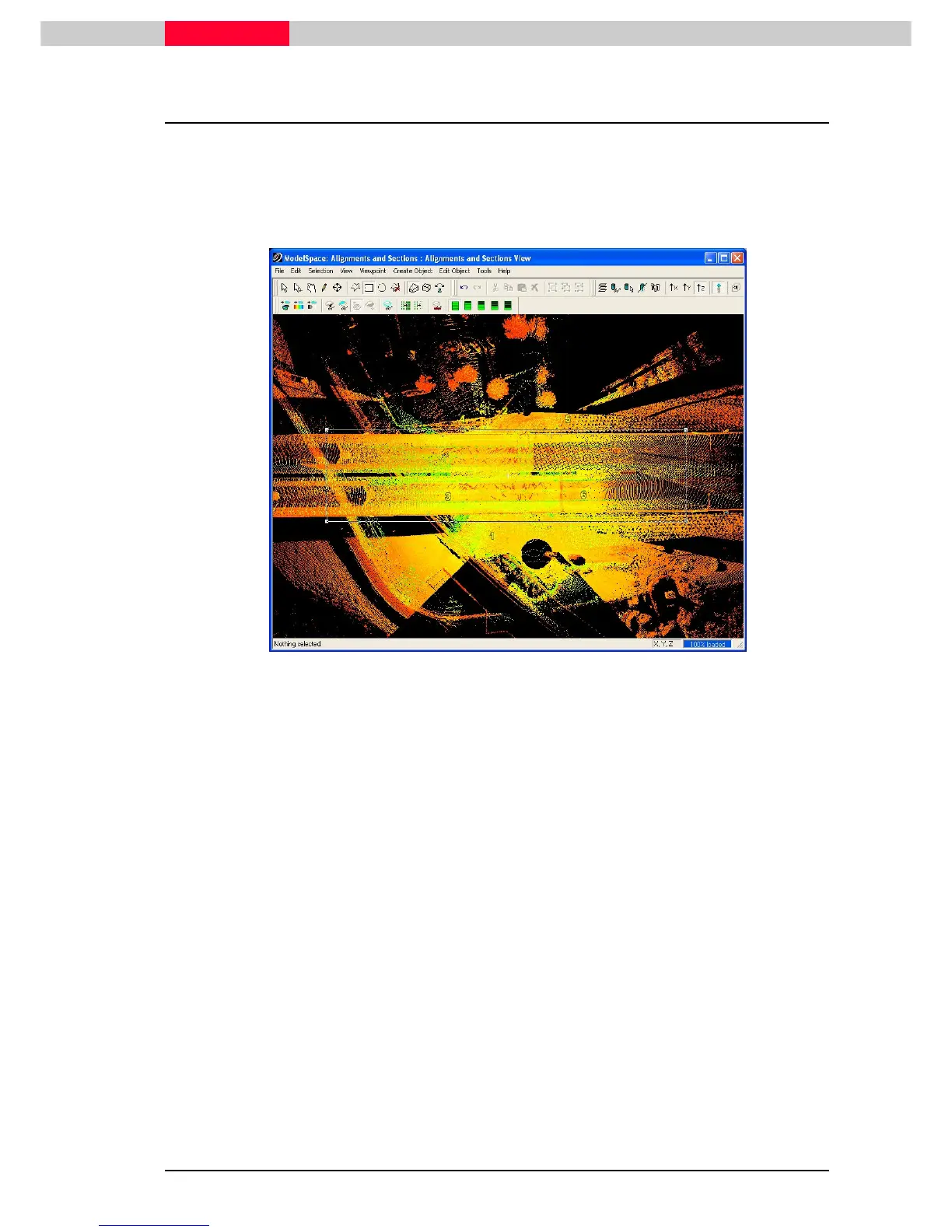
In this module, we will work primarily with the scanned points representing the road surface and
pedestrian pathways. Delete any points that are not needed for this module.
1) Open
Alignment and Sections View
.
2) In a top view, make a fence approximately encompassing scanned road surface. (Figure 6)
Figure 6
3) Click Edit | Fence | Delete Outside. (Shortcut: Shift + O)



 To Next Page