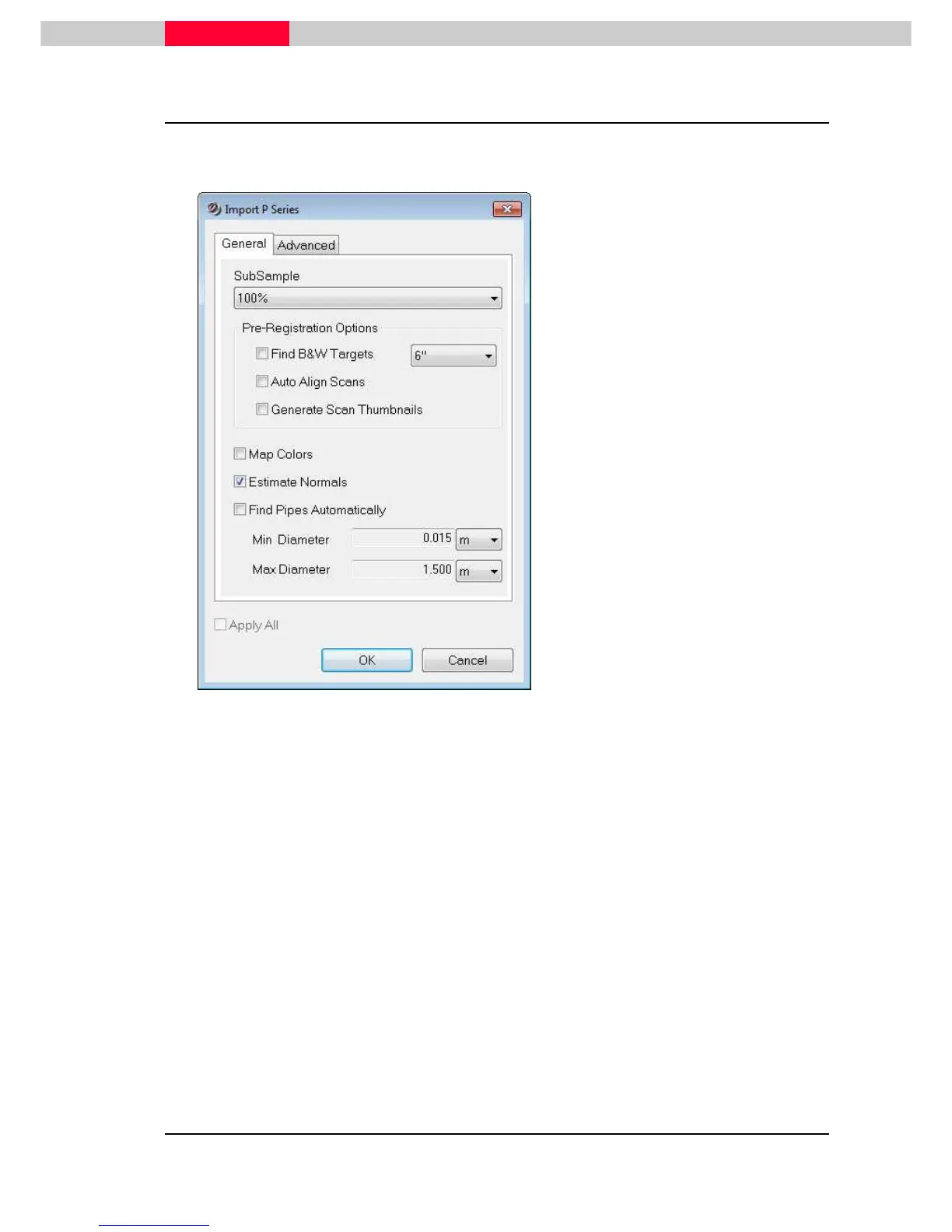
1.3 Import Options General
The following window offers optional functions Cyclone can already perform during import of the
data.
Figure 4
•
Select the appropriate import options and
press
OK
.
The import process is starting.
The time to import depends on the amount of data and options choosen.
SubSample
The user can choose to import all scanned points or a subset of each scan.
To support subsampling a file *.fsf is created and stored in a
(database name)FsfSets
folder in the same location as
Eventlog
and
Recovery
folder. By default Cyclone will
delete this file after full import.
Choosing
SubSample
will slightly speed up import times, however not relative to the
amount of the points. (I.e. importing ¼ will not result in an import speed 4 times faster).
If a subsample has been imported, additional points can be brought back later on via two
options:
•
Select the ScanWorld in the Navigator. Execute
Tools | Re-Import
Scans to
import a higher percentage of the scans.
•
Open the ScanWorld’s TruSpace to load all additional points within a fenced
area via
Re-Import | Load Points Within Fence
Except for Faro, Riegl and some ASCII formats, all scan types can be subsampled.



 To Next Page