During the course we will work with the default settings. These can however be changed to
personal preference at a later date.
1.4 The Servers Folder
To select an object in the Cyclone
Navigator
always click on the icon, or the name of the object.
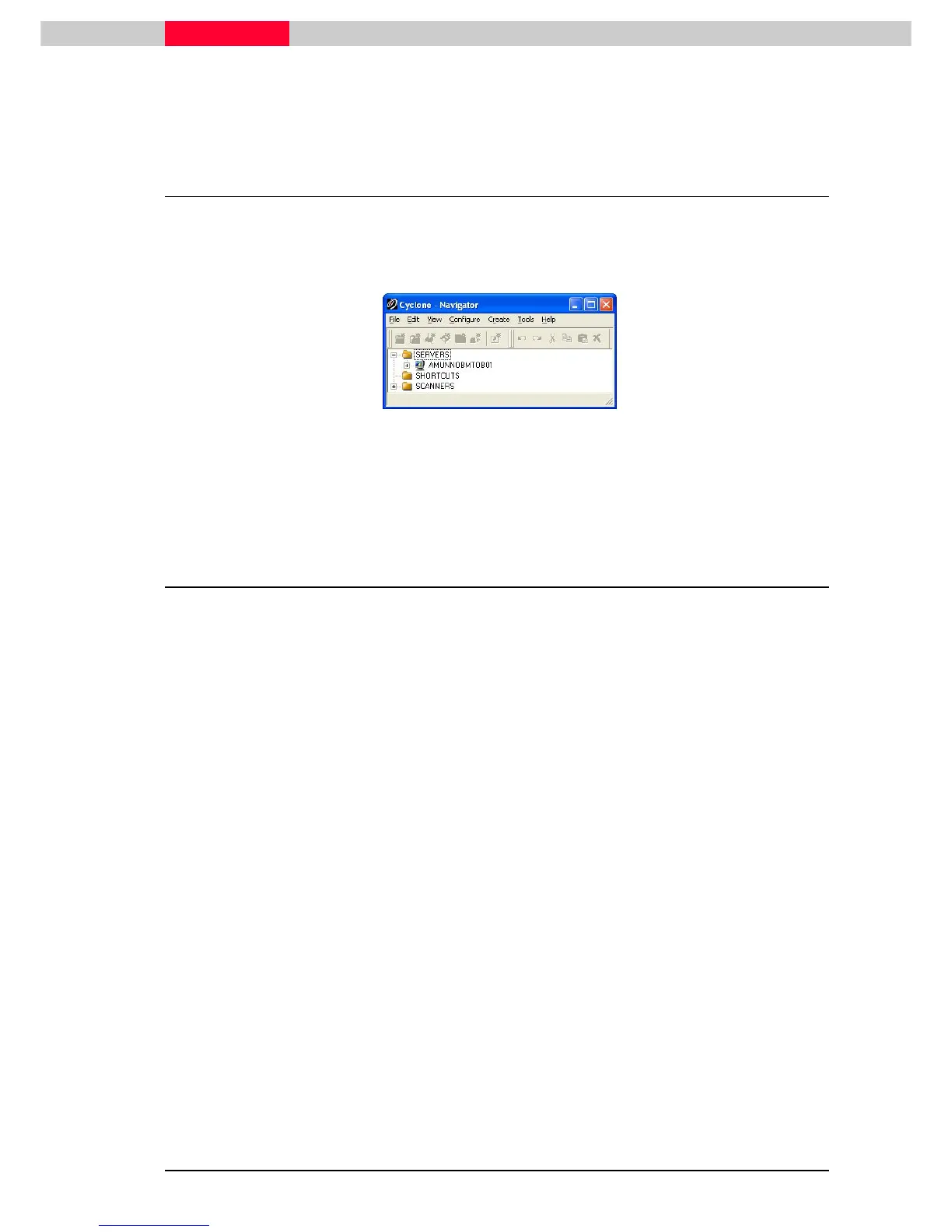
Expand the Servers folder by clicking on the plus sign to the left of the Servers folder or by
double click onto the server’s icon.
Figure 3
Your local machine is added as a server by default. You will not be adding any
servers in these exercises; all exercises will be done with databases stored on
your local computer.
2 Managing Databases
Cyclone databases are the central depository of all scans obtained from a Leica HDS scanner, or
point clouds generated from another source. Once the original points are entered into the
database they can not be altered. However ModelSpaces can be used to create models or
modified data using the original points.
Cyclone databases can reside on your local hard drive or – given the appropriate licensing - on a
remote server. The remote server can be a network server or another networked workstation.
The advantages to having a database stored on a networked server are:
•
Multiple users can easily access the database and work concurrently.
•
Database integrity can be protected by limiting access to the host server.
Databases can be stored on a networked server and administered remotely from a user
workstation using the Configure Database dialog. This is a secure feature that requires the
database administrator to login by entering a password. Once the login has been authenticated,
the administrator can not only add and remove databases from the remote server, but can also
destroy and compact databases on the remote server.



 To Next Page