2 Loading and importing Data
Figure 3
2.1 Adding the database
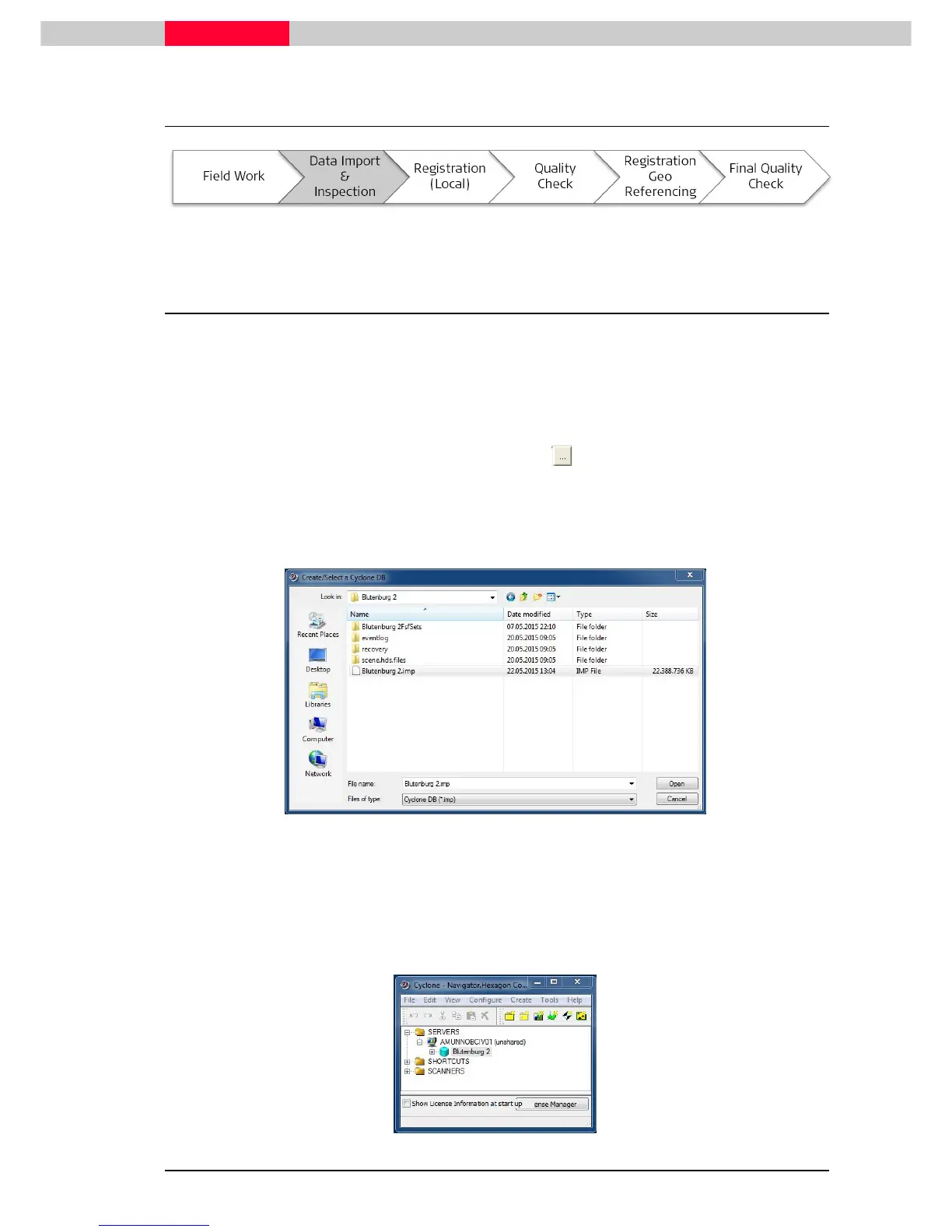
Locate the database named
Blutenburg 2.imp
and configure it in the Cyclone Navigator:
Launch Cyclone
•
In the Navigator, click
Configure | Databases
•
In the
Configure Databases dialog
, click
Add…
•
In the
Add Database dialog
, click the browse button to be able to browse to the
database file.
•
The file will have an extension “.imp” and will usually exist in a folder with the same name.
•
It will also be accompanied by an
eventlog
folder and
recovery
folder (See Figure 4).
Figure 4
•
Click
Open
.
•
Click
OK
.
•
Click
Close
.
The database is loaded into the Cyclone Navigator under
Servers
:
Figure 5



 To Next Page