EasyManua.ls Logo

Leica Cyclone - Image Preview; Select Candidate Scan Thumbnails to Register

Leica Cyclone
392 pages
Print Icon
To Next Page IconTo Next Page
To Previous Page IconTo Previous Page
Loading...
Registration
Module 3.0
Basic Registration
17
30
Or from the right mouse button menu of a ScanWorld for a single scan thumbnail
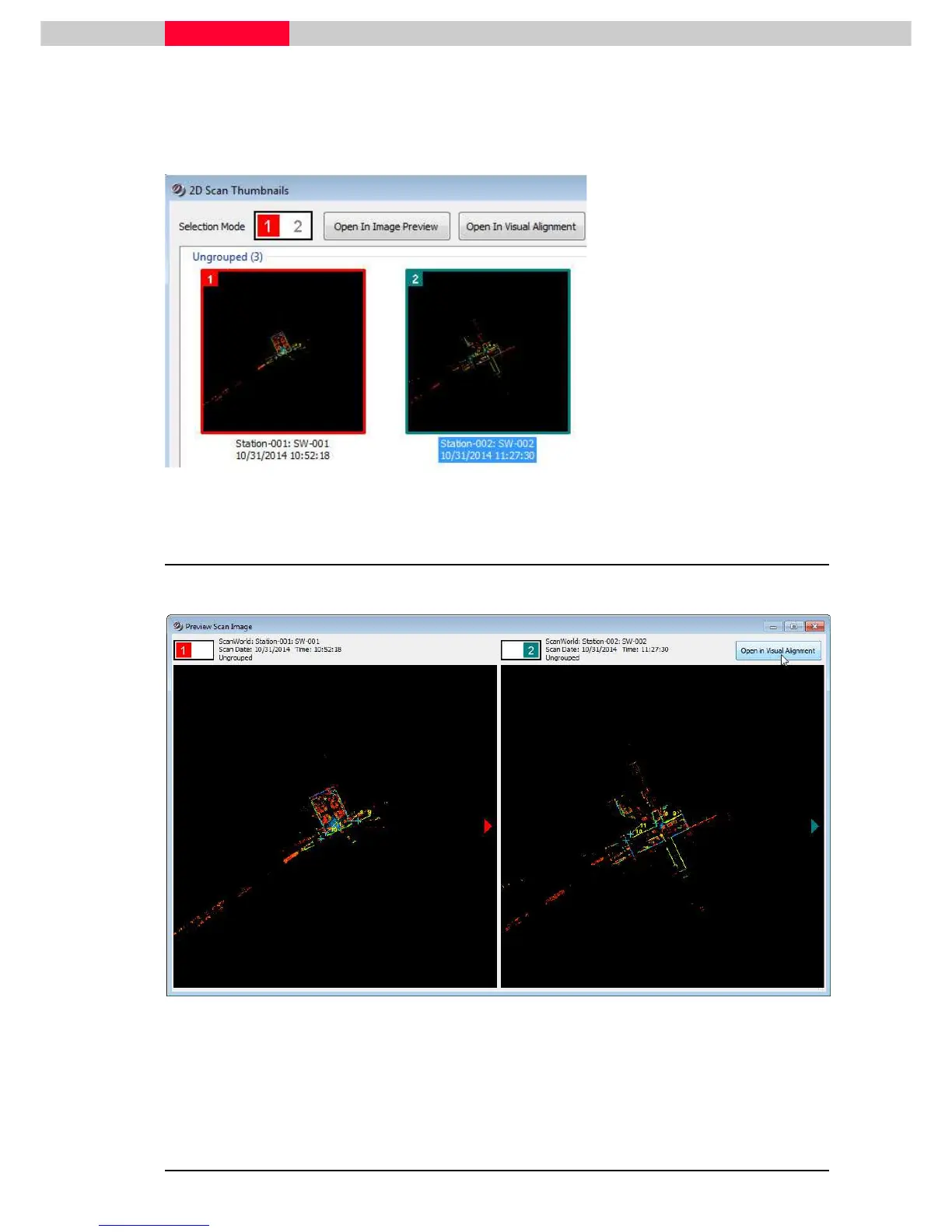
Select candidate scan thumbnails to register
Figure 33
Left click on the first thumbnail
(
Station-001: SW-001
)
SHIFT+left click on the second
thumbnail
(
Station-002:
SW-002
)
Note how the
Selection Mode
at the top changes color
Click the
Open Image Preview
button
2.1 Image Preview
The Image Preview window opens and the scans can be further inspected.
Figure 34
Cycle through the images by clicking the arrow buttons
To align a pair of scans click the
Open in Visual Alignment
button

Table of Contents

Related product manuals