3 Preparation before registering Scans
Figure 10
Mistakes can always happen in the field. The following section outlines how to address some of
the typical mistakes which can happen specifically when working with targets:
•
Targets not fitted in the field: Fit target in the office
•
Target fitted in the field, but not correctly positioned: Delete and re-fit target
•
Target not named correctly: Rename target
We will also learn the connection between the various interfaces by using Controlspace,
TruSpace and Modelspace.
3.1 Acquiring Targets in the TruSpace
Referring to the Scan Log, Target ID 2 from Station 001, which is a mounted 4 ½ inch black and
white target has been scanned, but a vertex has not been positioned yet. It must now be
acquired manually.
A quick and easy way to acquire targets is to go into the TruSpace window, which is a view
restricted to the scanner´s position.
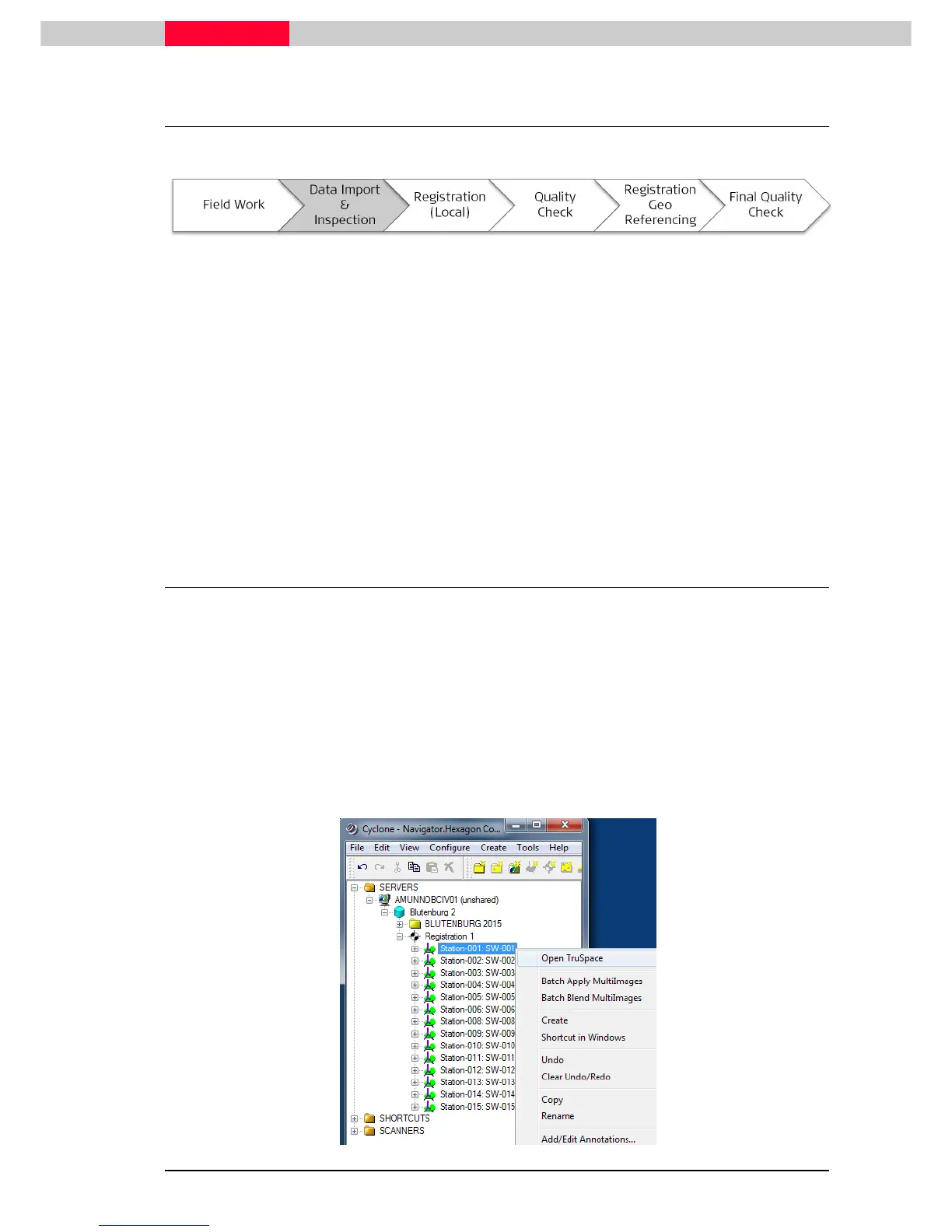
From the Cyclone Navigator:
•
Select
Station-001:SW-001
with right mouse click
•
choose the first option
Open TruSpace
•
this will open the
TruSpace
window



 To Next Page